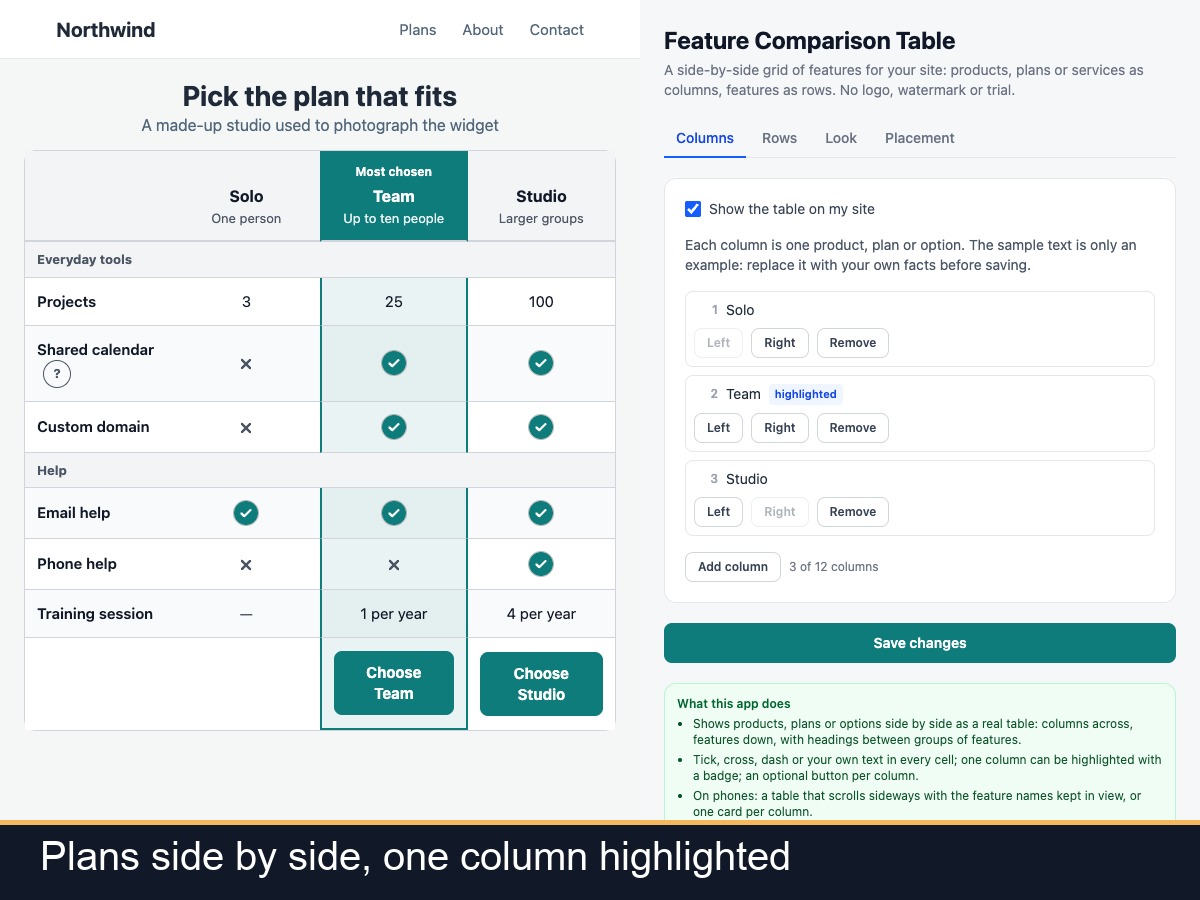
Ticks, crosses and text, plus a highlighted column
Sideways scroll or one card per column on phones
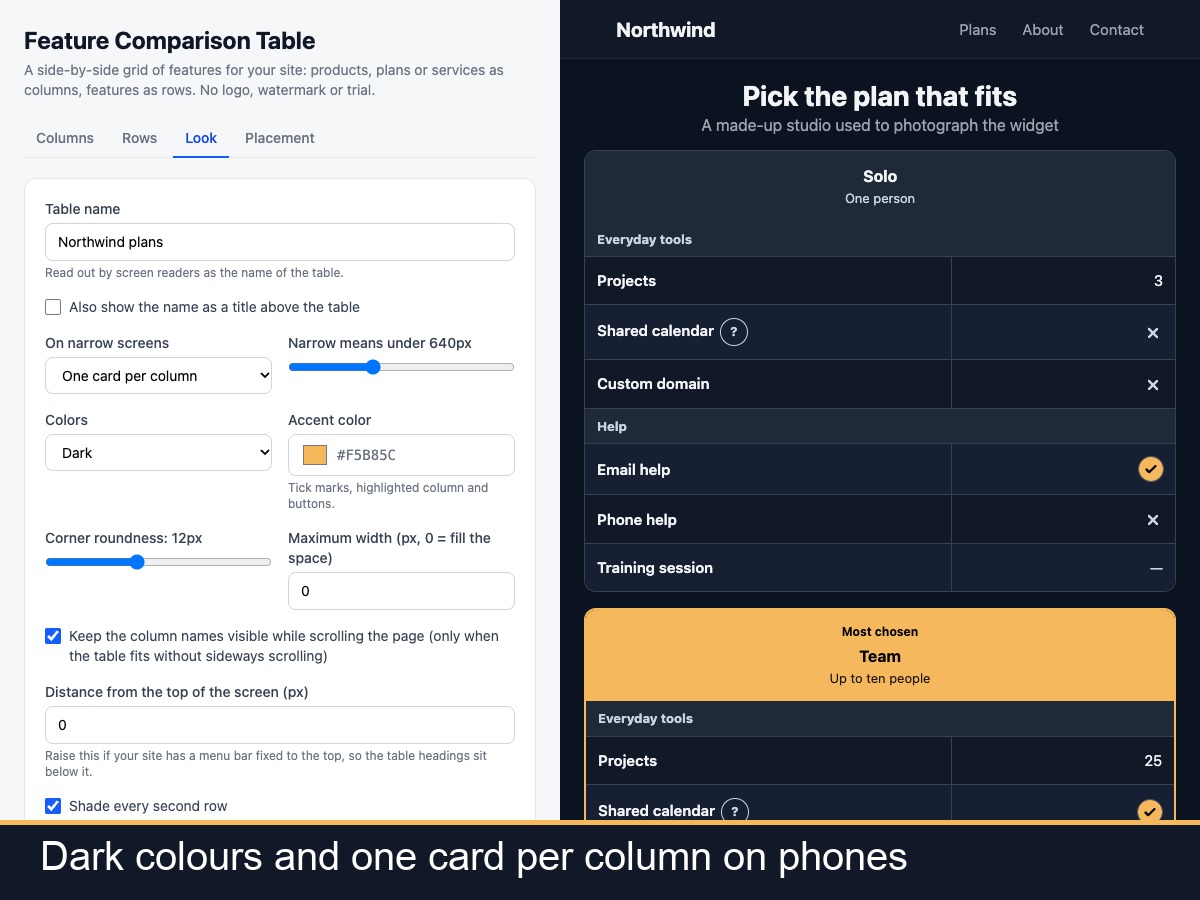
Light, dark, print friendly and screen reader ready
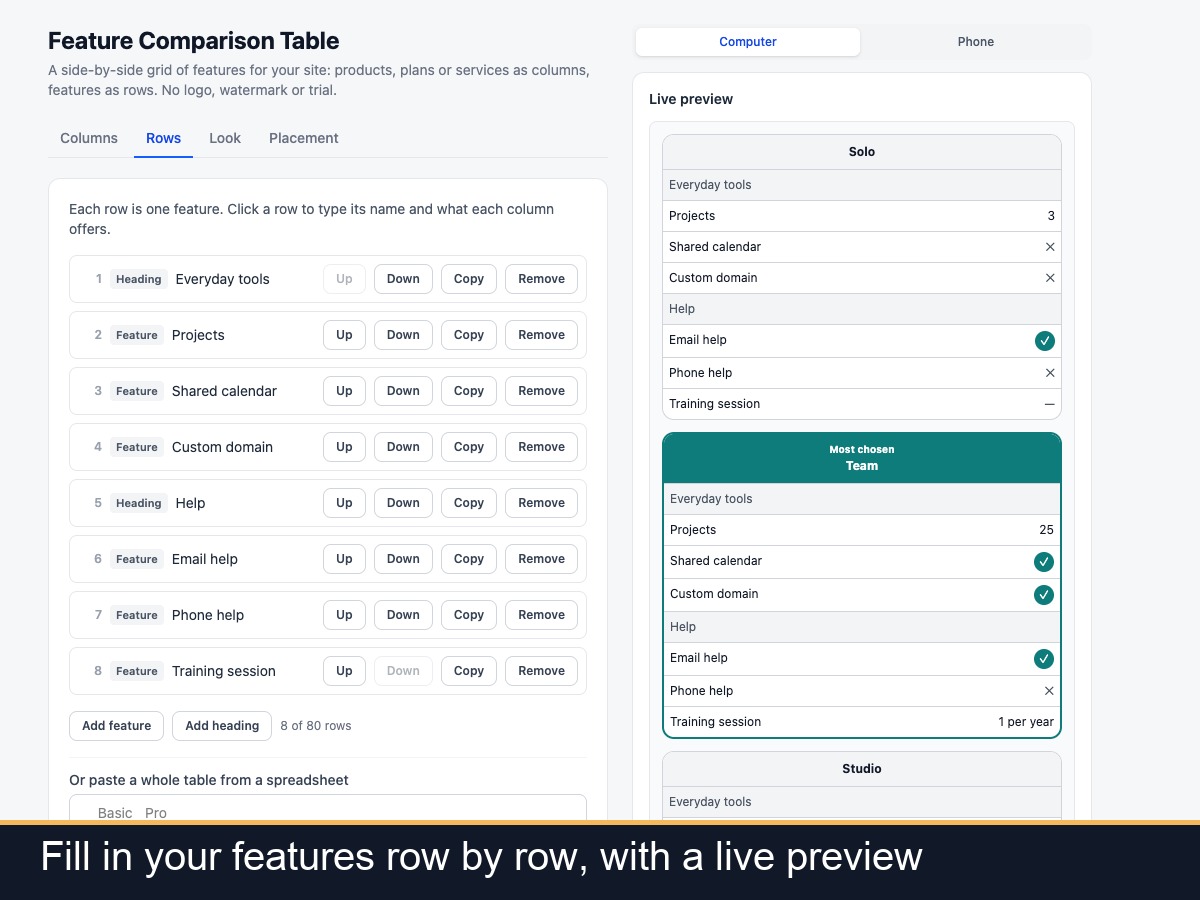
Feature Comparison Table puts products, plans or services side by side in a real table: one column for each option, one row for each feature, with headings between groups of rows. Cells show a tick, a cross, a dash or any text you type, such as a number or a short phrase. You can highlight one column with a badge such as Most popular, add a button to each column, and add a short explanation behind a ? button next to any feature. You can paste a whole table from a spreadsheet instead of typing it cell by cell. On phones you choose between a table that scrolls sideways with the feature names kept in view, or one card per column. The column headings can stay visible while the page scrolls, colours can be light, dark or follow the visitor device, and the table is set up to print cleanly. It uses table markup for screen readers and shows no logo, watermark or advert of ours. It does not take payments or run subscriptions, and buttons are plain links. Cells hold text, not pictures. It shows exactly what you type, so keep any comparison with other companies true. Up to 12 columns and 80 rows.