

онлайн-магазин
запис на послуги
заходи
спливне вікно
Recurring Invoices: Auto Send
Від
Create and auto-send recurring invoices
Поки що немає відгуків
Має безкоштовний план

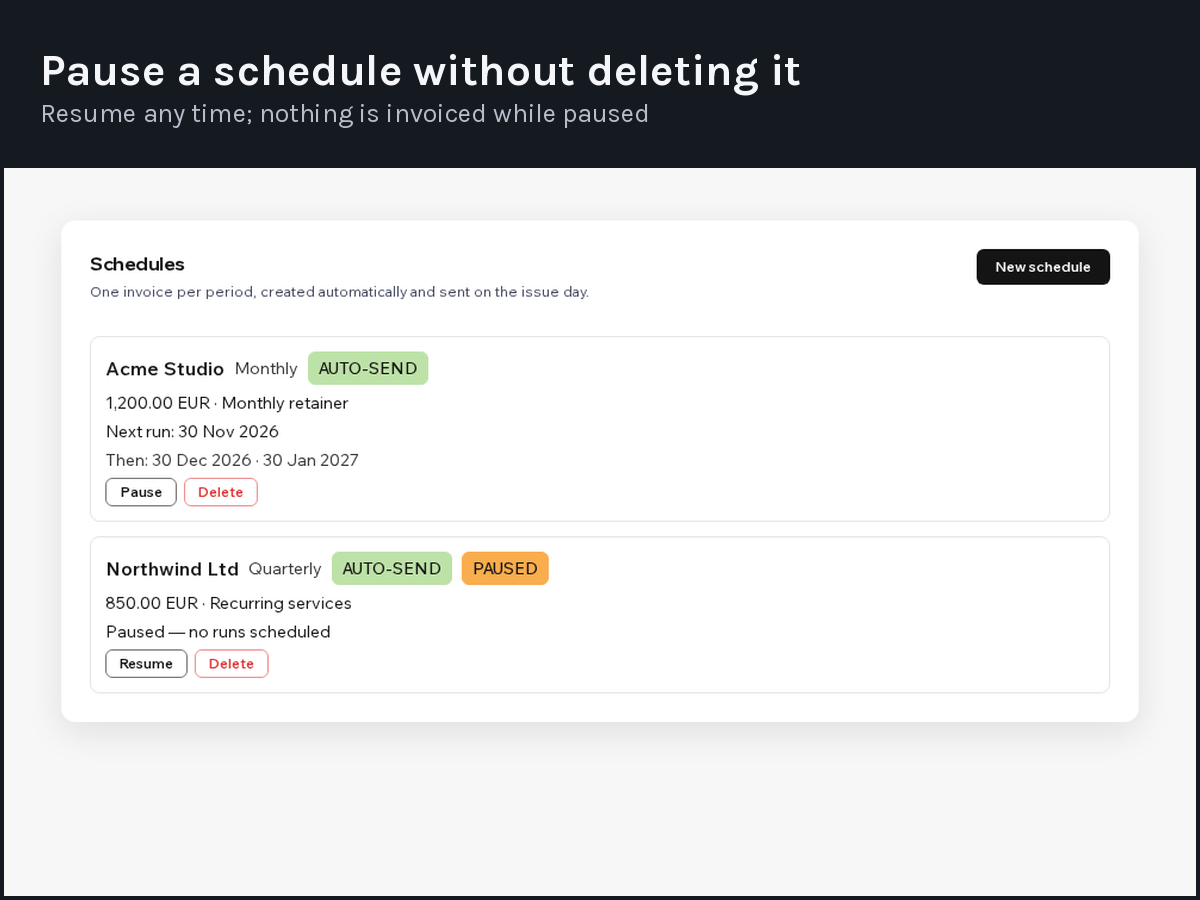
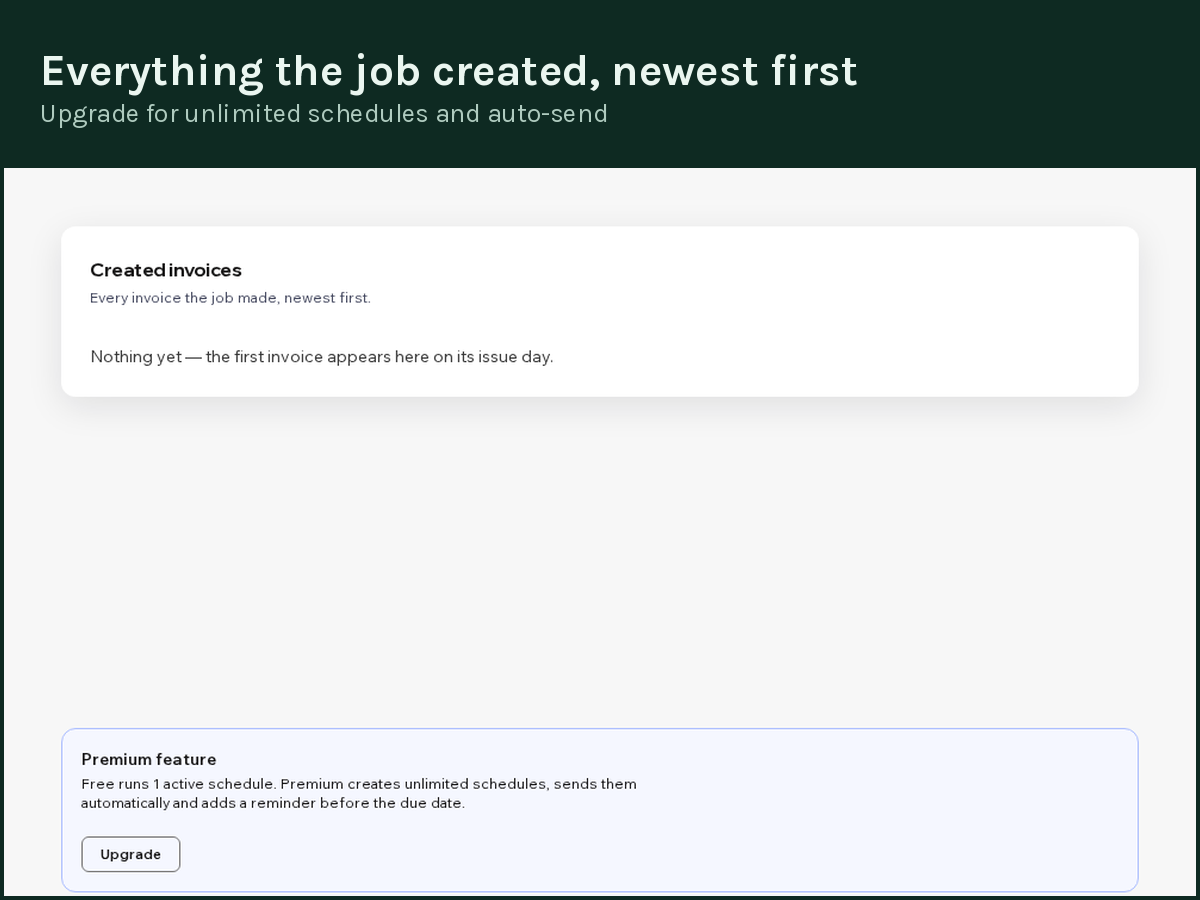
Огляд додатка «Recurring Invoices: Auto Send»
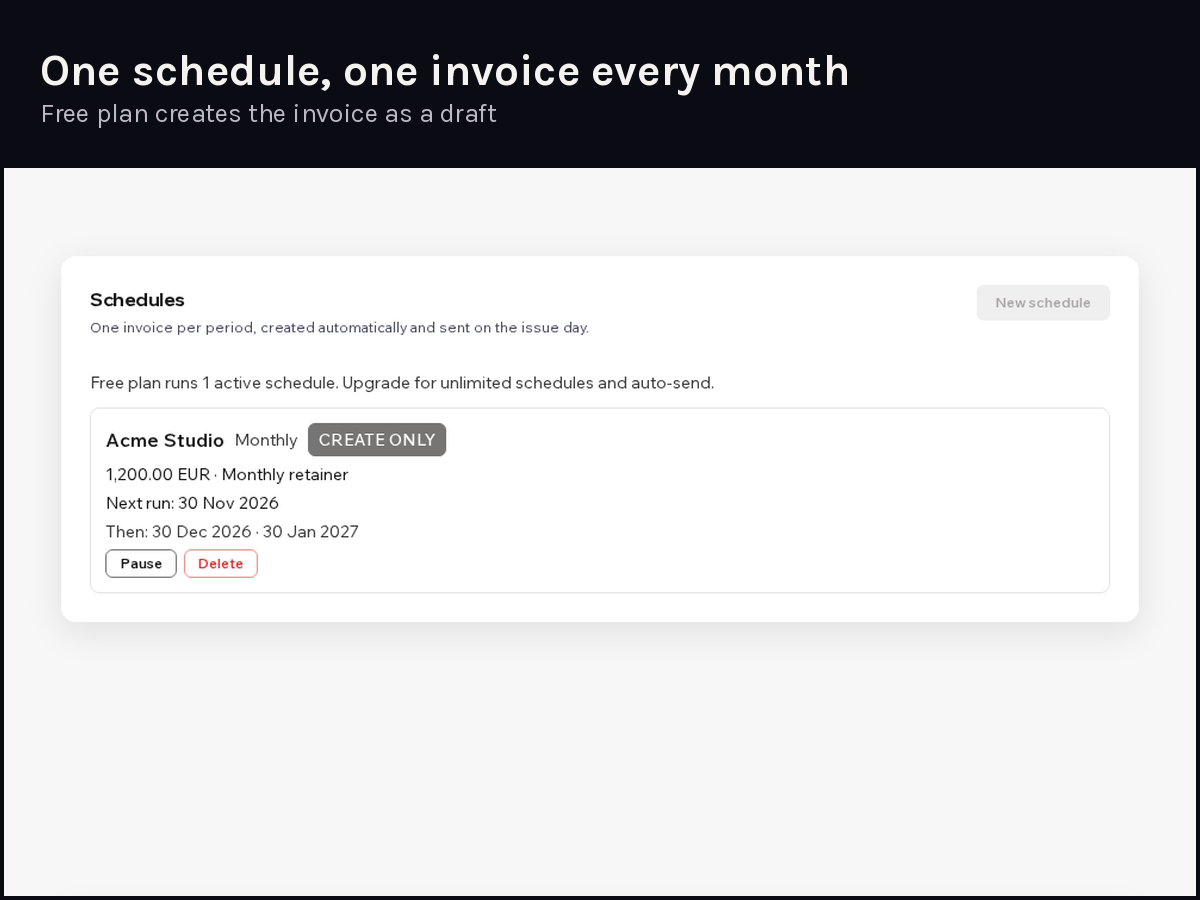
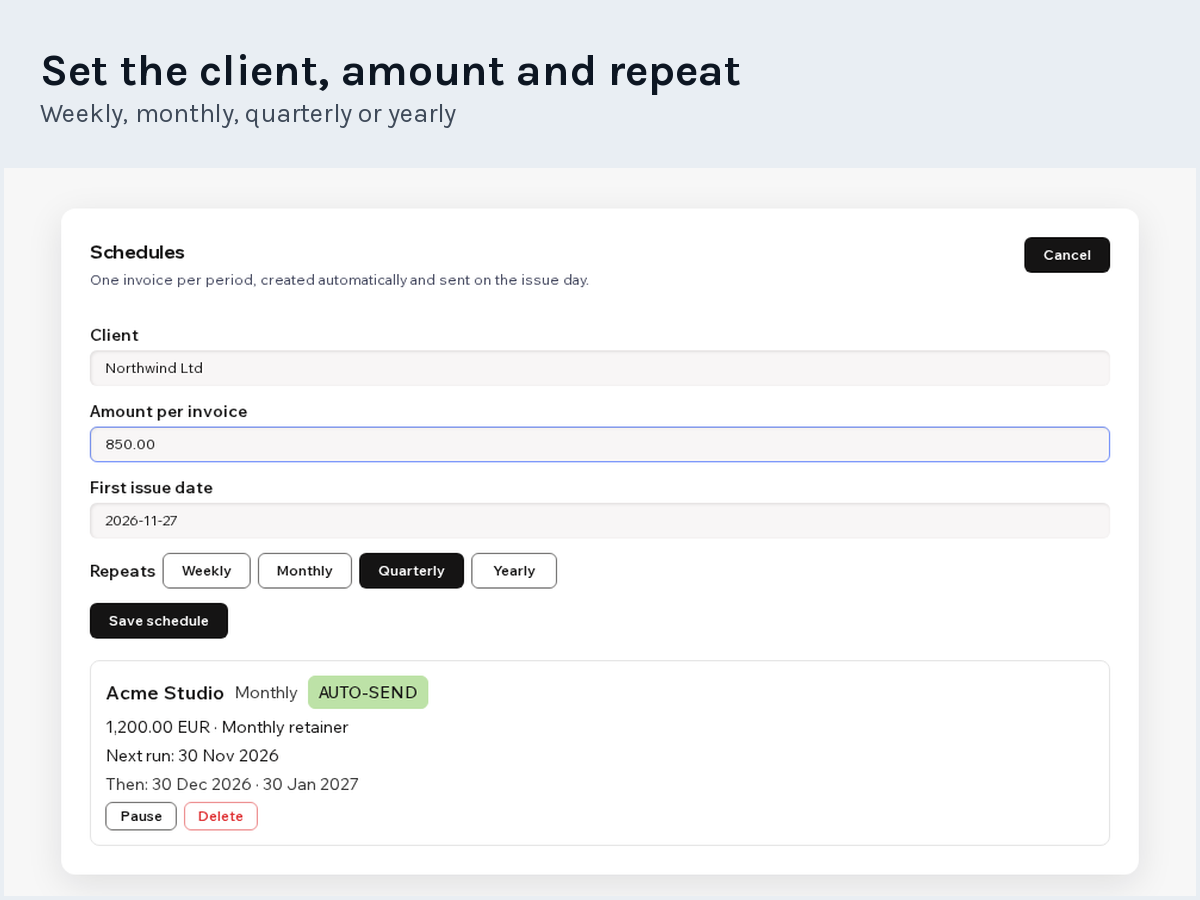
- Monthly, quarterly or yearly schedules
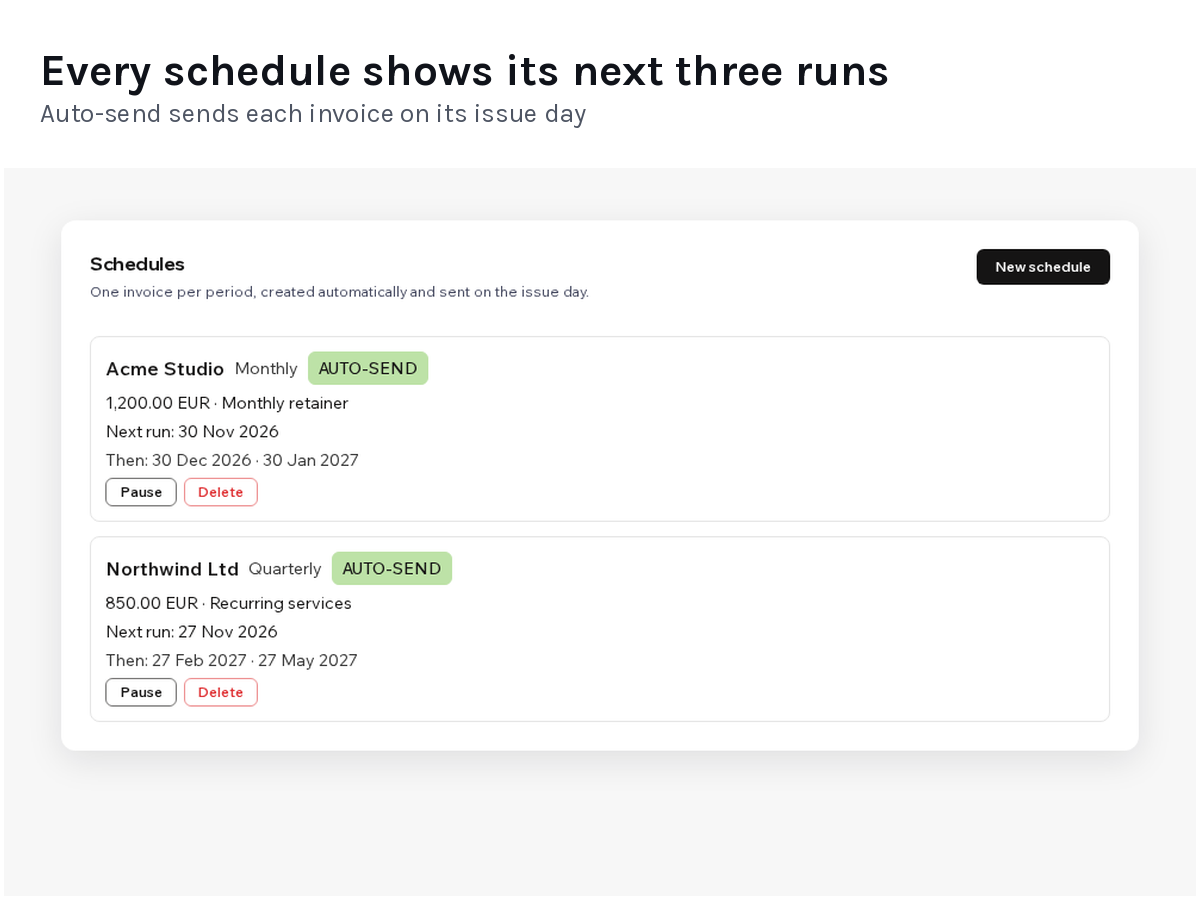
- One invoice per period, never twice
- Auto-send on the issue day
- Month-end dates stay correct
Оцінки й відгуки
Цей додаток ще не має відгуків. Залиште перший.Ціна й тарифні плани
План Free
Безкоштовно
1 active schedule
Invoices created as drafts
Monthly, quarterly or yearly
План Premium
$
5
00
/міс.
$1000
Unlimited active schedules
Send invoices automatically
Reminder before the due date
CSV export of every run
* Ціна вказана у USD.