Hebrew and English, keyboard and screen-reader friendly
No page-view limits, no tracking, no external scripts
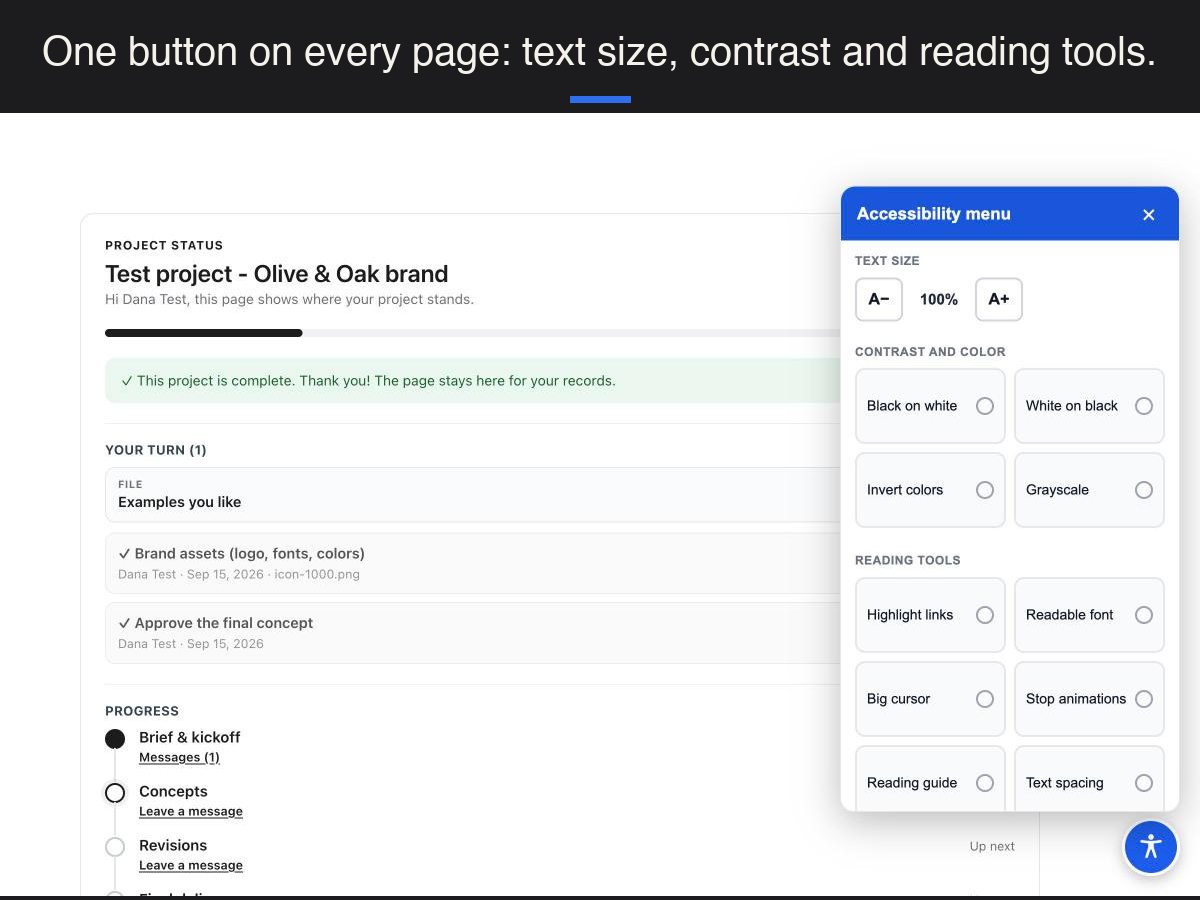
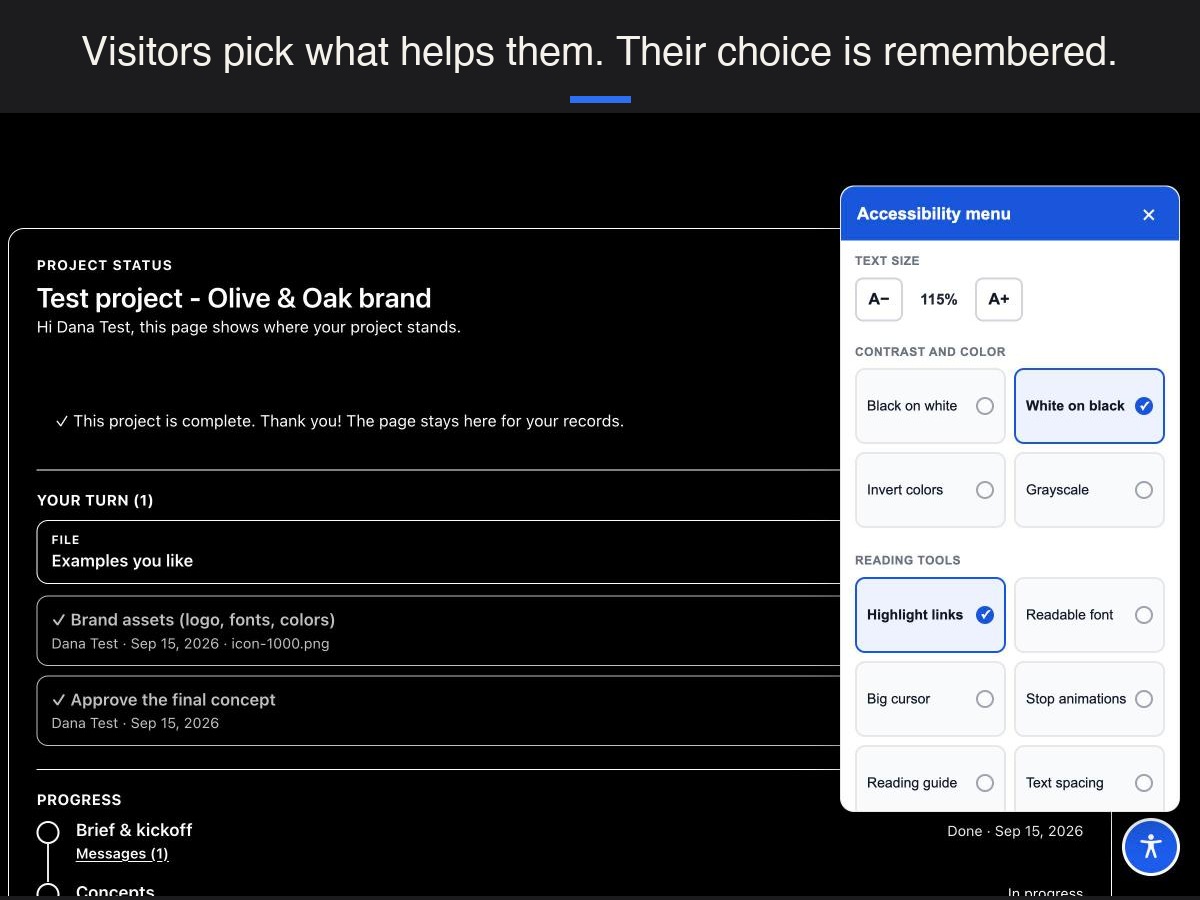
Accessibility Menu adds a floating accessibility button to every page of your site. Visitors open it to make the site easier to read and use: larger text, black-on-white or white-on-black contrast, inverted colors or grayscale, highlighted links, a readable font, a larger cursor, paused animations, a reading guide, wider text spacing, a visible keyboard focus and hidden images. A skip-to-content link helps keyboard users jump past the header, and each visitor's choices are remembered in their own browser.
The menu is accessible itself. It opens and closes from the keyboard, keeps focus inside while open, describes its controls to screen readers, and works in Hebrew with right-to-left layout as well as in English. The language follows your site, or you can set it.
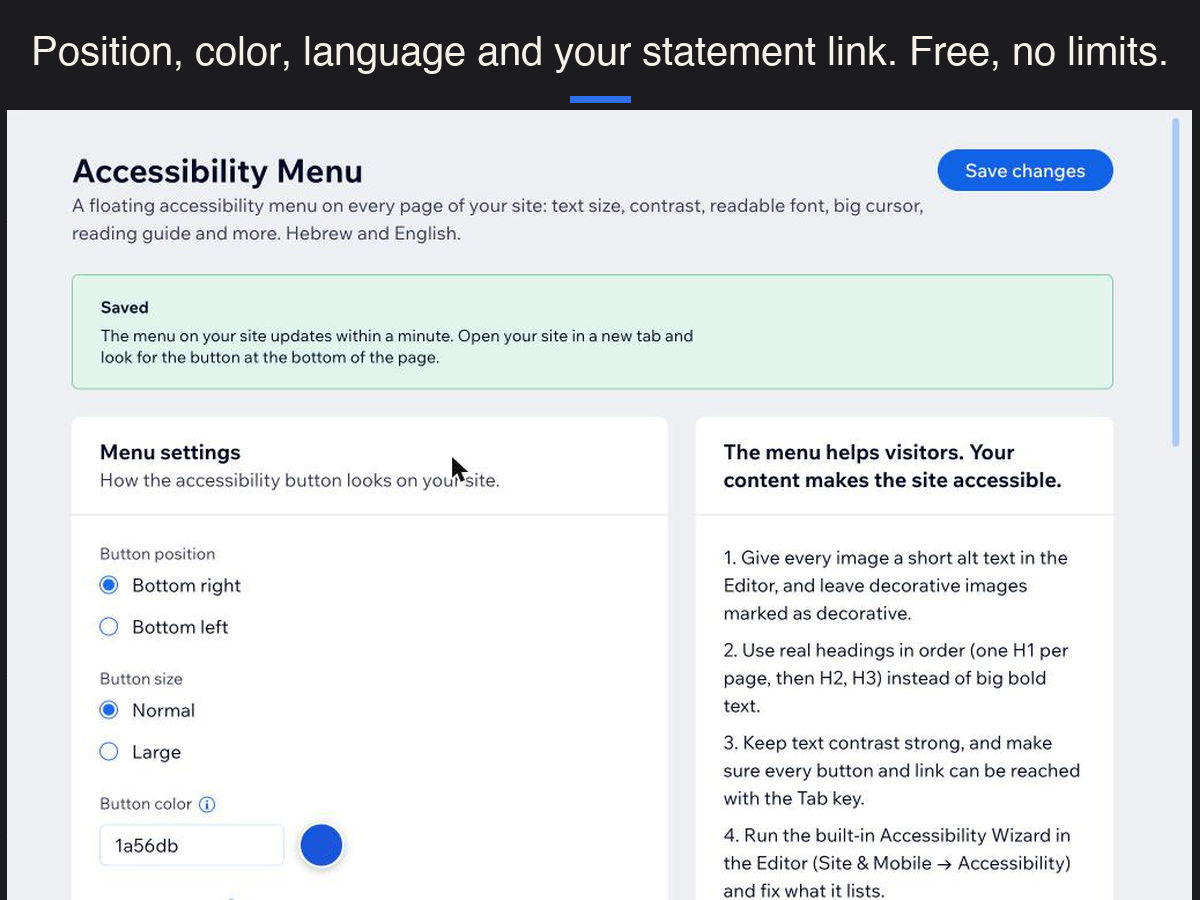
There is no catch. The app loads no external script, counts no page views, sets no cookies and sends nothing anywhere. In the settings you choose the button's position, size and color and link to your accessibility statement; a statement template in Hebrew and English is included, with short tips on making your own content more accessible, which is what matters most.
Free to use on any site.