

онлайн-магазин
запис на послуги
заходи
спливне вікно

Bulk Ribbon Manager
Від
Add and clear product ribbons in bulk
Поки що немає відгуків
Від 2,49 $ / місяць

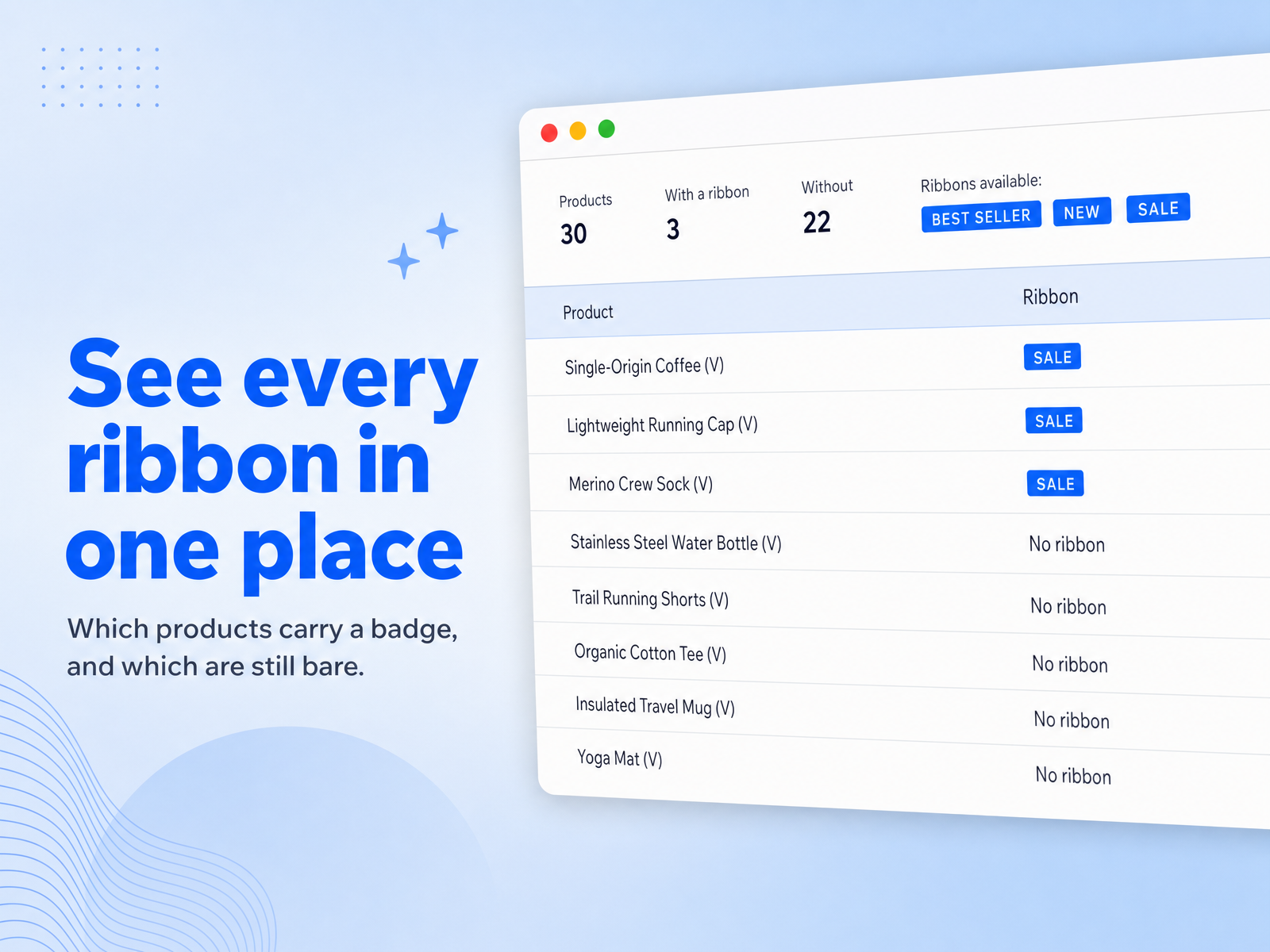
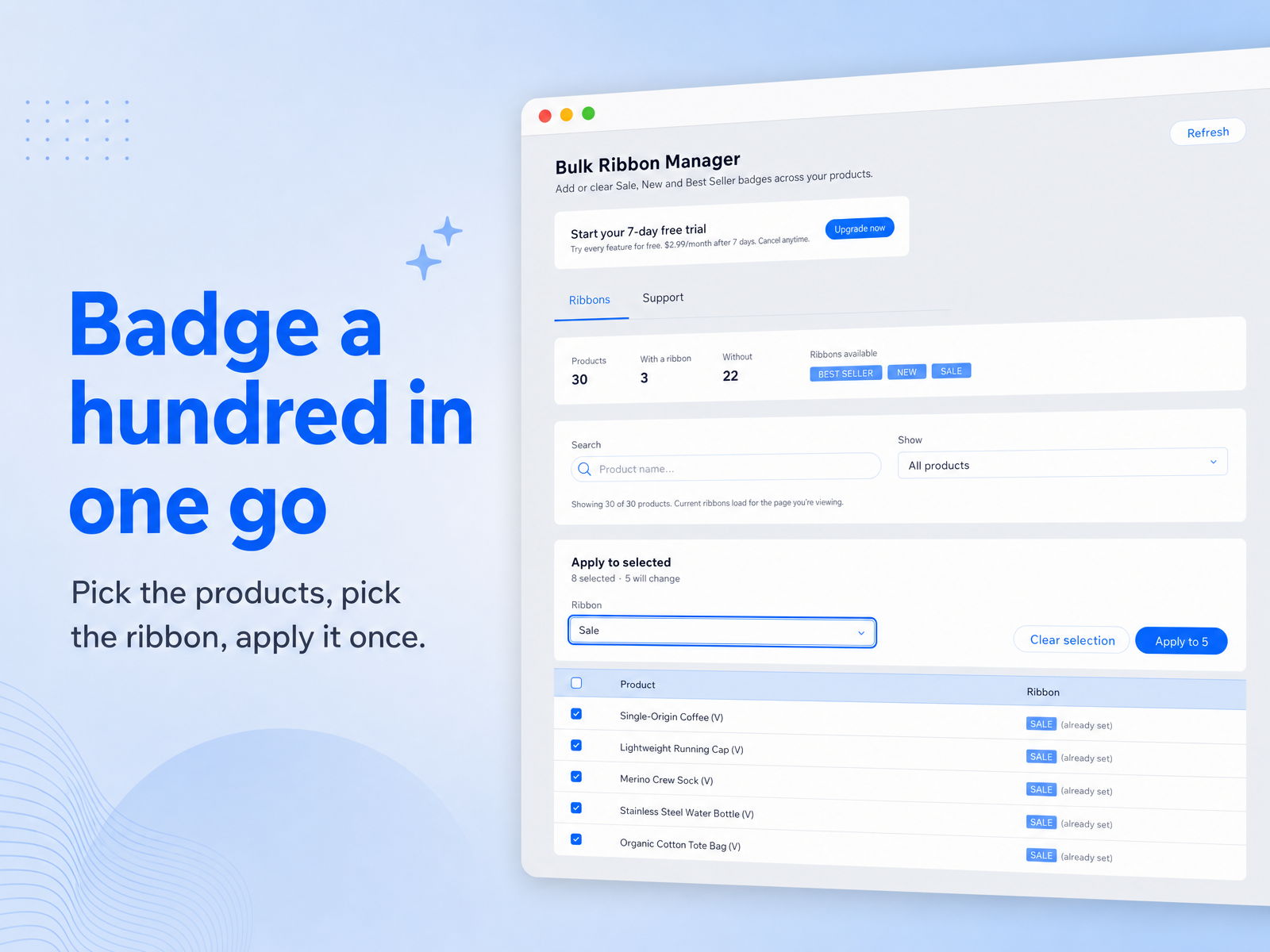
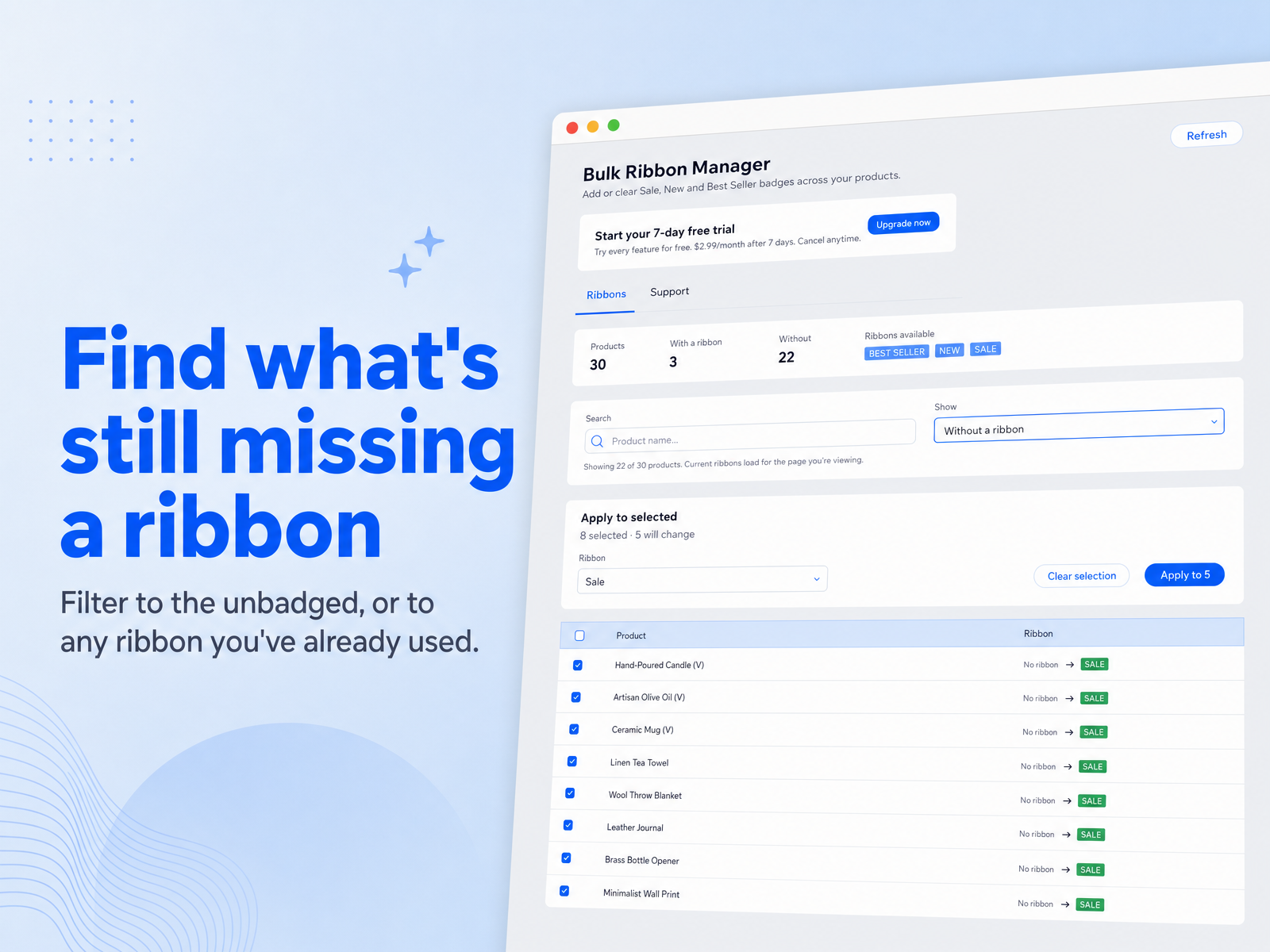
Огляд додатка «Bulk Ribbon Manager»
- Apply a ribbon to many products at once
- Clear ribbons just as fast when a sale ends
- Filter to products with a ribbon, or without one
- Products already badged are skipped, not rewritten
Доступно:
Цей додаток доступний у всьому світі.Мови додатка:
Англійська
Вимоги до сайту:
-
Рекомендовано
Оцінки й відгуки
Цей додаток ще не має відгуків. Залиште перший.Ціна й тарифні плани
План Pro
$
2
49
/міс.
Apply a ribbon to your whole catalogue
Clear ribbons in bulk when a sale ends
Filter by ribbon, or by having none
Email support
* Ціна вказана у USD.