

онлайн-магазин
запис на послуги
заходи
спливне вікно
Japan Shipping Label CSV
Від
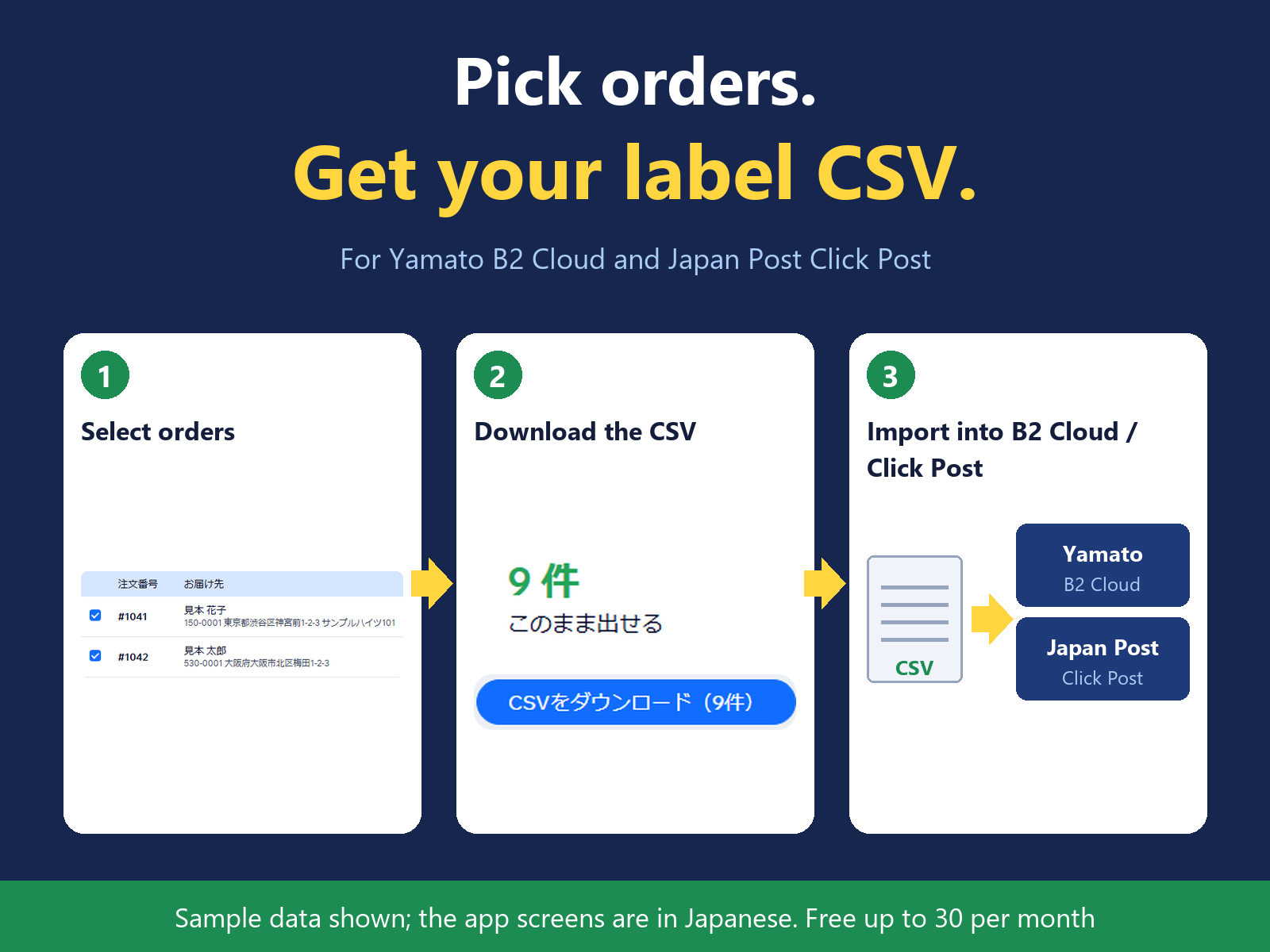
Shipping label CSV for Yamato B2 and Click Post
Поки що немає відгуків
Має безкоштовний план

Огляд додатка «Japan Shipping Label CSV»
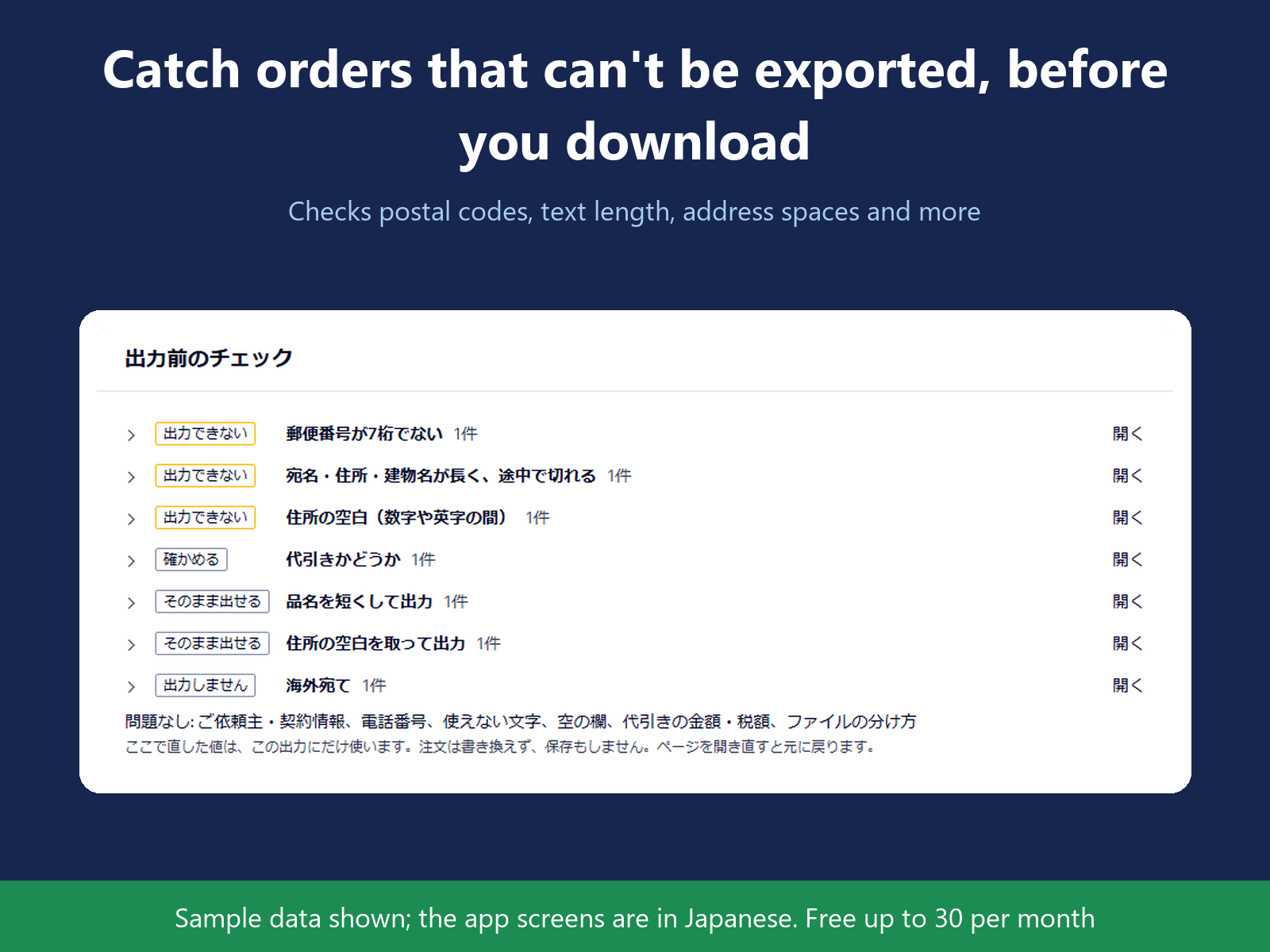
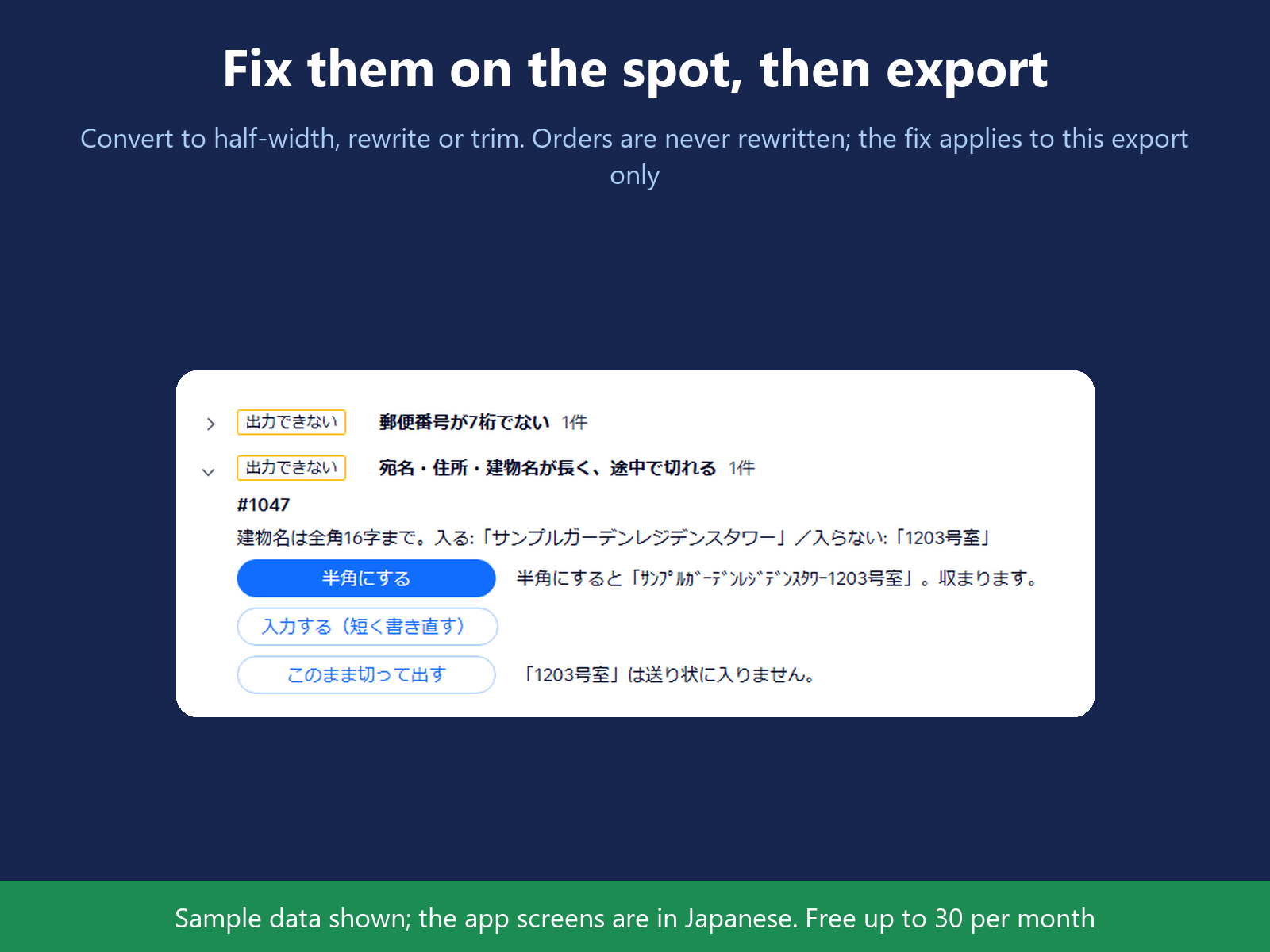
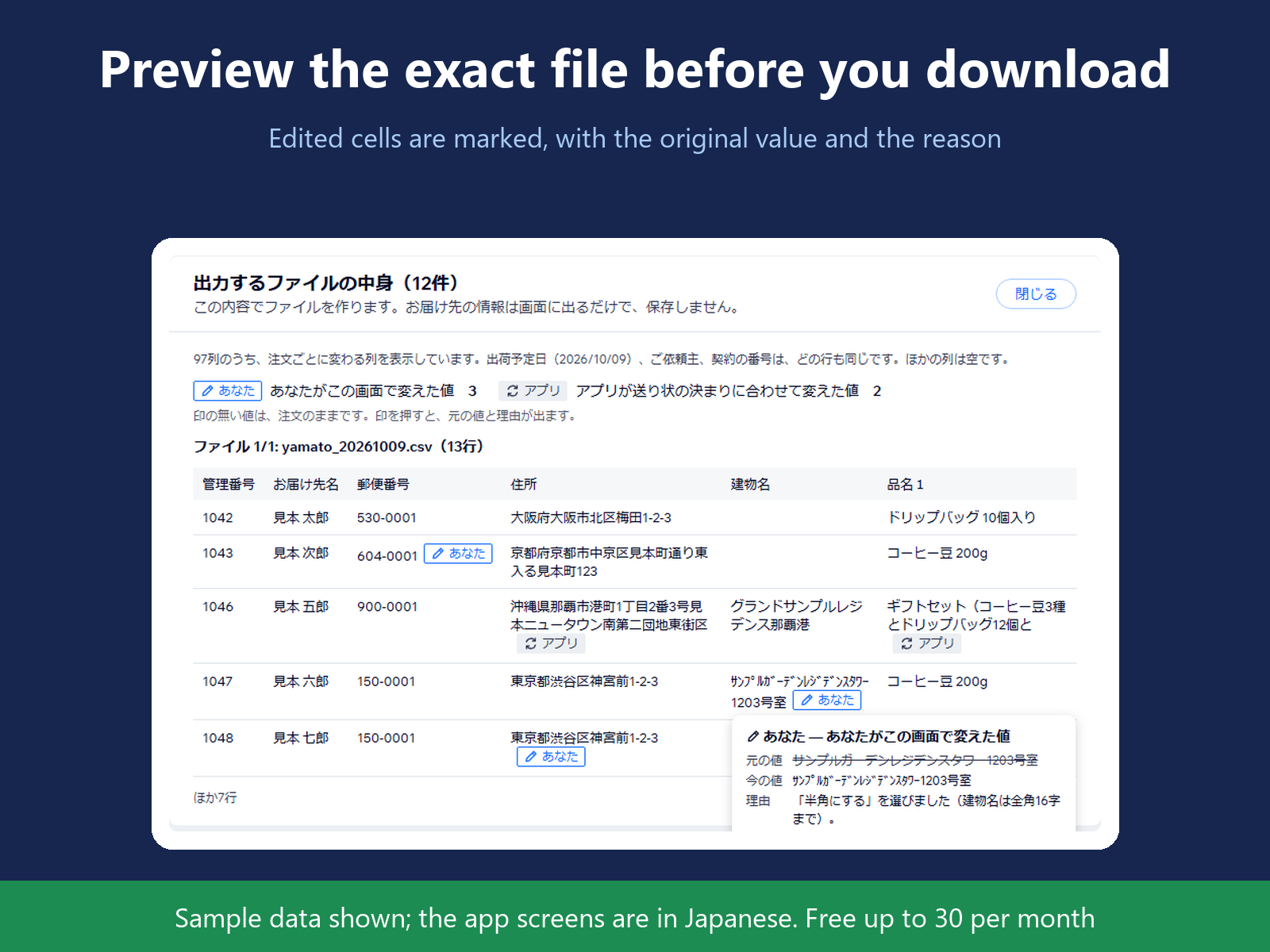
- Fewer mistyped slips: check and fix each order before you download
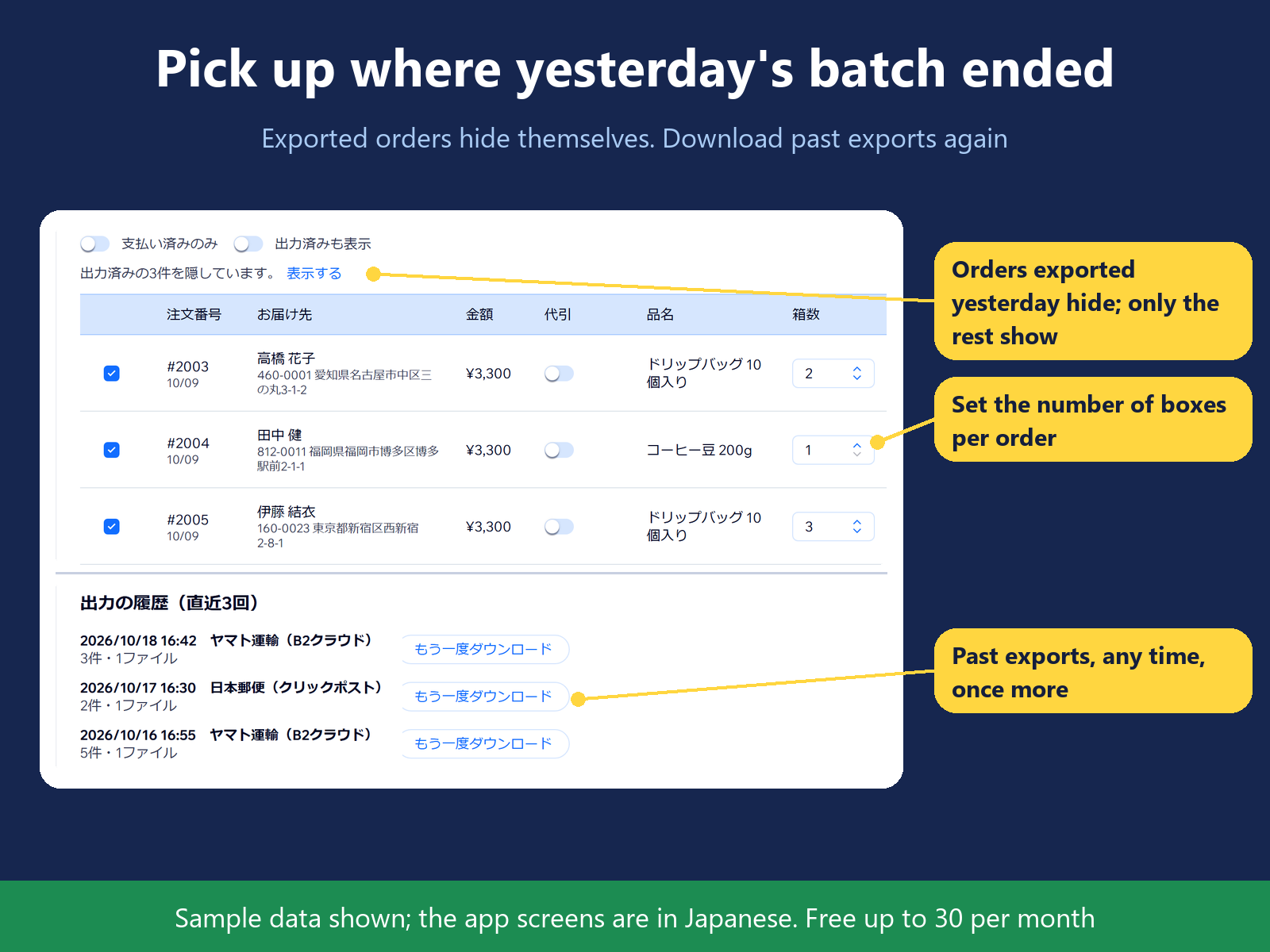
- Only orders still to ship: exported ones stay hidden, so none is typed twice
- Boxes, delivery slot and sender set per export, not order by order
- Import issued B2 data to add tracking numbers
Оцінки й відгуки
Цей додаток ще не має відгуків. Залиште перший.Ціна й тарифні плани
План Basic
Безкоштовно
Up to 30 orders exported per month
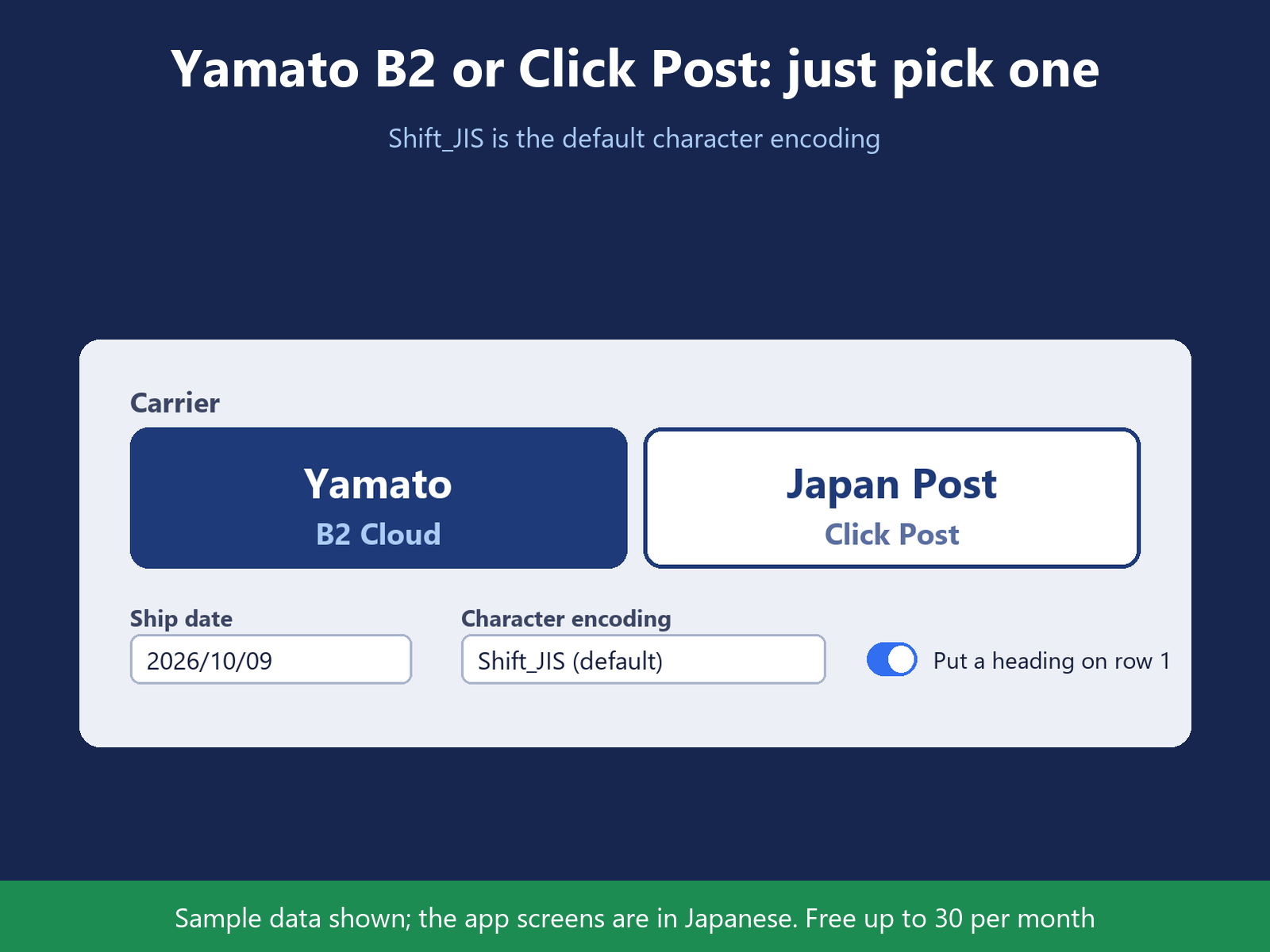
Yamato B2 Cloud and Click Post CSV
COD, cool, all waybills but Yu-Packet
Tracking numbers from issued B2 data
План Pro
$
9
99
/міс.
Unlimited exports, plus all of Basic
Kuroneko Yu-Packet waybills
Shipping-method rules, auto B2 article
Skip POS orders; map checkout fields
* Ціна вказана у USD.