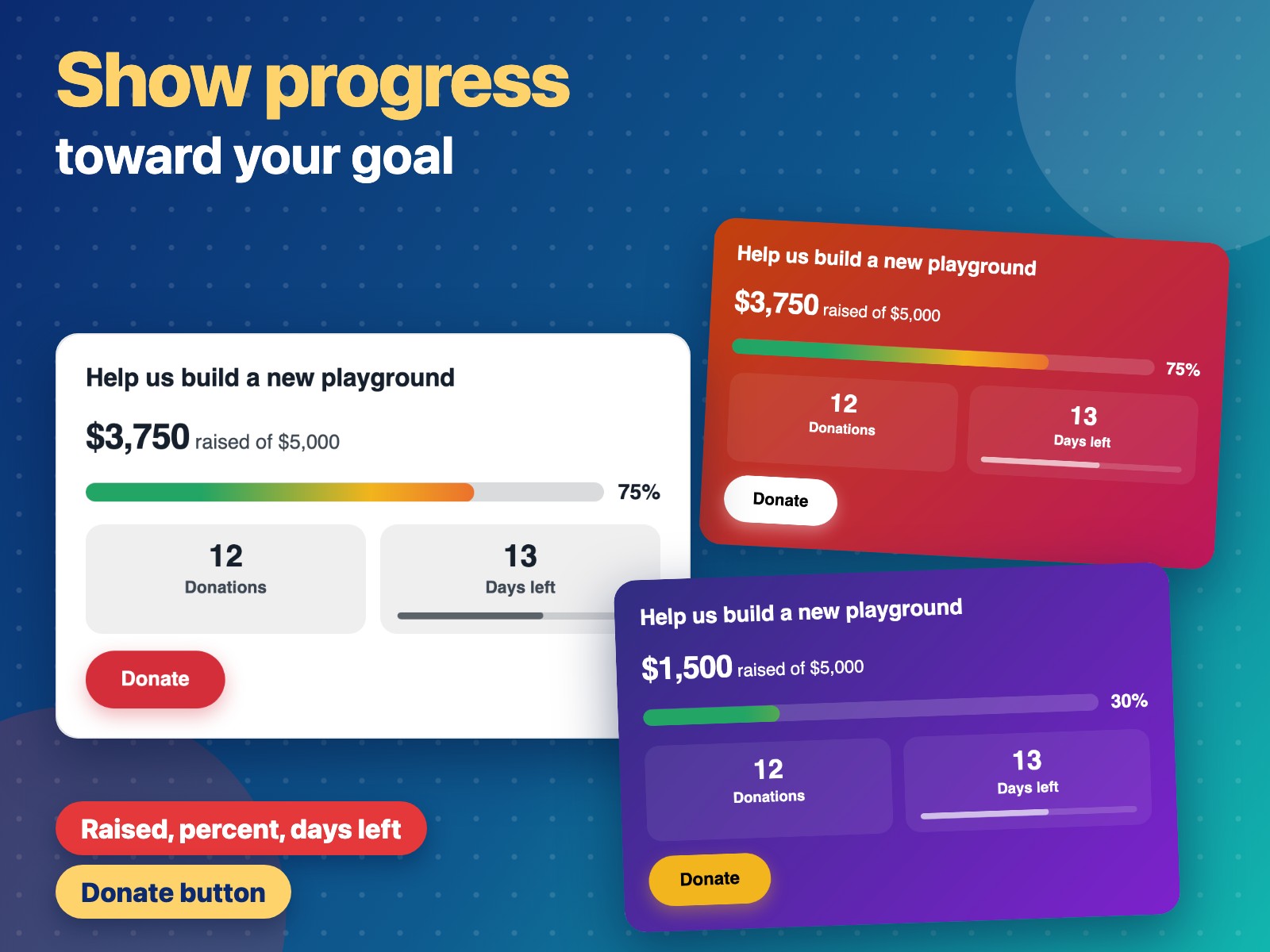
Show how much you raised toward your goal with a clear progress bar
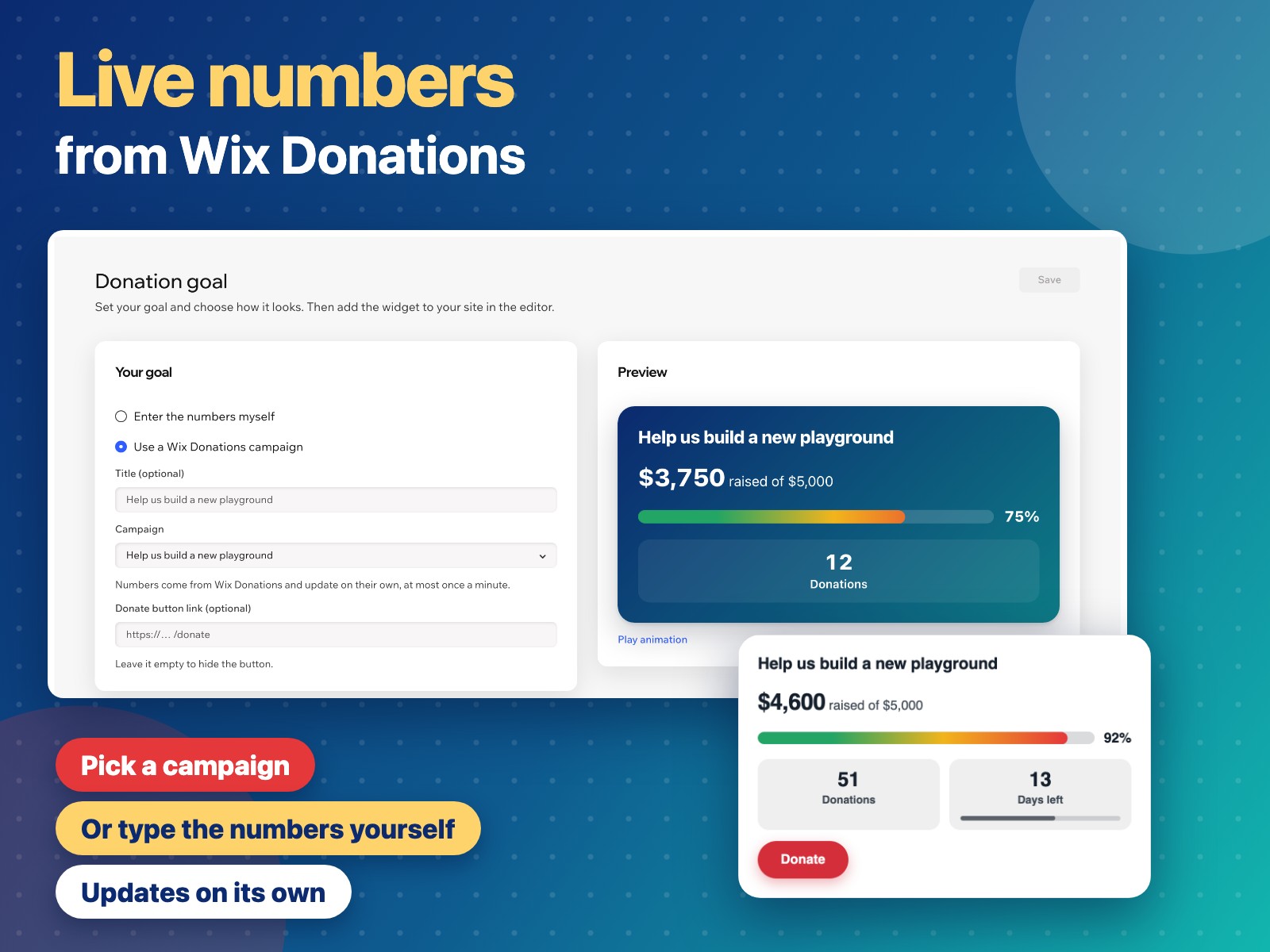
Use a Donations campaign, or enter the numbers yourself
Show the donation count, days left with a time bar, and a Donate button
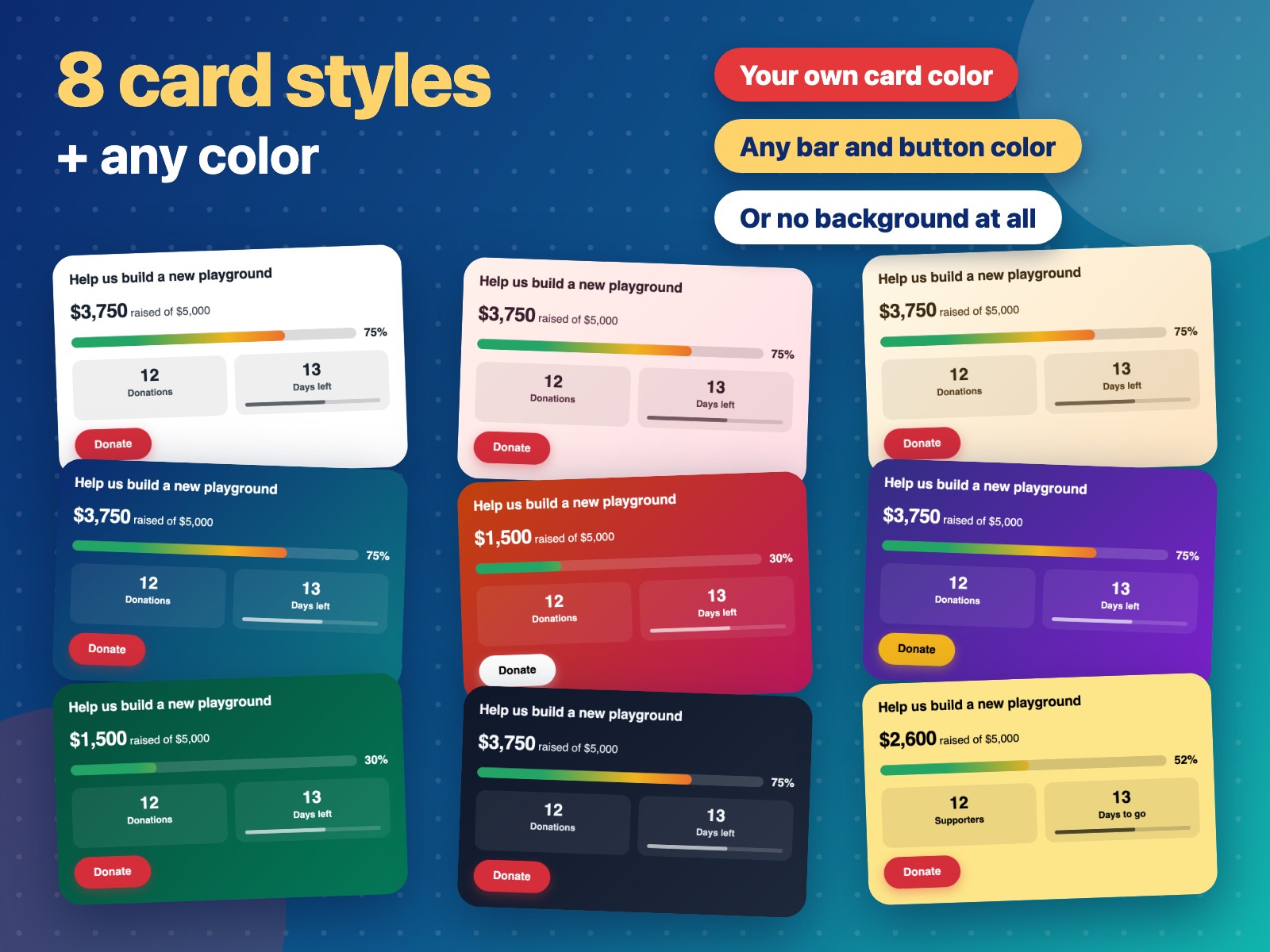
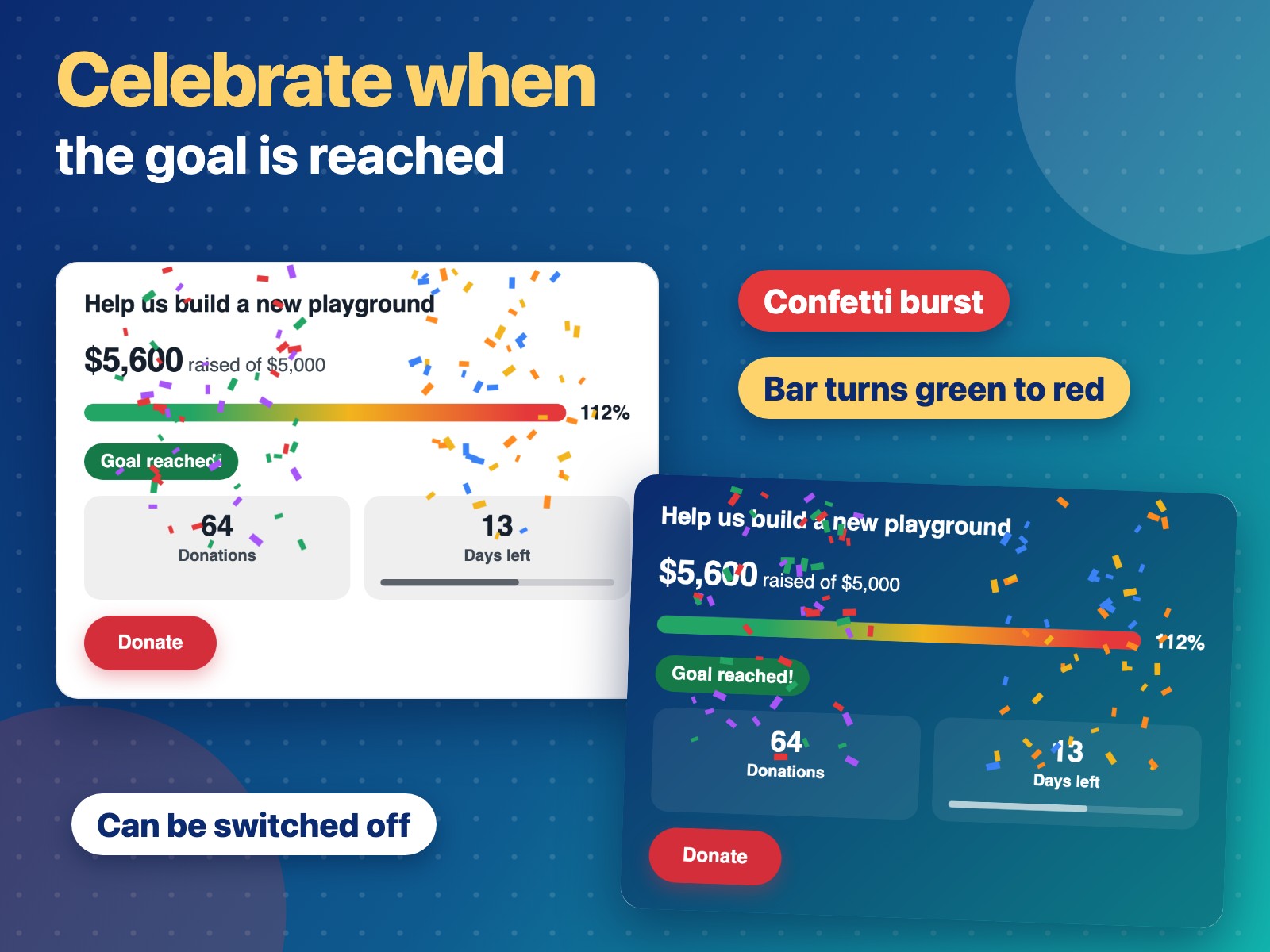
Card colors and gradients, a green-to-red or one-color bar, confetti
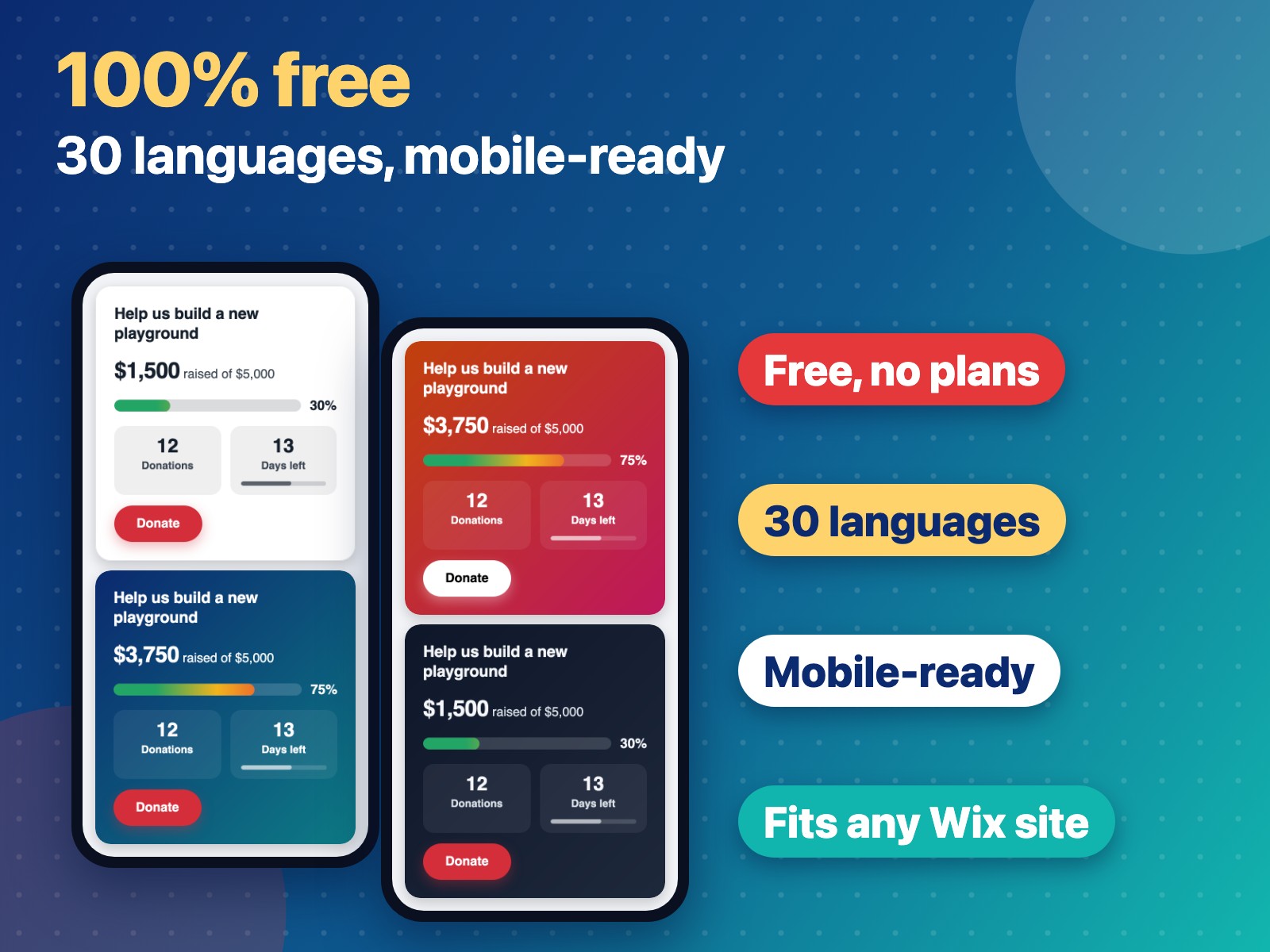
Show visitors how close you are to your fundraising goal. Donation Goal adds a widget with your goal, the amount raised, a progress bar with the percent, the number of donations and the days left, with a bar that shows how much time has passed. A Donate button takes visitors to your donation page, on your site or anywhere else. If you collect donations with the Donations app, pick your campaign and the numbers update on their own. If you raise money in other ways, such as bank transfers, cash or an outside payment page, enter the numbers yourself in the dashboard. Make it yours: pick a card color from ready-made gradients or your own, a bar that goes from green to red as it fills or a single color, and a button color. Rename or hide the donations and days left. The bar fills up when visitors see it, and confetti celebrates when you reach your goal. The widget follows your site's language in 30 languages, and the dashboard is available in 9. Donation Goal is free.