

онлайн-магазин
запис на послуги
заходи
спливне вікно

Delivery Time Slots - Whenly
Від
Delivery day and time slots with daily limits
Поки що немає відгуків
Має безкоштовний план

Огляд додатка «Delivery Time Slots - Whenly»
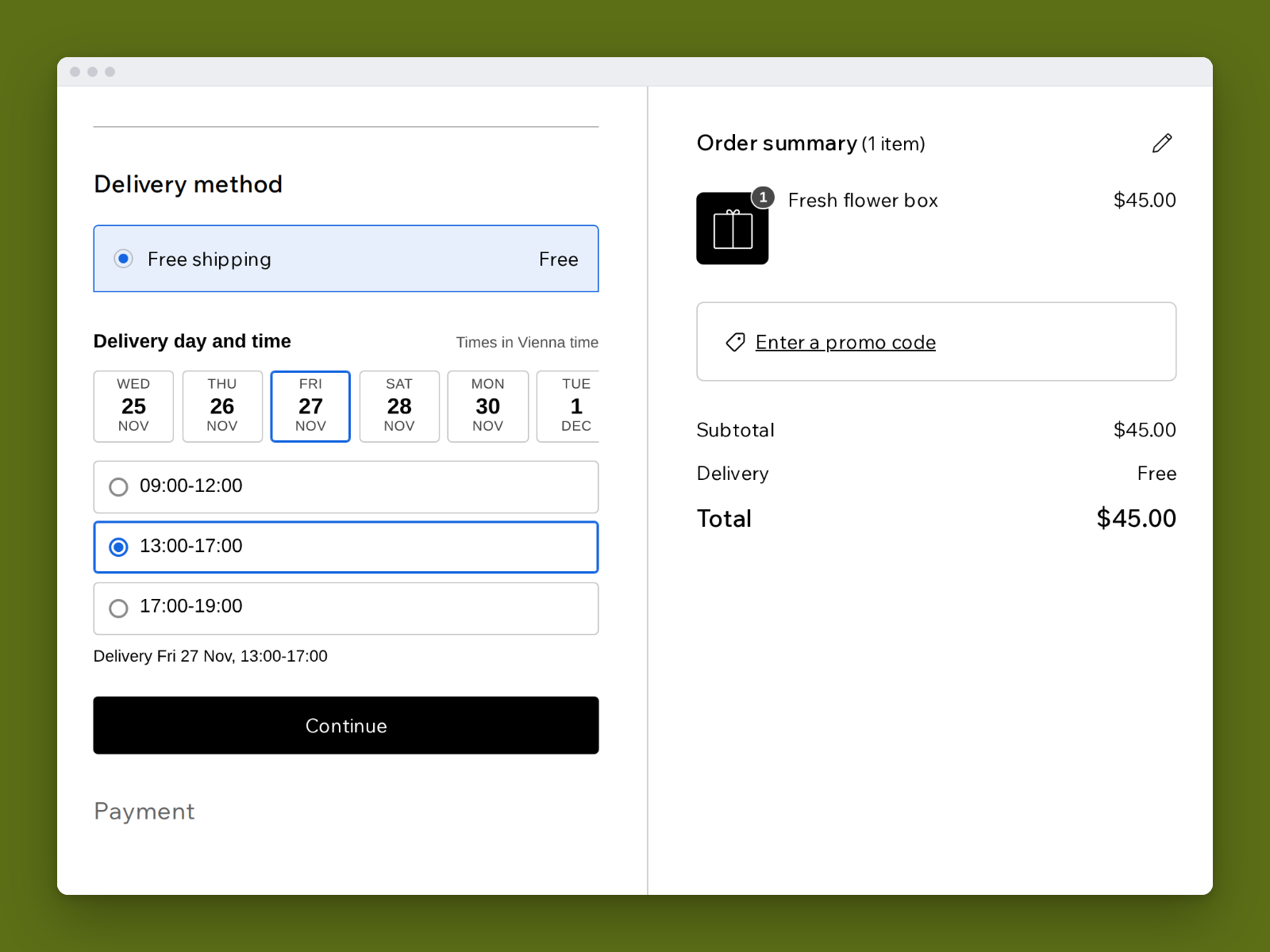
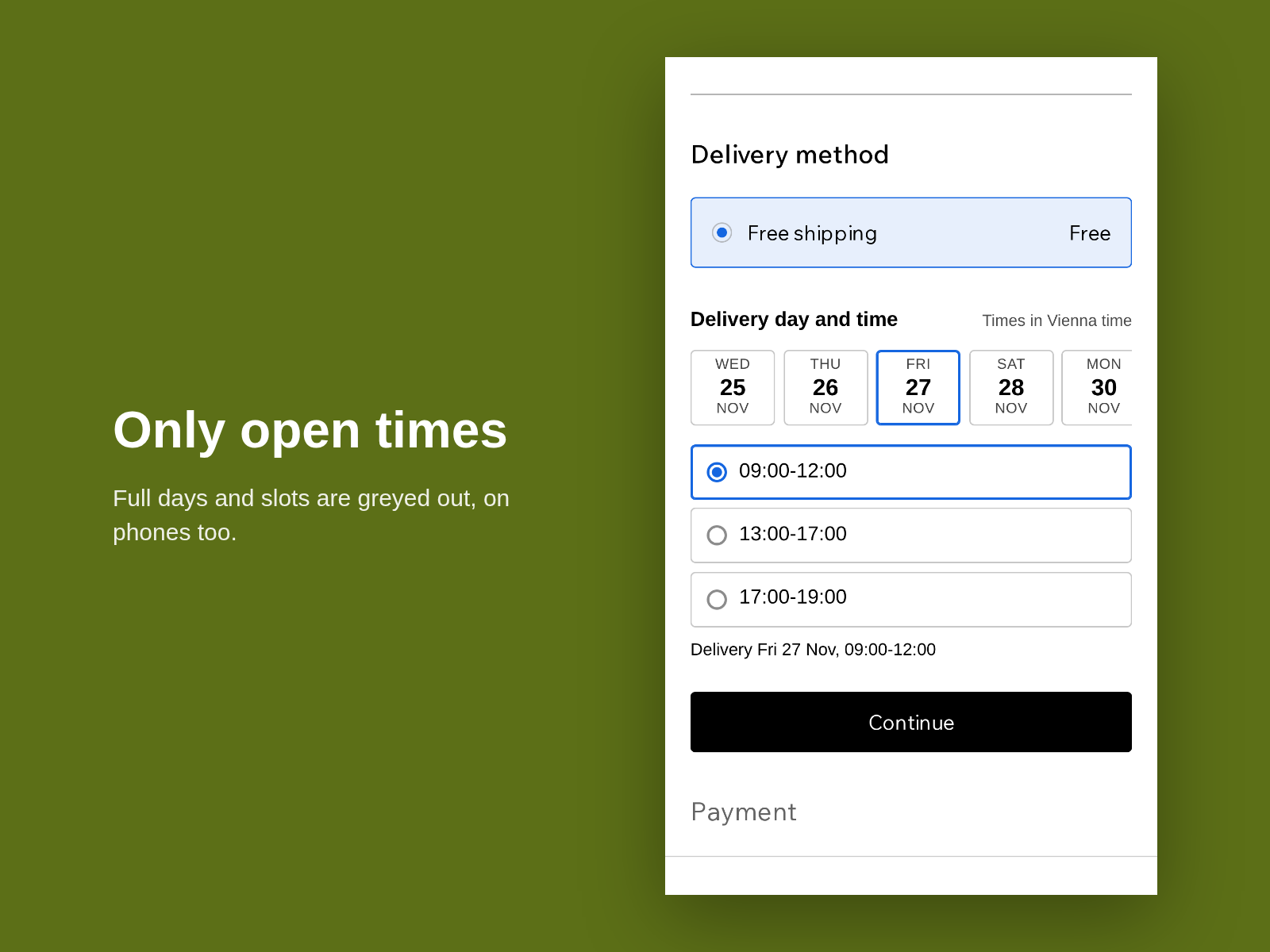
- Buyers pick a free delivery day and time
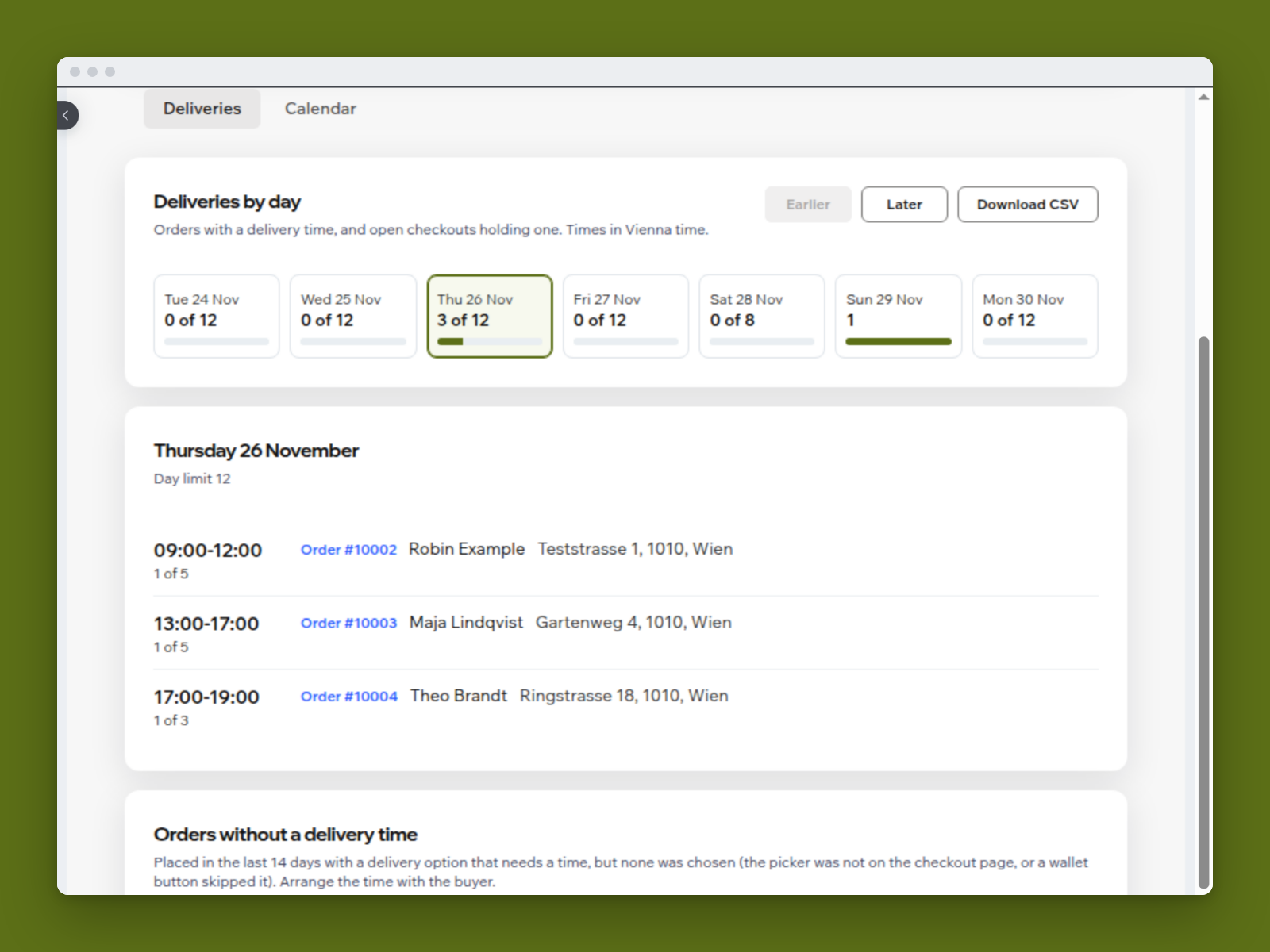
- Close a day or slot when it is full
- Cut-off, lead time and closed dates
- The chosen time is written on the order
Оцінки й відгуки
Цей додаток ще не має відгуків. Залиште перший.Ціна й тарифні плани
План Free
Безкоштовно
Two time slots a day, a limit per day, 14 days ahead, 5 closed dates
План Pro
$
6
39
/міс.
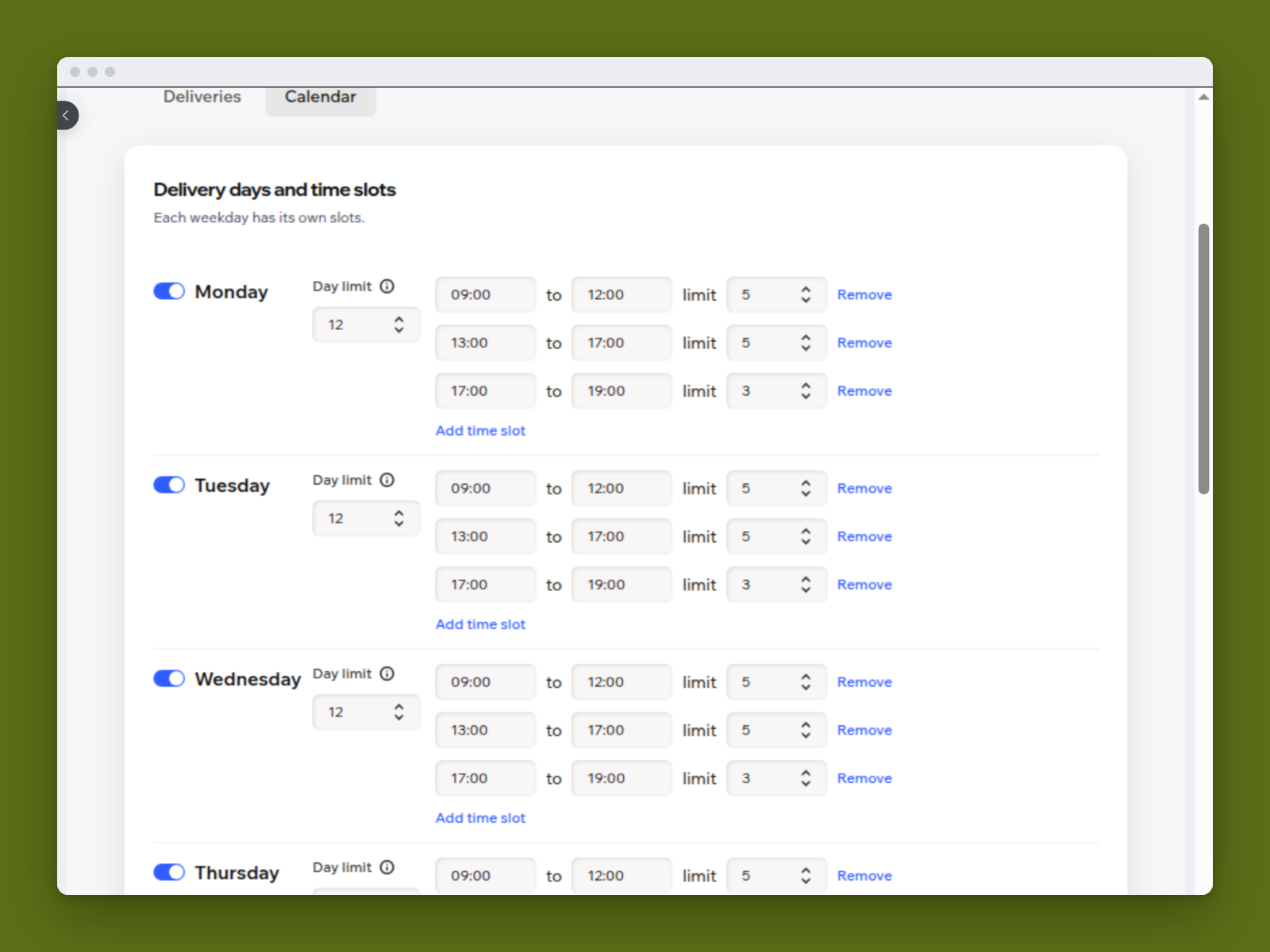
Up to 8 time slots a day, set per weekday
A limit on each time slot
Book up to 90 days ahead, close up to 100 dates
Deliveries list as a CSV file
* Ціна вказана у USD.