

онлайн-магазин
запис на послуги
заходи
спливне вікно

- 20%
Підтверджено у Wix
Spotify Stream Player
Від
Embed Spotify on your site
4.7
Має безкоштовний план

Огляд додатка «Spotify Stream Player»
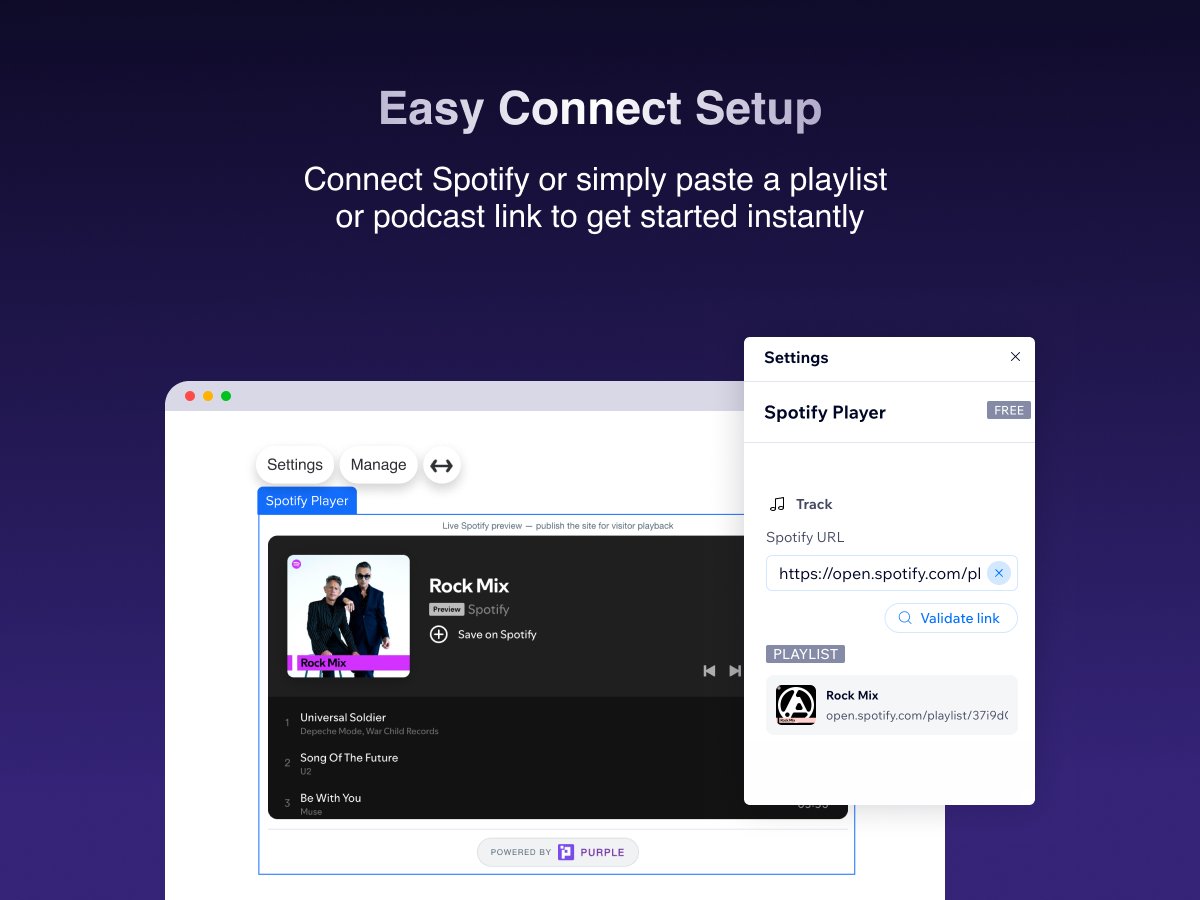
- Embed tracks, playlists, albums & podcasts
- Paste a Spotify link — live preview in the editor
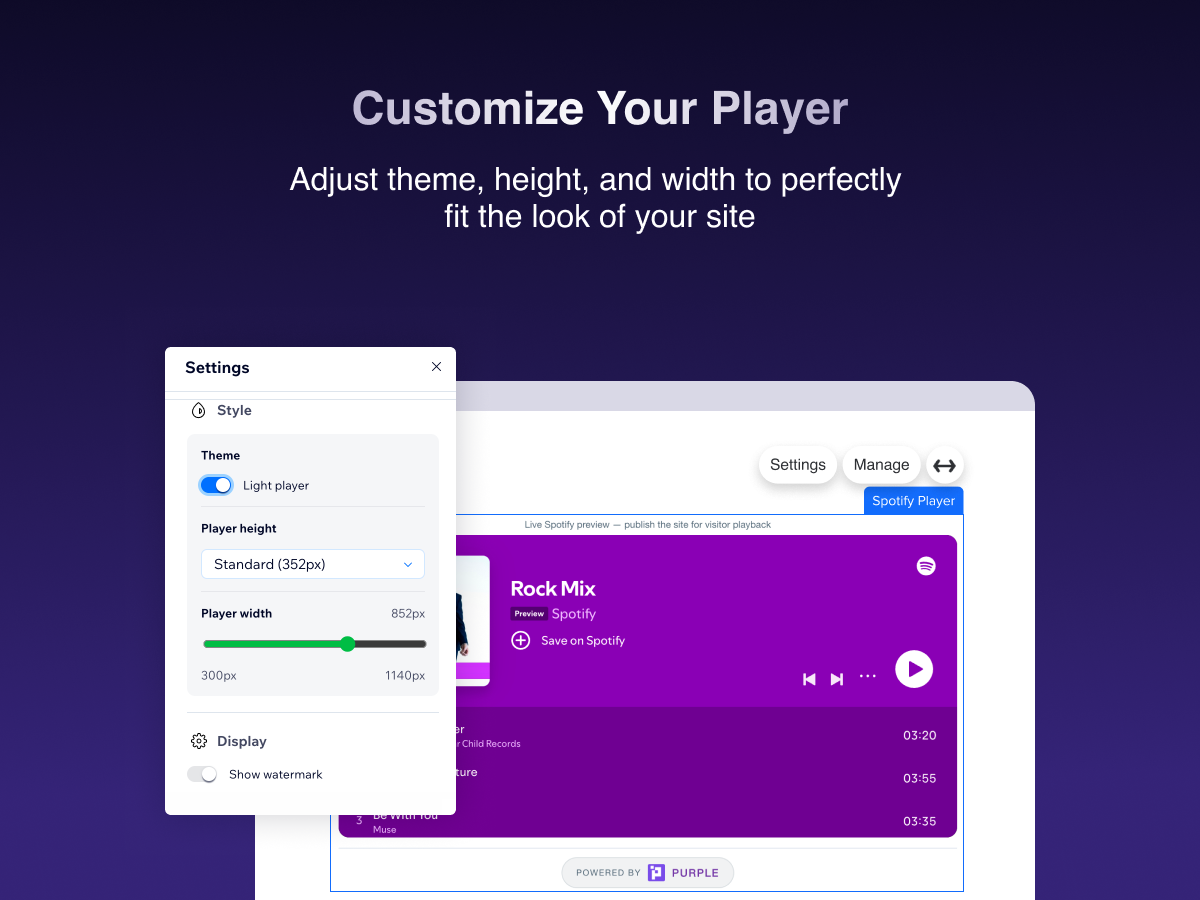
- Match your site: theme, width & player size
- Official Spotify player with full playback controls
Середня оцінка: 4.7
Відгуків: 39
5
35
4
0
3
2
2
0
1
2
Сортування:
NA
Naiadesccruz/ Oct 19, 2026
amei
(0)
Дякуємо за відгук
CO
Contatoaiguaria/ Oct 13, 2026
ok
PU
команда PURPLE
Hi there,
Thank you for the five-star rating! We're glad Spotify Stream Player is working well for you. We appreciate you choosing our app and hope it continues to make sharing your favorite music...(0)
Дякуємо за відгук
RI
Richmondjamescc/ Oct 8, 2026
Love it
PU
команда PURPLE
Hi there,
We're so happy to hear that you love the app! Thank you for taking the time to leave us a review. We hope Spotify Stream Player continues to bring your music closer...(0)
Дякуємо за відгук
CO
Cobrastrikestudio3/ Sep 14, 2026
Dose not work
PU
команда PURPLE
Hi there,
We’re sorry to hear that the Spotify Stream Player isn’t working as expected. We’d like to understand what’s happening on your site so we can help identify the issue and get the...(0)
Дякуємо за відгук
PA
Paoladommont/ Sep 14, 2026
Me encanta
PU
команда PURPLE
Hi there,
Thank you so much for the 5 star review! We’re really happy to hear that you’re enjoying Spotify Stream Player.
We truly appreciate your support and hope you continue having a great experience...(0)
Дякуємо за відгук
Ціна й тарифні плани
План Basic
Безкоштовно
Embed any Spotify track, album or play
Light & dark player theme
Resize player height & width
Watermark shown on player
План Pro
- 20%
$
2
39
/міс.
$299
Remove "Upgrade" watermark from player
Manage all players from the dashboard
Priority support
Light & dark player theme
* Ціна вказана у USD.
* Розпродаж діє до 31 жовтня 2026 р. о 23:59 UTC. Розробник додатка залишає за собою право припинити розпродаж у будь-який час. Умови розпродажу можуть змінюватися.