

онлайн-магазин
запис на послуги
заходи
спливне вікно
Ask in Aria
Customer Labels by Purchase
Від
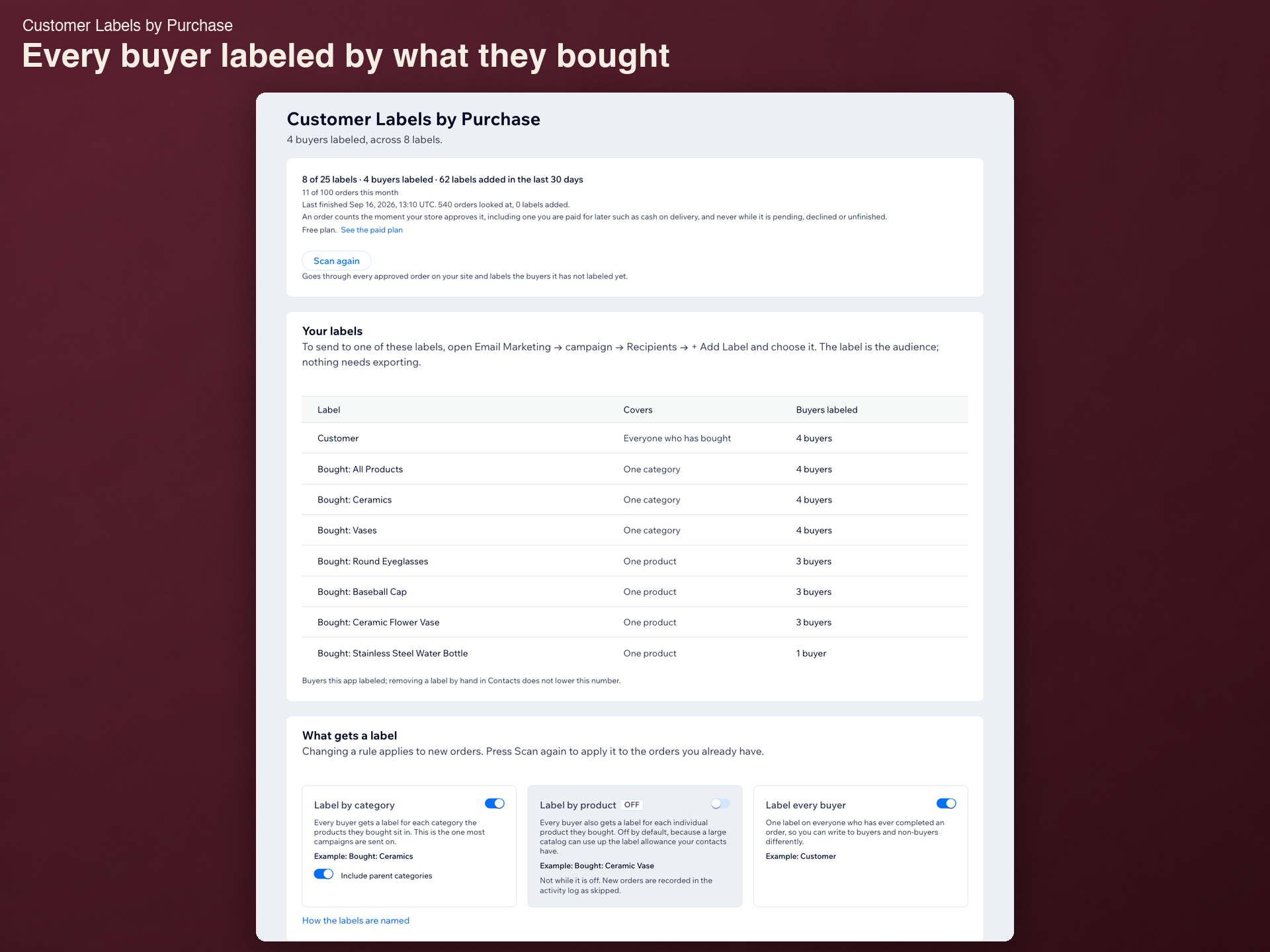
Label every buyer by what they bought
Поки що немає відгуків
Має безкоштовний план

Огляд додатка «Customer Labels by Purchase»
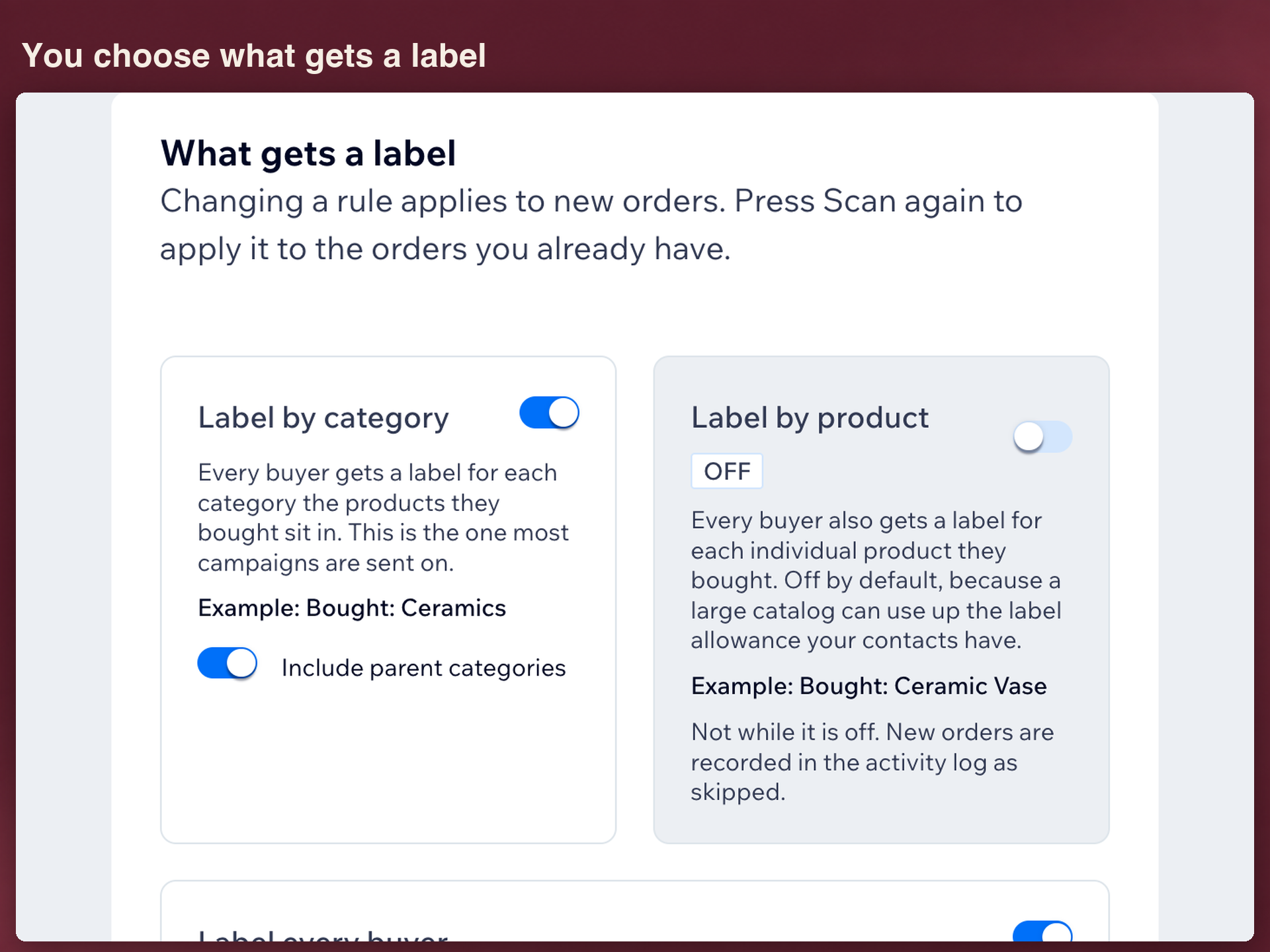
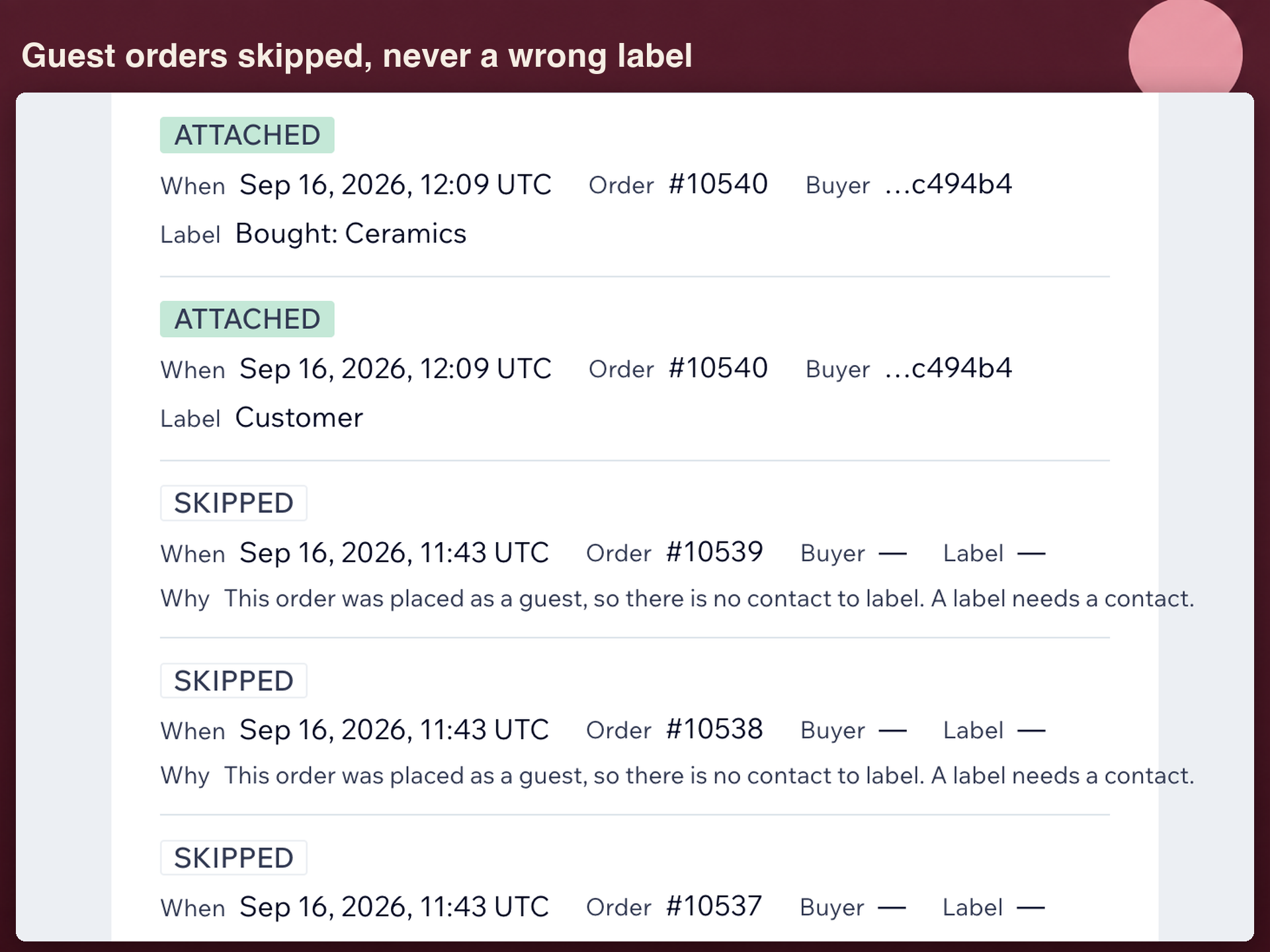
- A label for each product bought
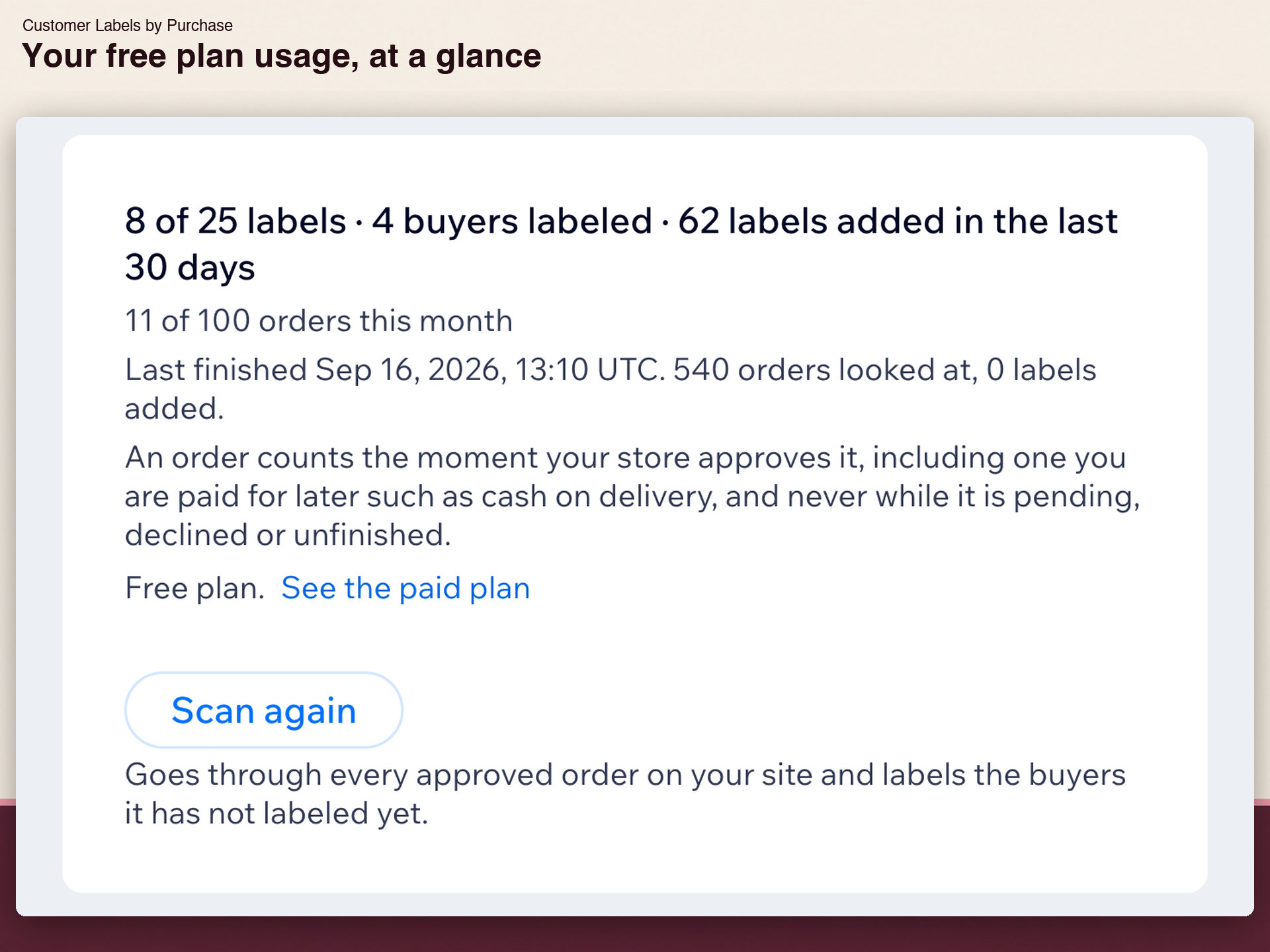
- Past orders labeled on install
- Labels by category, parents included
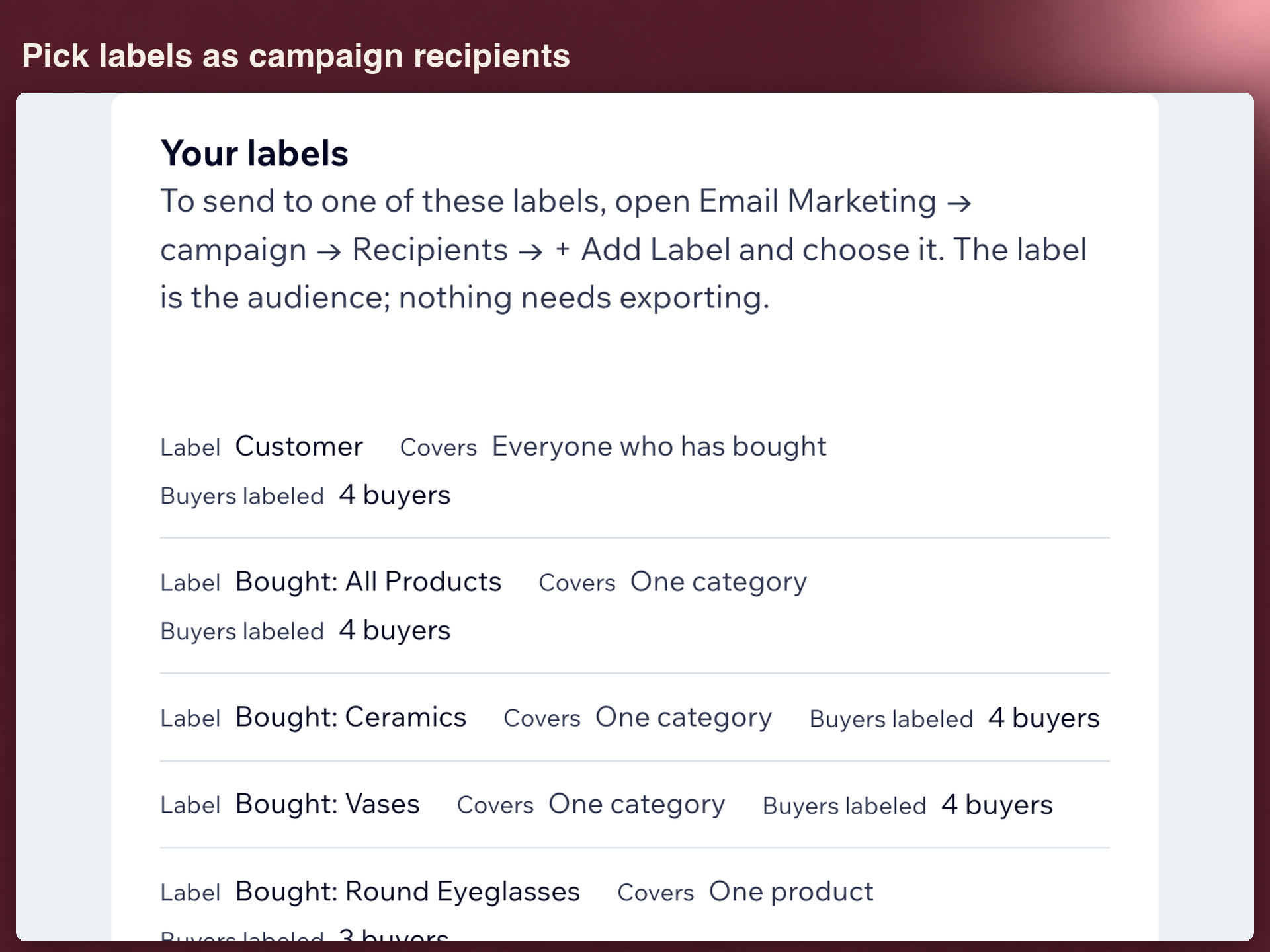
- Pick labels as campaign recipients
Оцінки й відгуки
Цей додаток ще не має відгуків. Залиште перший.Ціна й тарифні плани
План Basic
Безкоштовно
Up to 25 labels
Up to 100 orders a month
Labels stay after removal
План Standard
$
2
24
/міс.
Unlimited labels
Unlimited orders and rescans
For stores of any size
* Ціна вказана у USD.