

онлайн-магазин
запис на послуги
заходи
спливне вікно

Prayer Times: Mosque Timetable
Від
Daily prayer and iqamah times for your mosque
Поки що немає відгуків
Має безкоштовний план

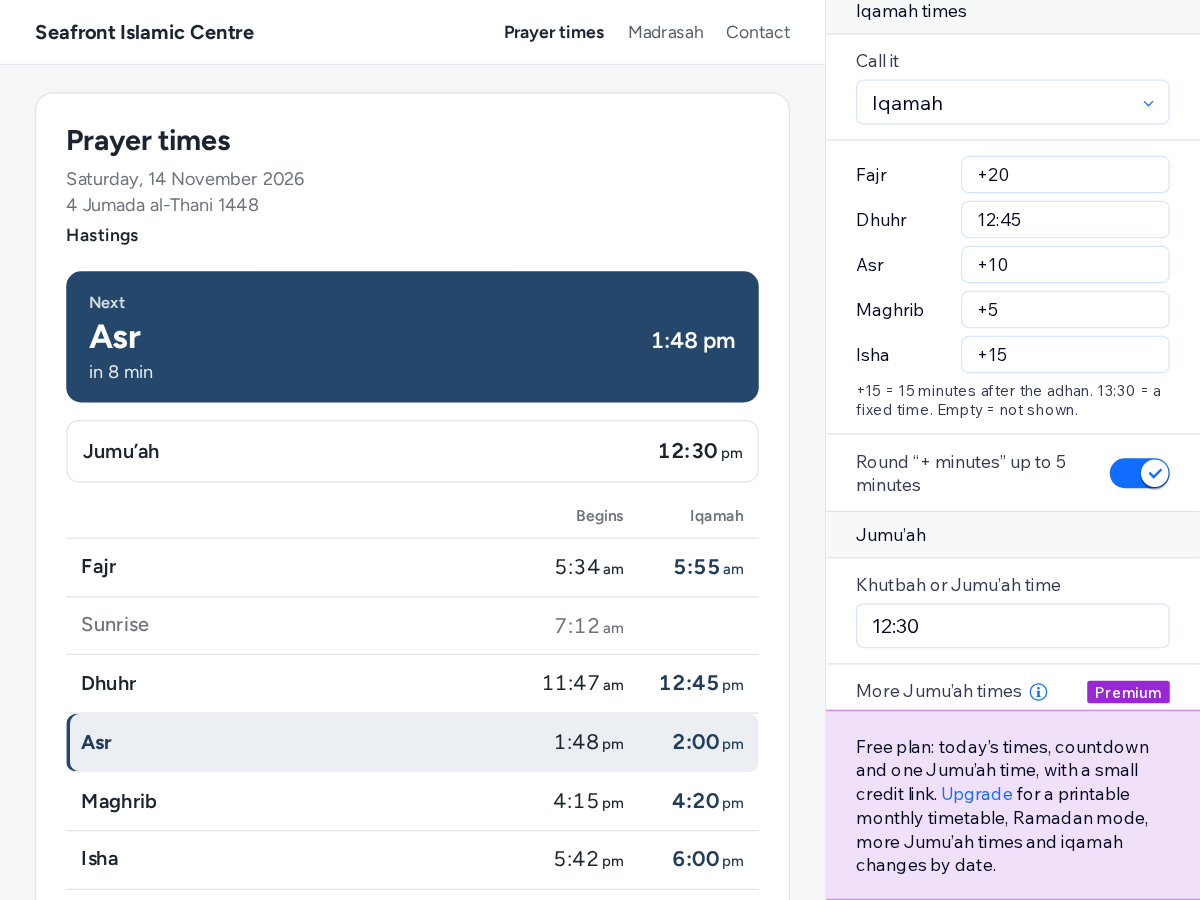
Огляд додатка «Prayer Times: Mosque Timetable»
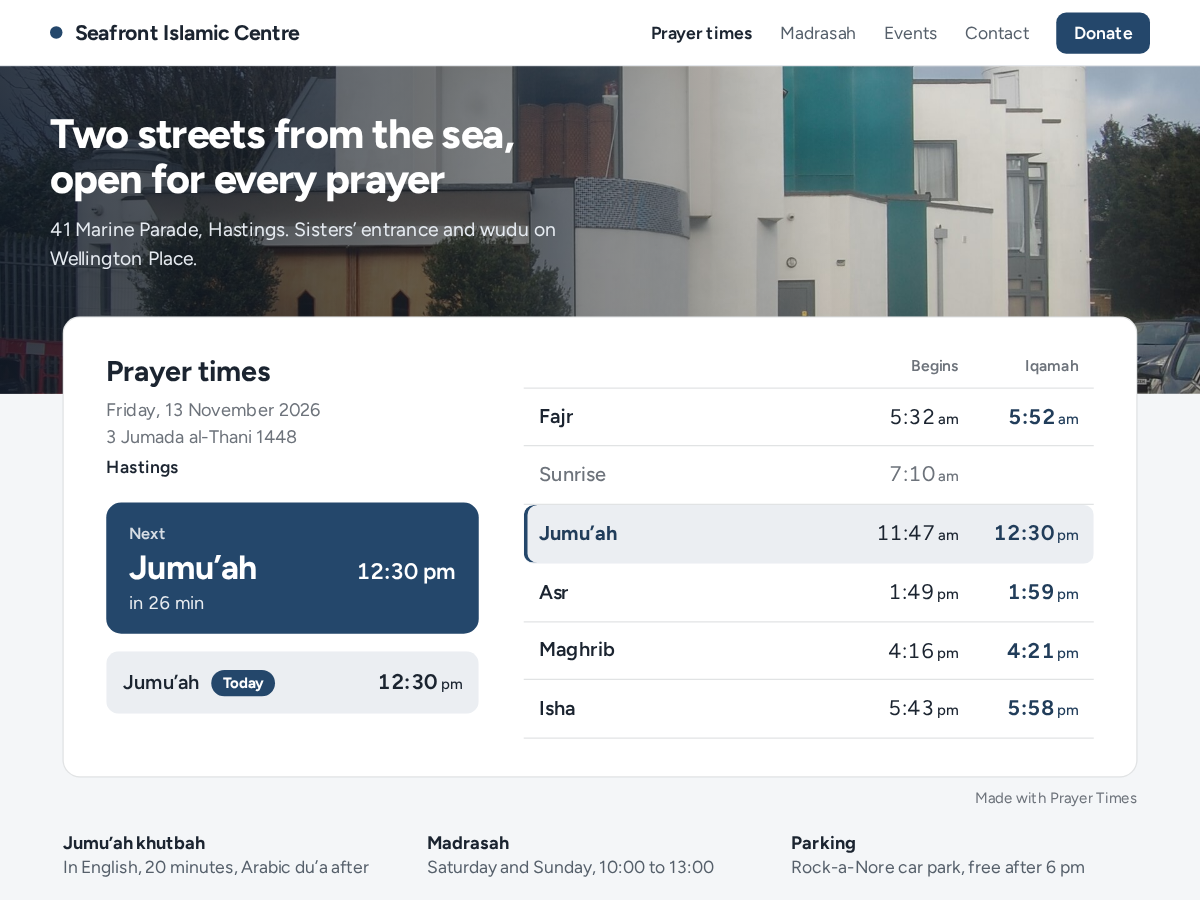
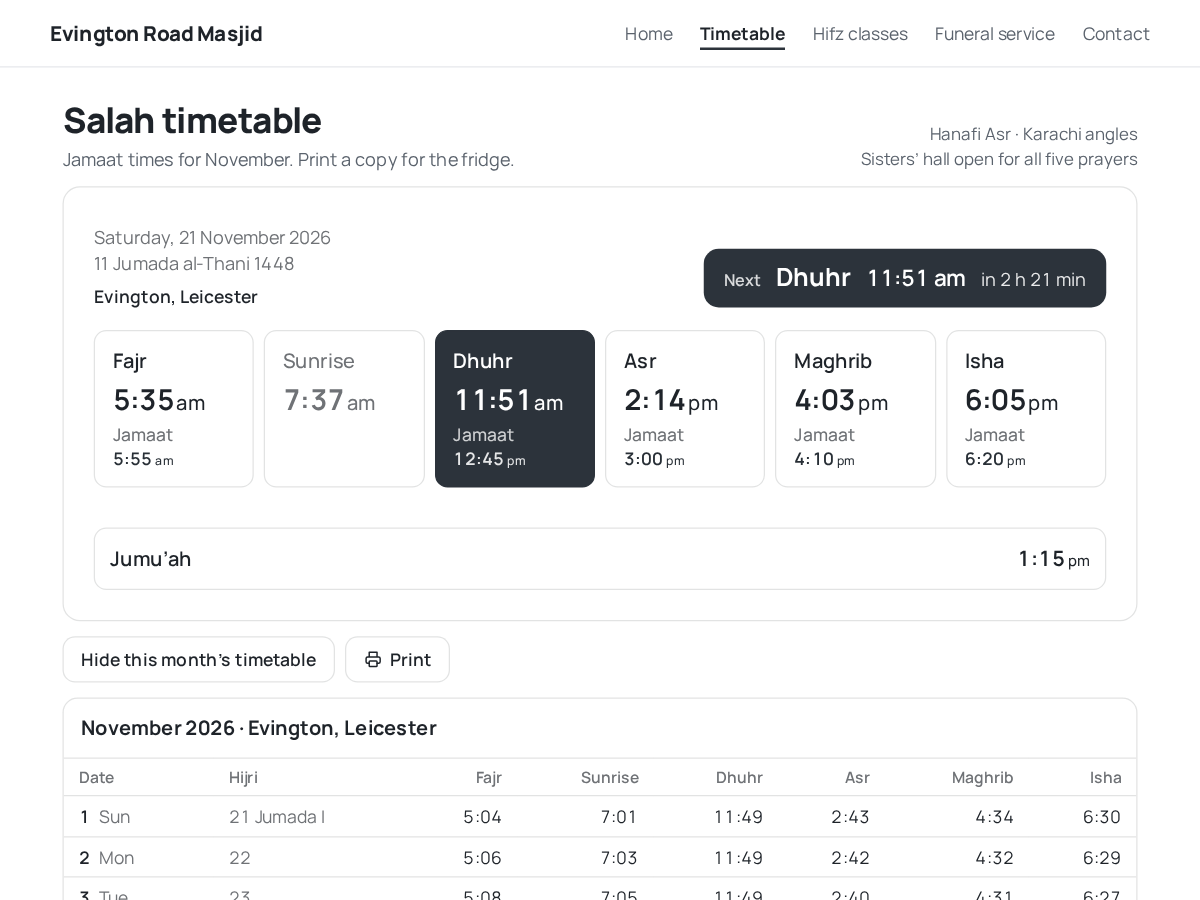
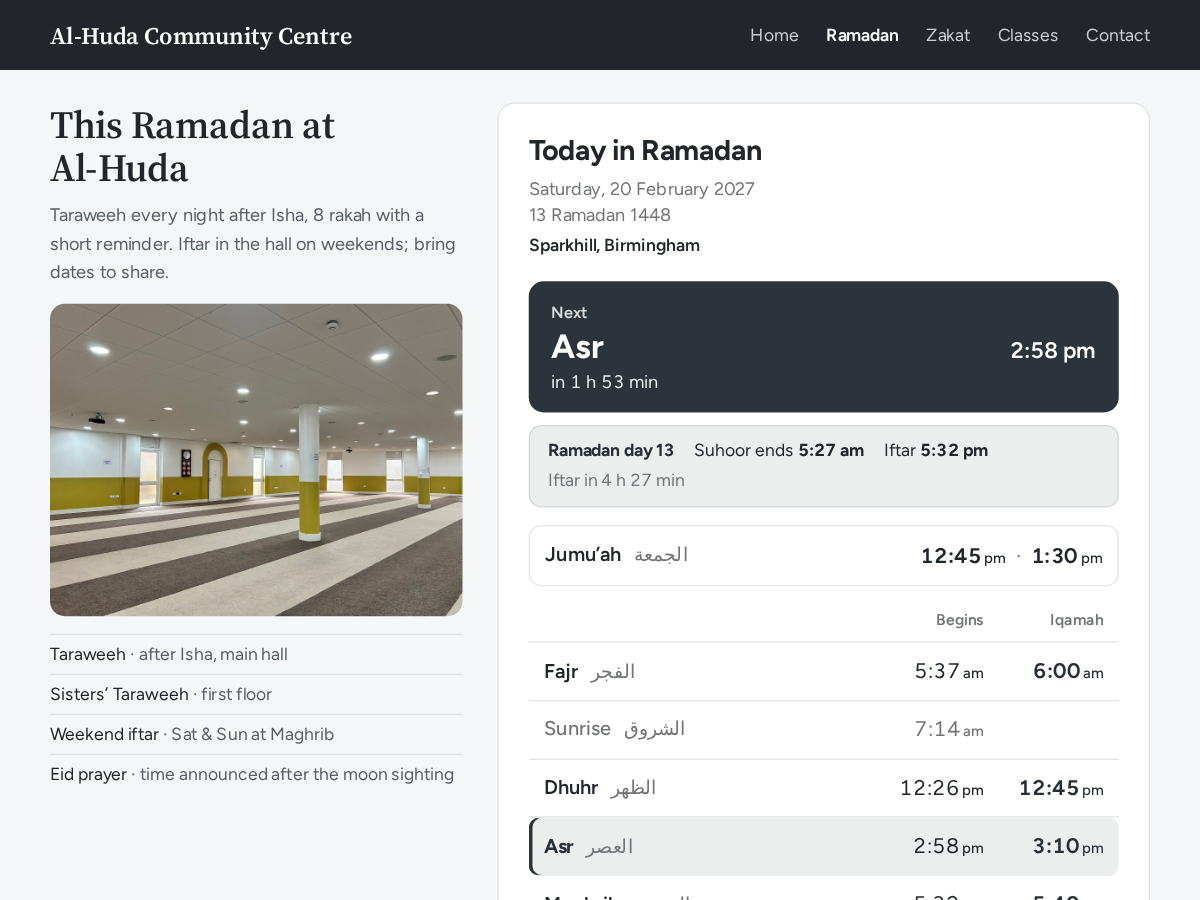
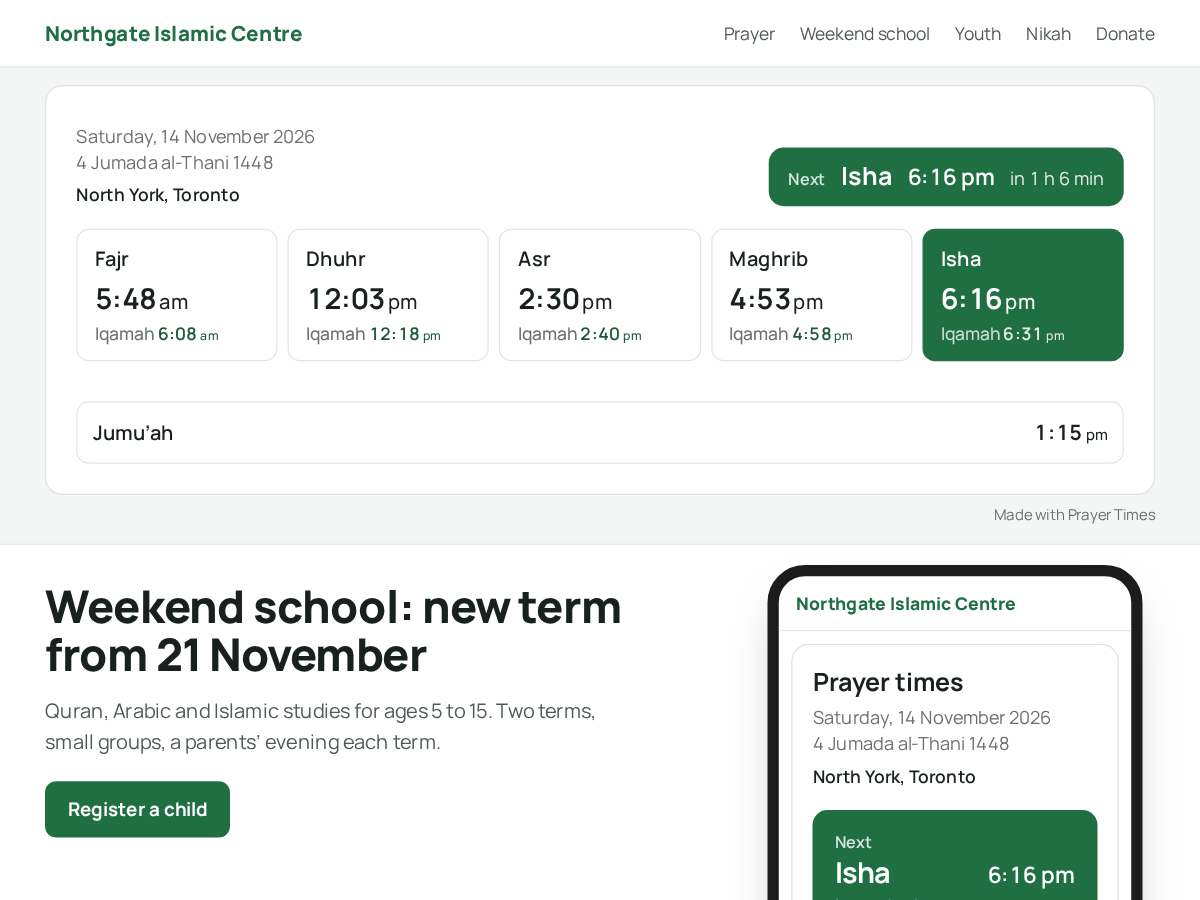
- Next prayer with a live countdown, all day
- Calculated for your city, 12 methods, Hanafi Asr
- Iqamah as fixed times or minutes after adhan
- Jumu'ah, Hijri date and optional Arabic names
Оцінки й відгуки
Цей додаток ще не має відгуків. Залиште перший.Ціна й тарифні плани
План Basic
Безкоштовно
Today’s prayer and iqamah times
Countdown to the next prayer
One Jumu’ah time
Small credit link
План Premium
$
4
00
/міс.
Printable monthly timetable
Ramadan mode with Iftar countdown
More Jumu’ah times, iqamah by date
Remove the credit link
* Ціна вказана у USD.