

онлайн-магазин
запис на послуги
заходи
спливне вікно
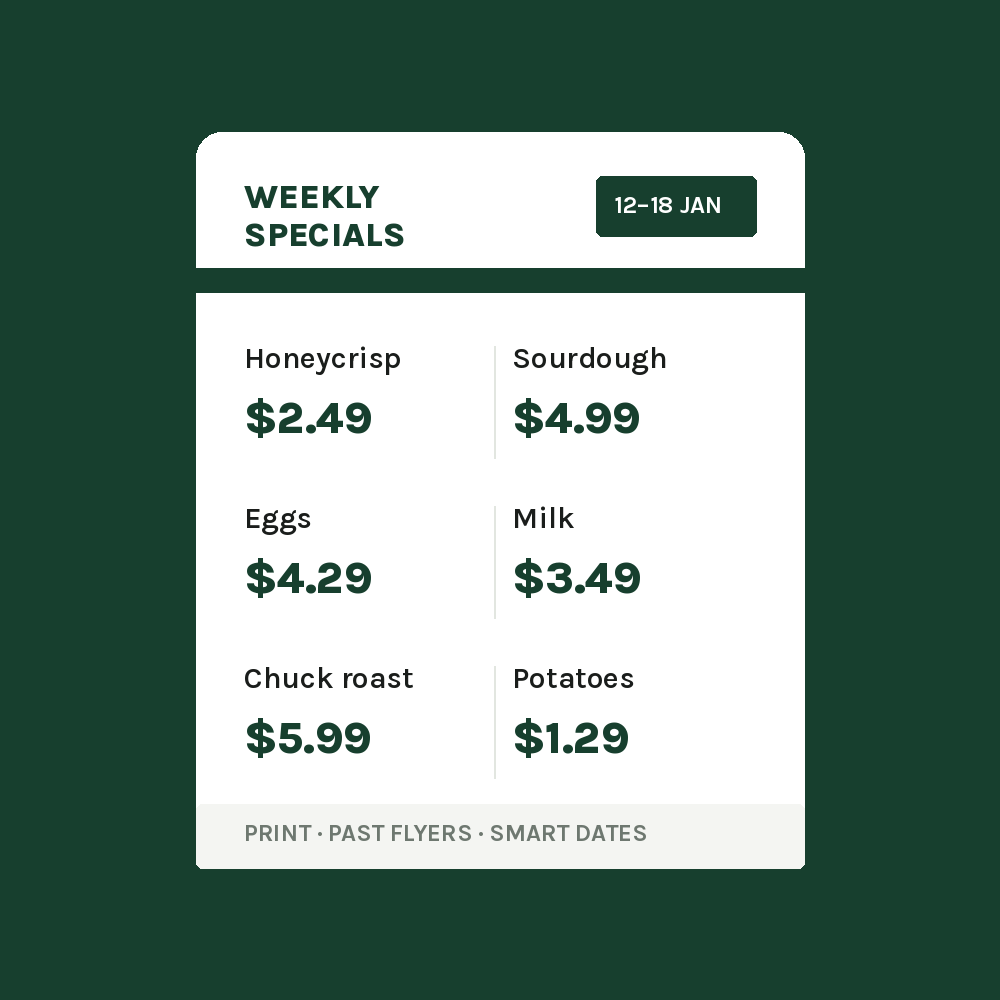
Flyer: Weekly Ad & Specials
Від
A weekly flyer that starts and ends by itself
Поки що немає відгуків
Має безкоштовний план

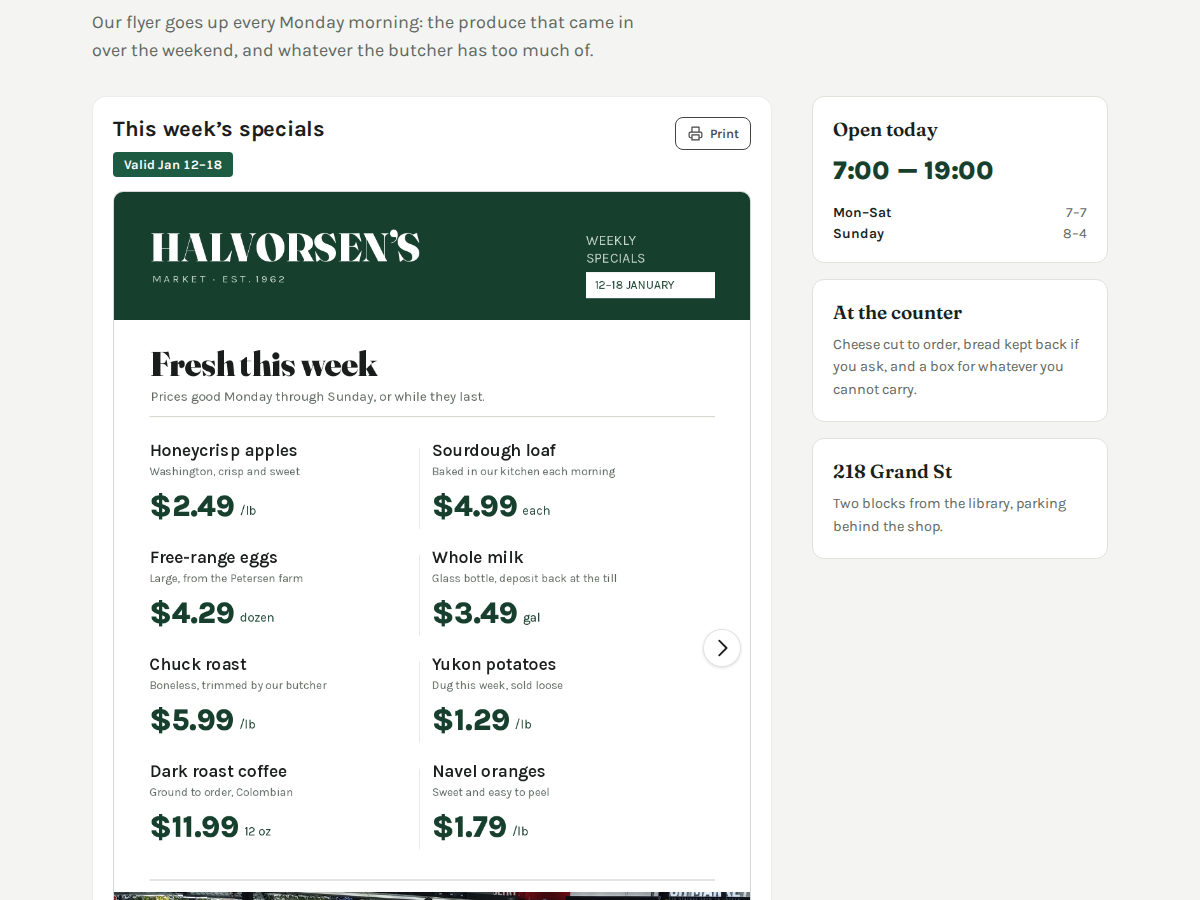
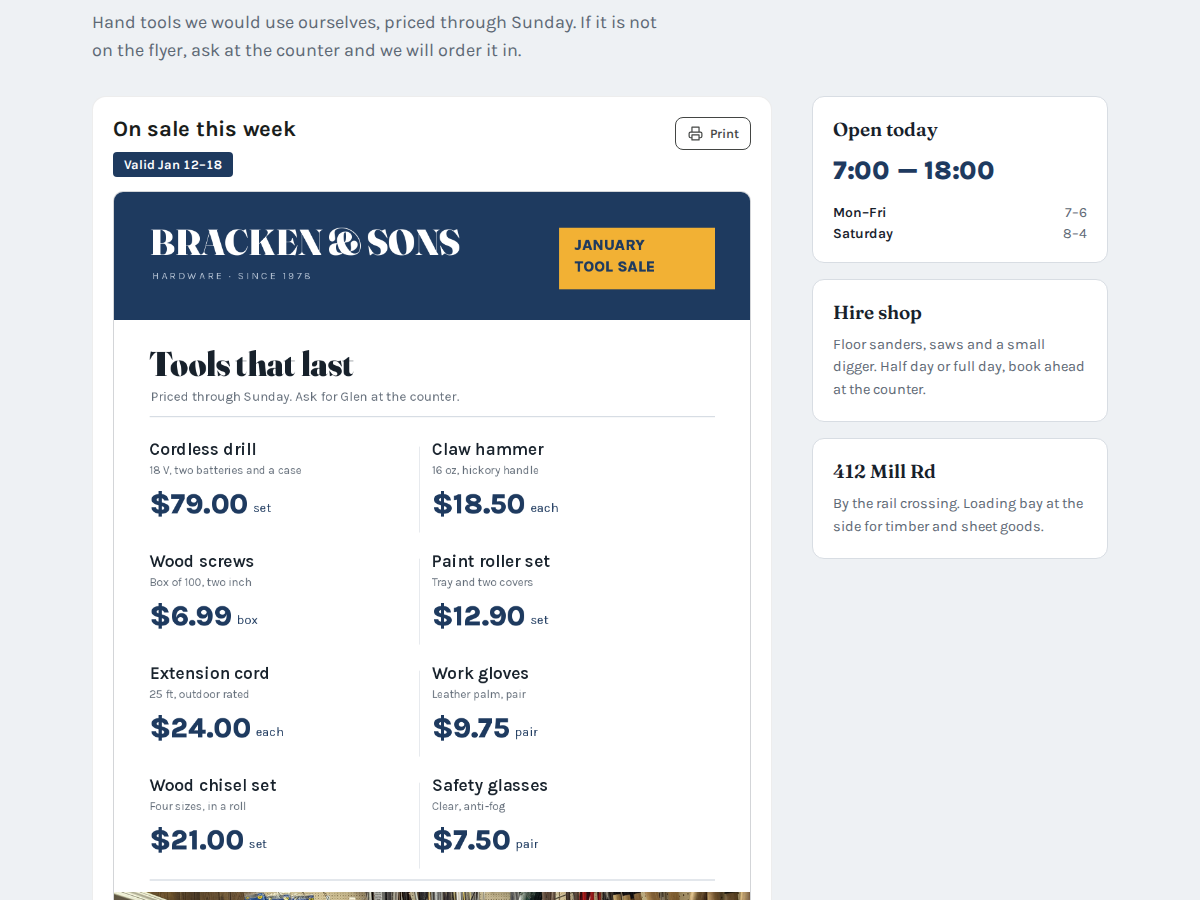
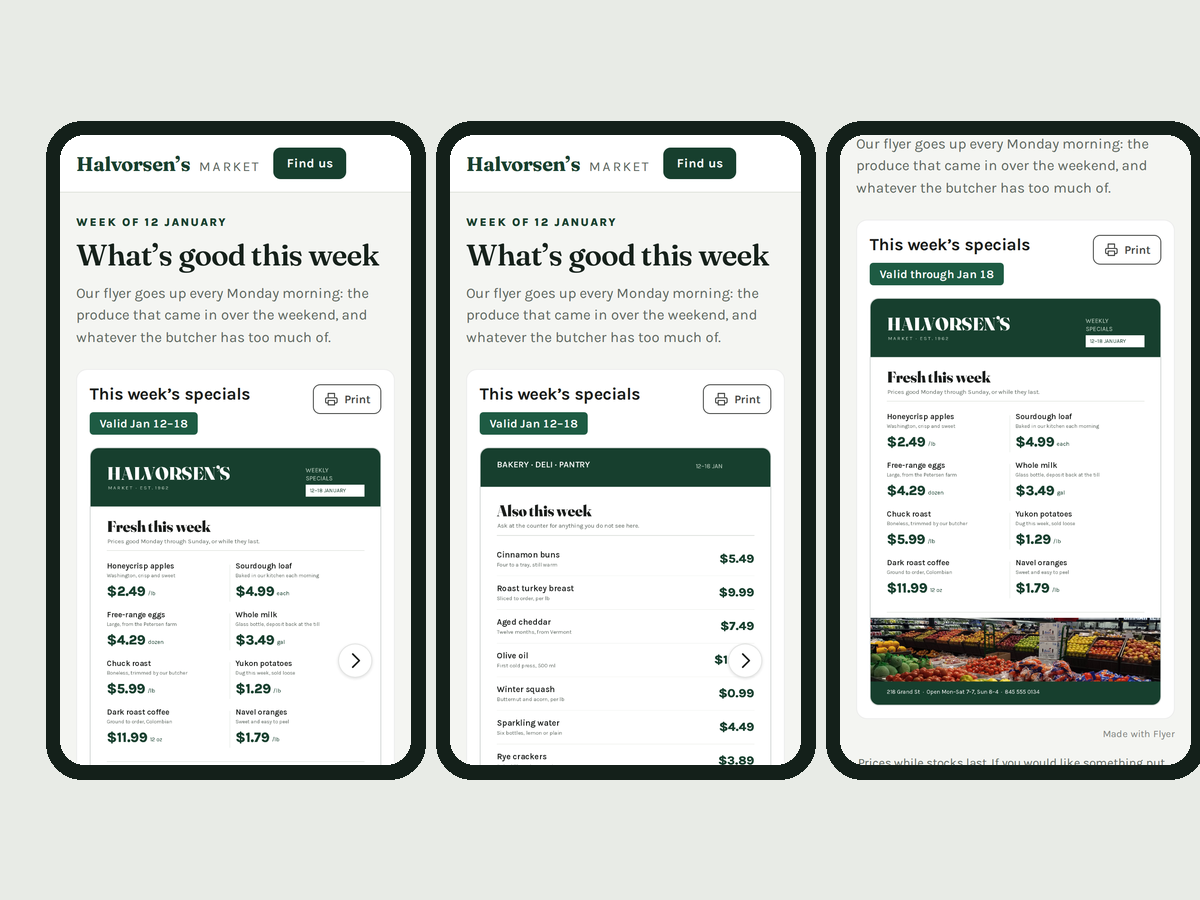
Огляд додатка «Flyer: Weekly Ad & Specials»
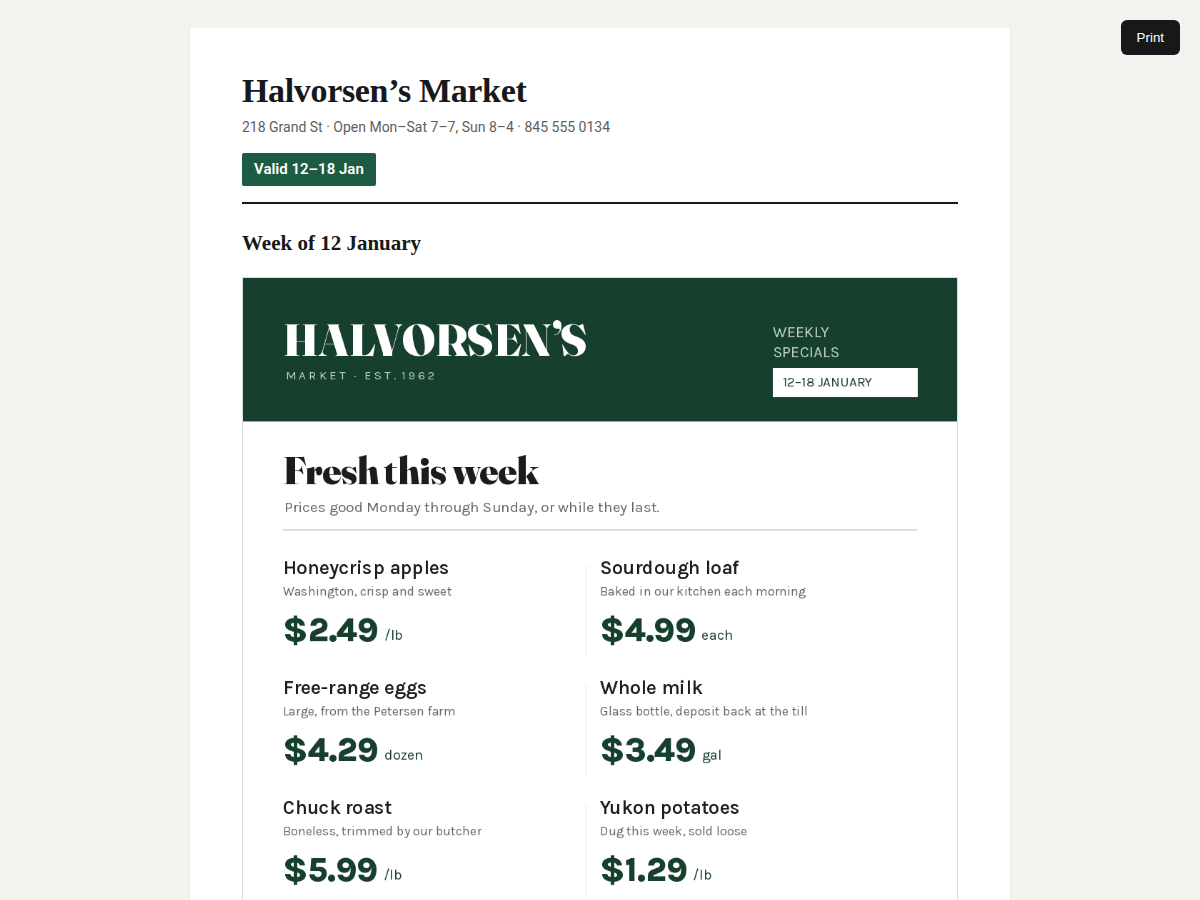
- Your flyer image, page by page, swipeable
- "Valid 12–18 Jan" under it, filled in for you
- Prices from this week's ad in a tidy list
- Print view for the fridge or the shop window
Оцінки й відгуки
Цей додаток ще не має відгуків. Залиште перший.Ціна й тарифні плани
План Basic
Безкоштовно
One flyer, one page image
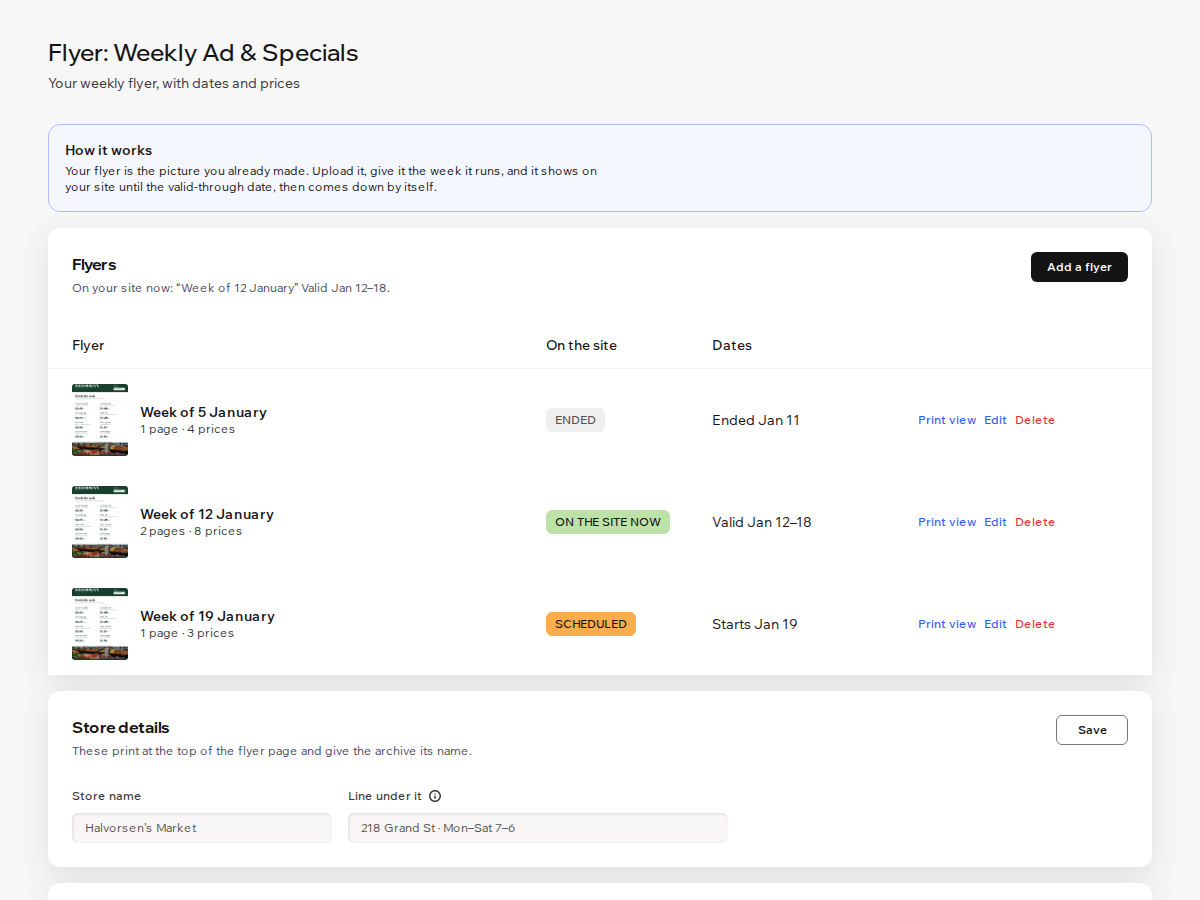
Valid-through date, then it comes down
Store name on the print view
Small credit link under the flyer
План Premium
$
1
60
/міс.
$320
Up to 6 pages per flyer
Item list with prices and notes
Start date and an archive of past flye
No credit link
* Ціна вказана у USD.