

онлайн-магазин
запис на послуги
заходи
спливне вікно

Event Add-ons: Ticket Extras
Від
Sell meals, parking and merch with tickets
Поки що немає відгуків
Має безкоштовний план

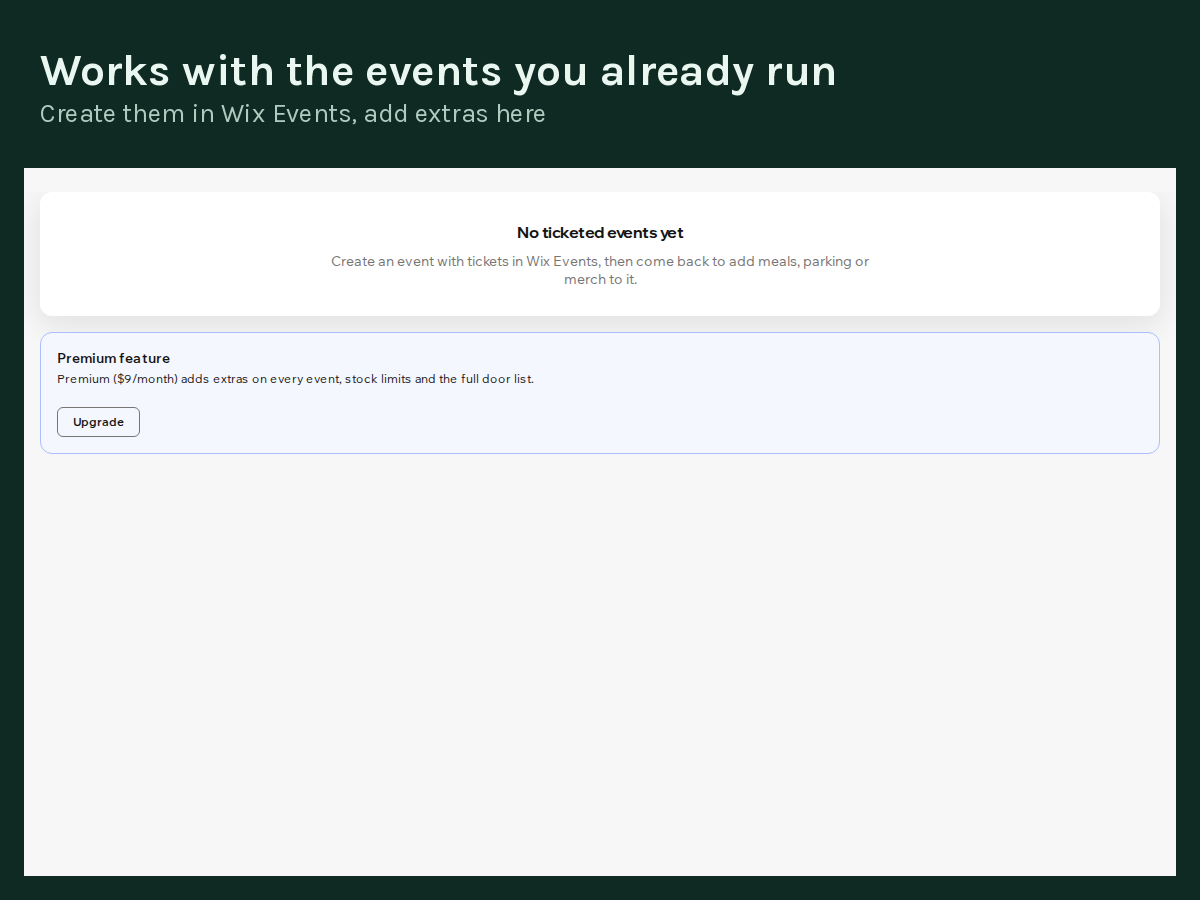
Огляд додатка «Event Add-ons: Ticket Extras»
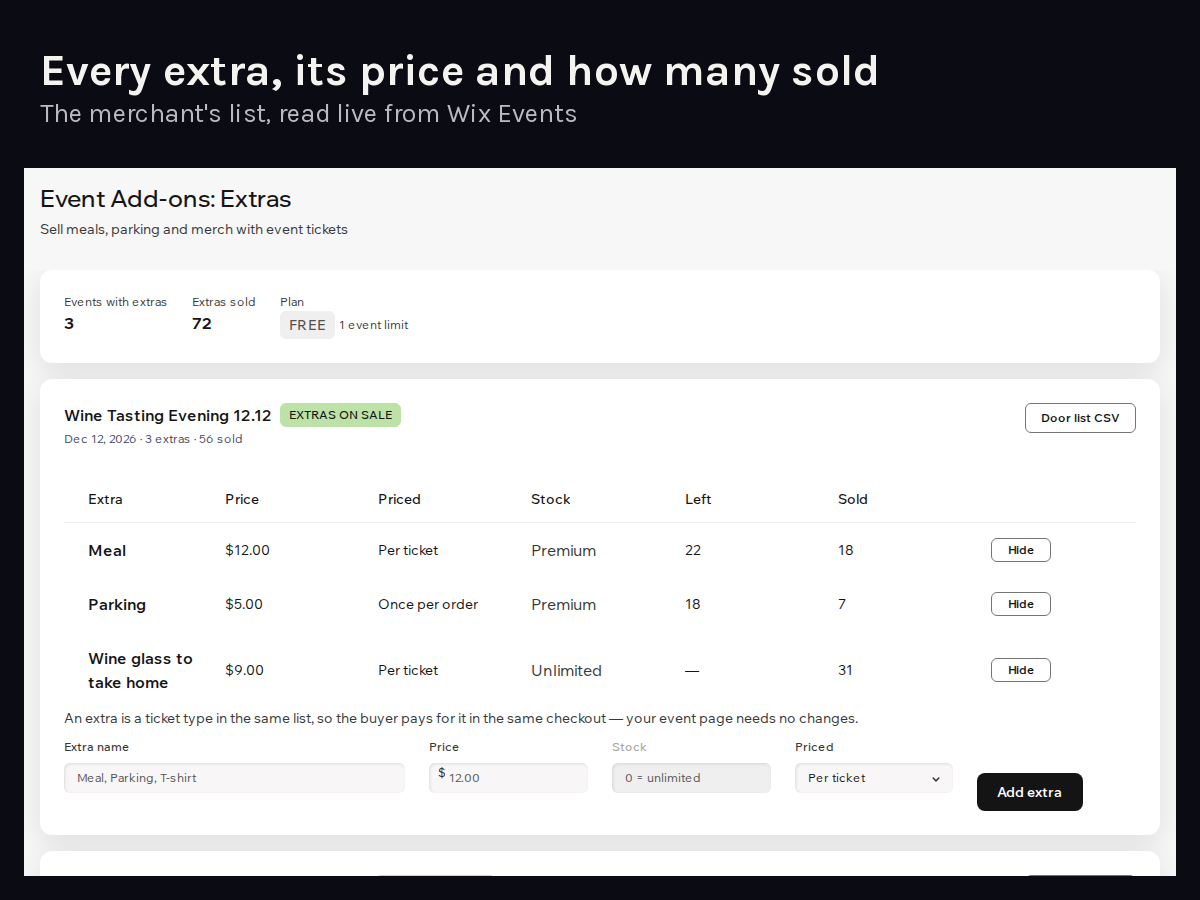
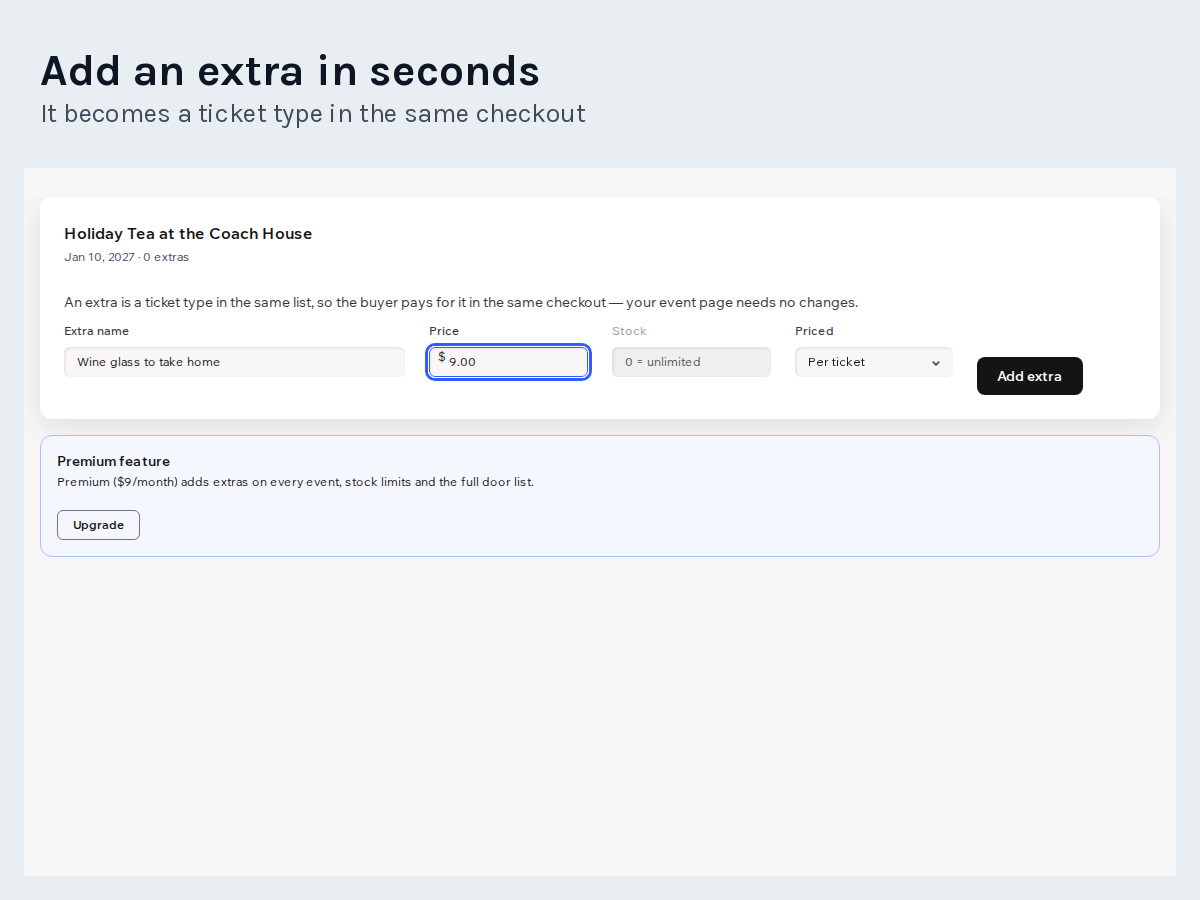
- Add paid extras to the ticket list
- Price each extra per ticket or per order
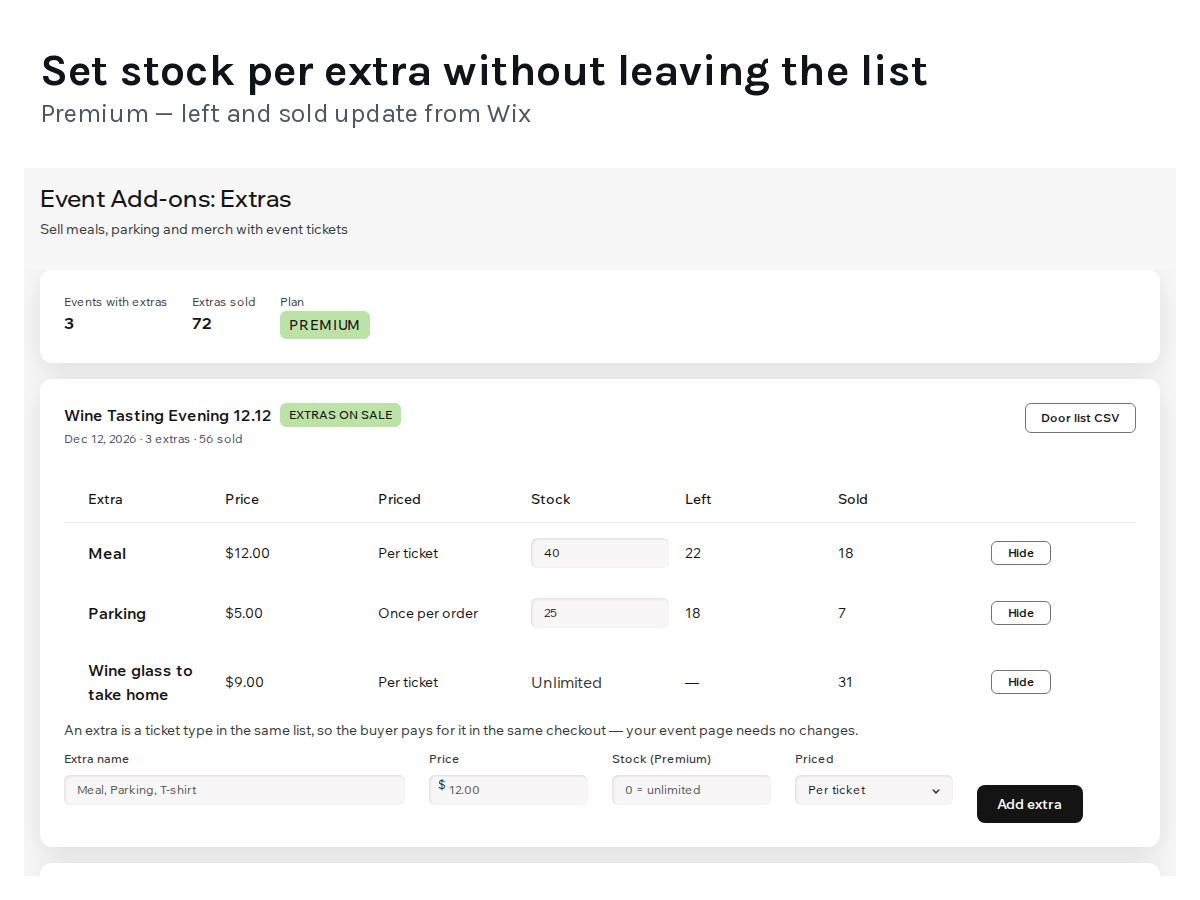
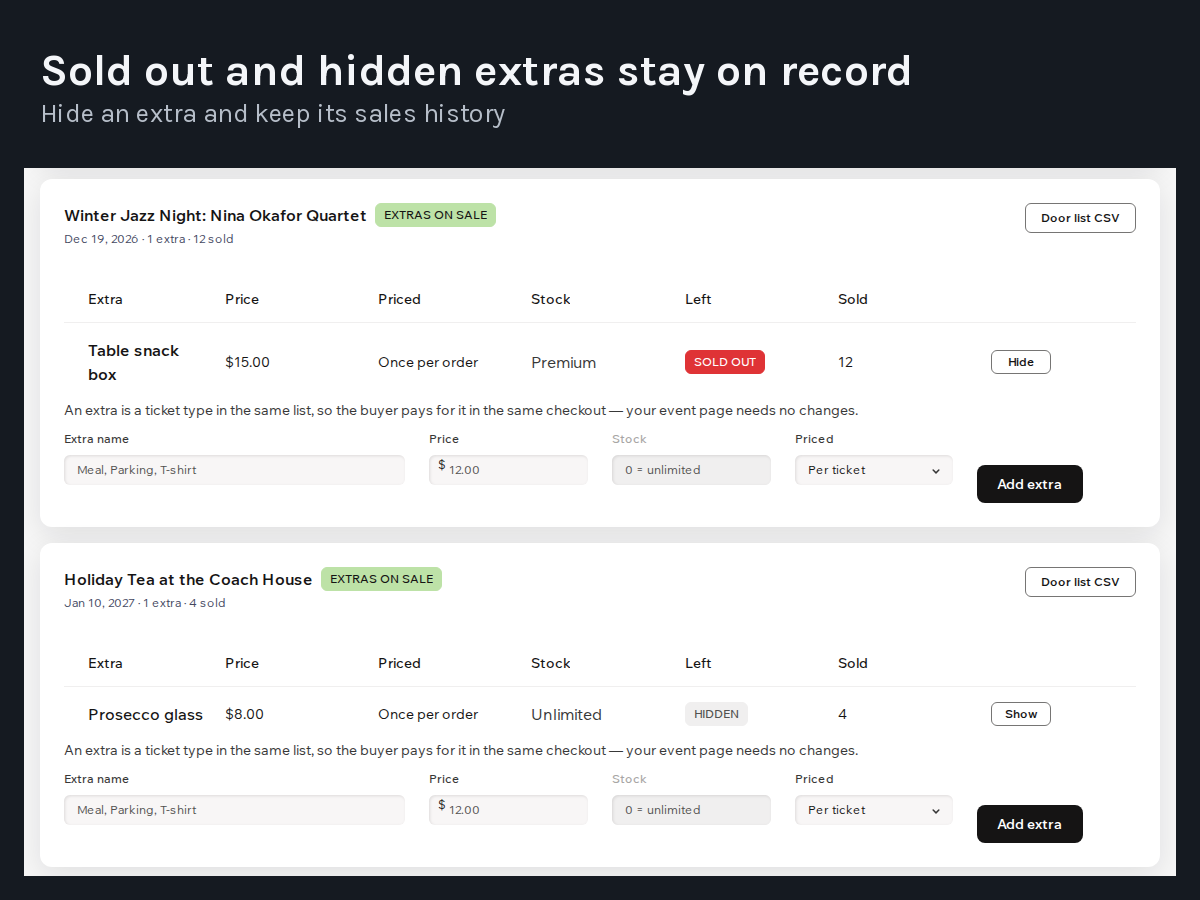
- Stock limits and sold counts per extra
- Door list CSV of who bought what
Оцінки й відгуки
Цей додаток ще не має відгуків. Залиште перший.Ціна й тарифні плани
План Free
Безкоштовно
Extras on 1 event
Meals, parking or merch as ticket types
Door list preview of 25 buyers
План Premium
$
3
75
/міс.
$750
Extras on every event
Stock limits per extra
Full door list of every buyer
* Ціна вказана у USD.