

онлайн-магазин
запис на послуги
заходи
спливне вікно

Підтверджено у Wix
Super PDF Viewer
Від
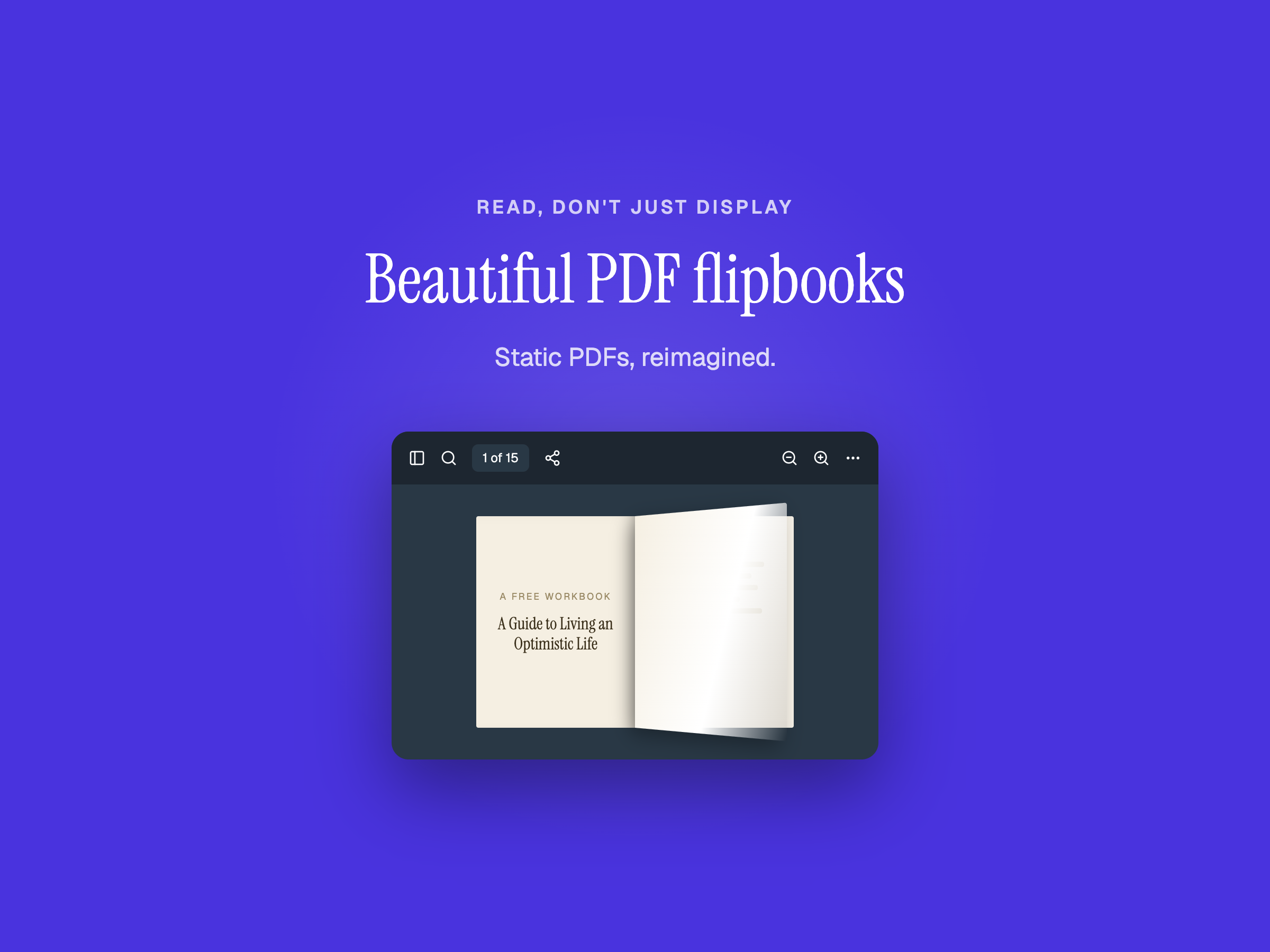
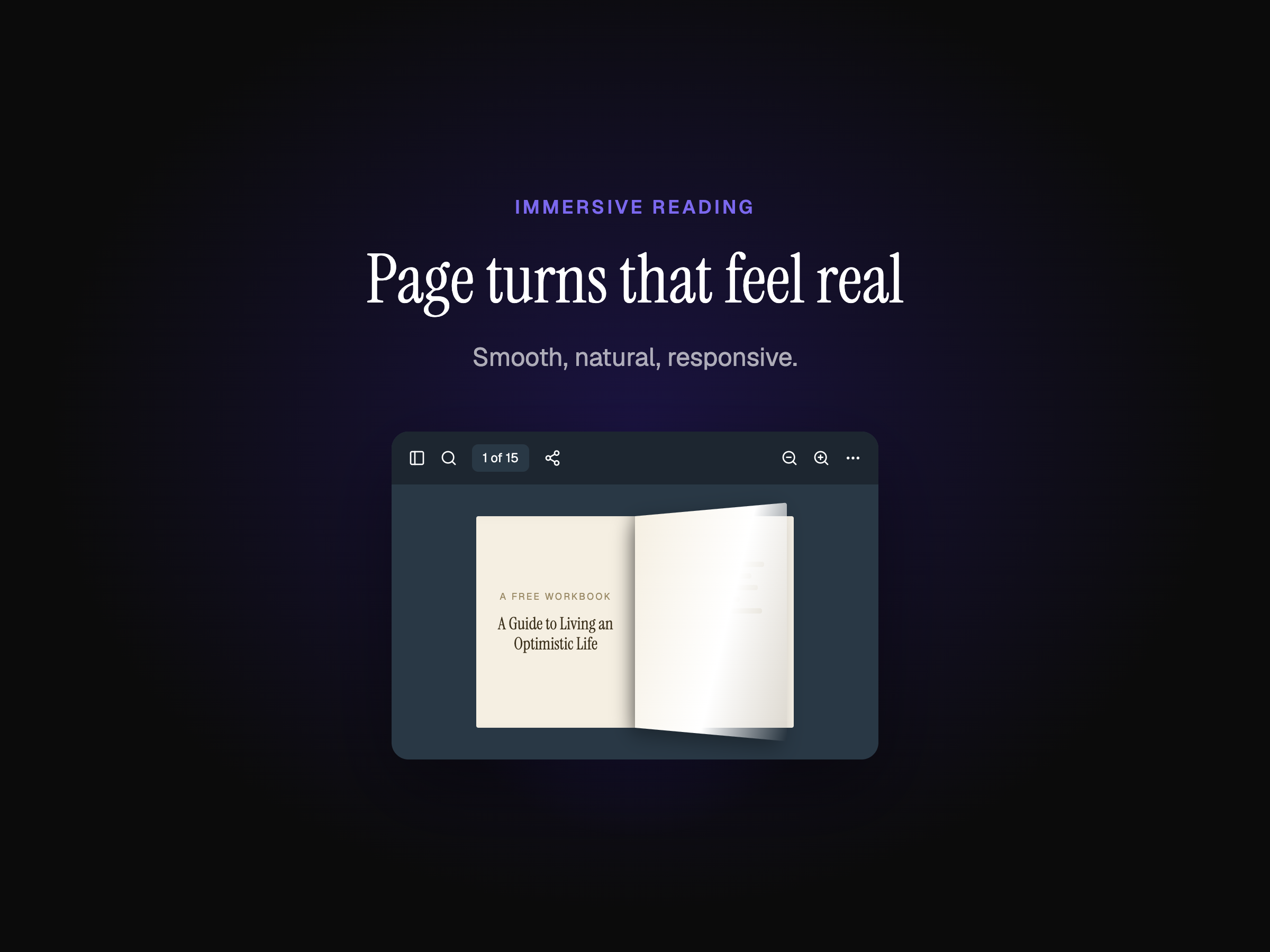
Display PDFs as a beautiful flipbook
1.0
Безкоштовно

Огляд додатка «Super PDF Viewer»
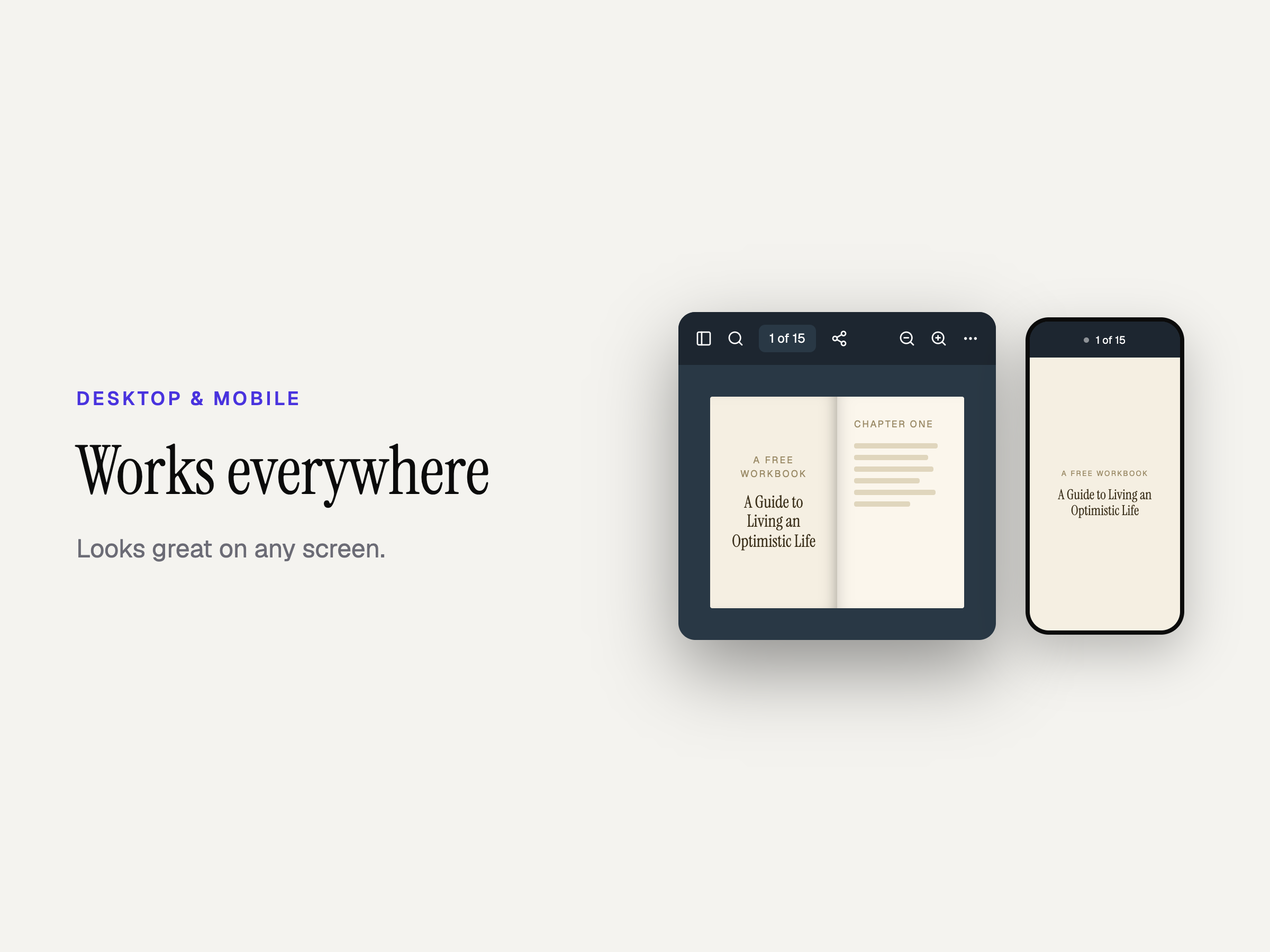
- Flipbook PDF viewer — Turn any PDF into an interactive flipbook with smooth page turns, zoom, and fullscreen
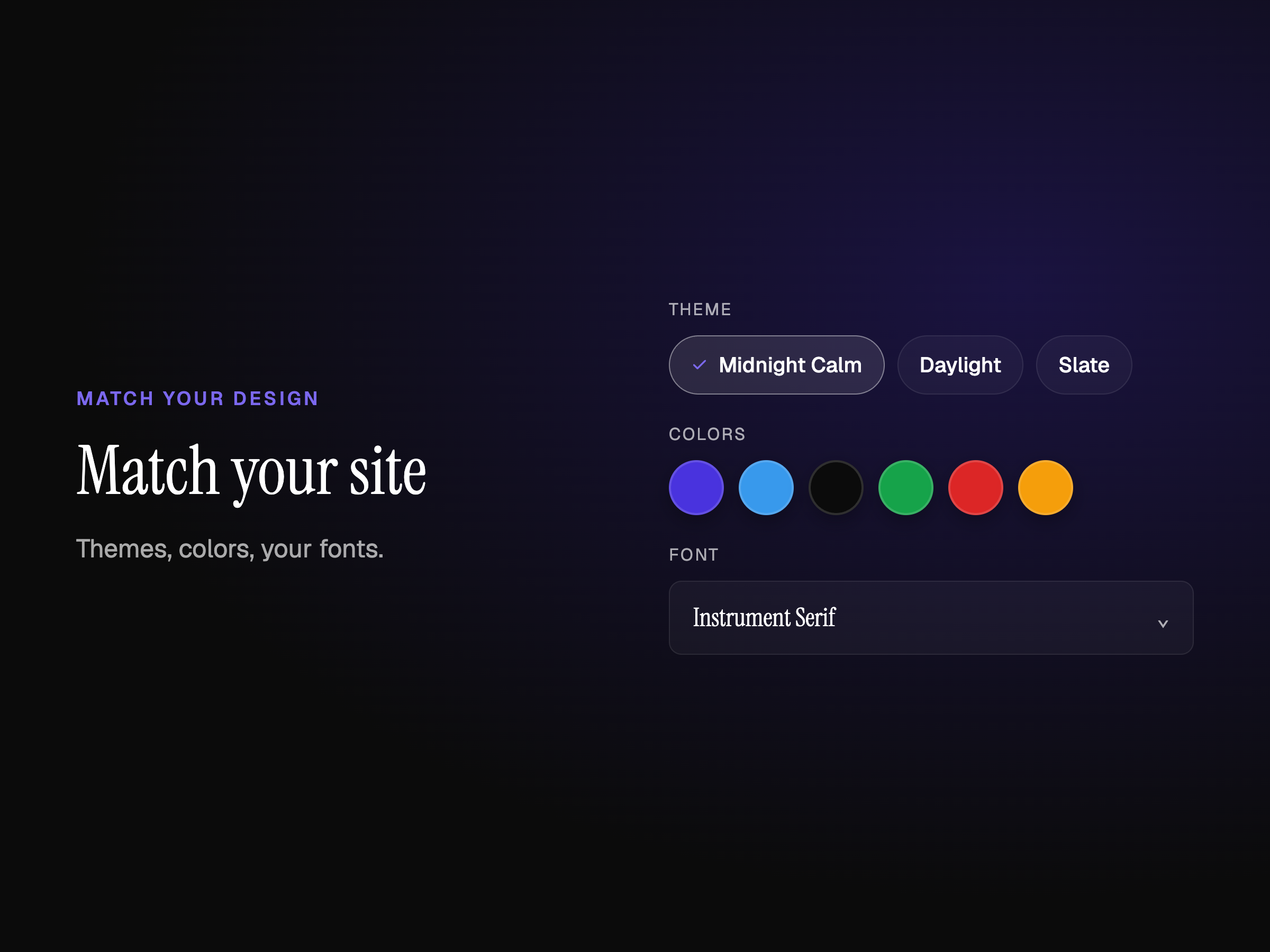
- Match your site design — Choose from built-in themes, custom colors, toolbar styles, and your site’s fonts
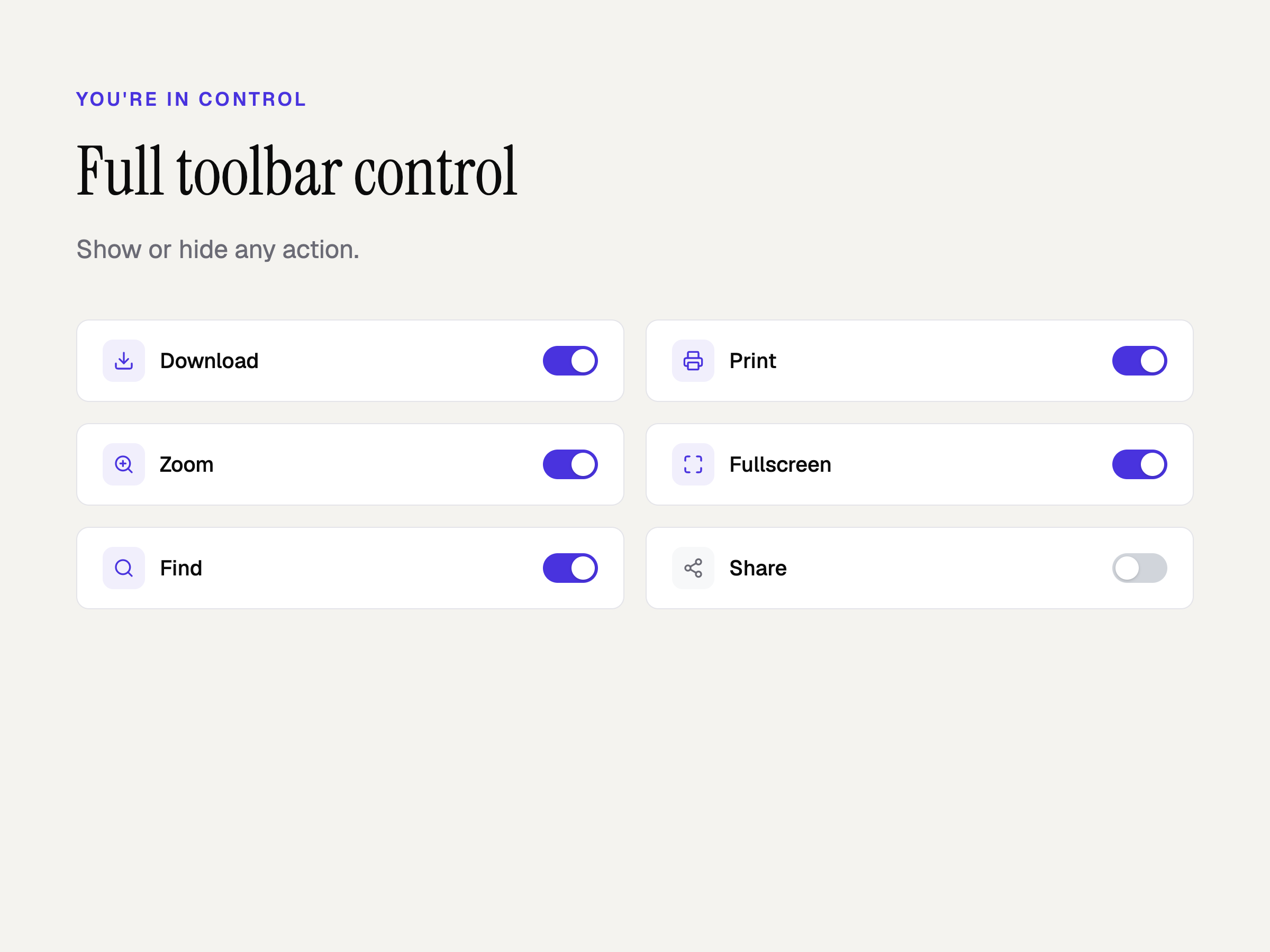
- Full toolbar control — Show or hide download, print, search, page navigation, scroll modes, and more
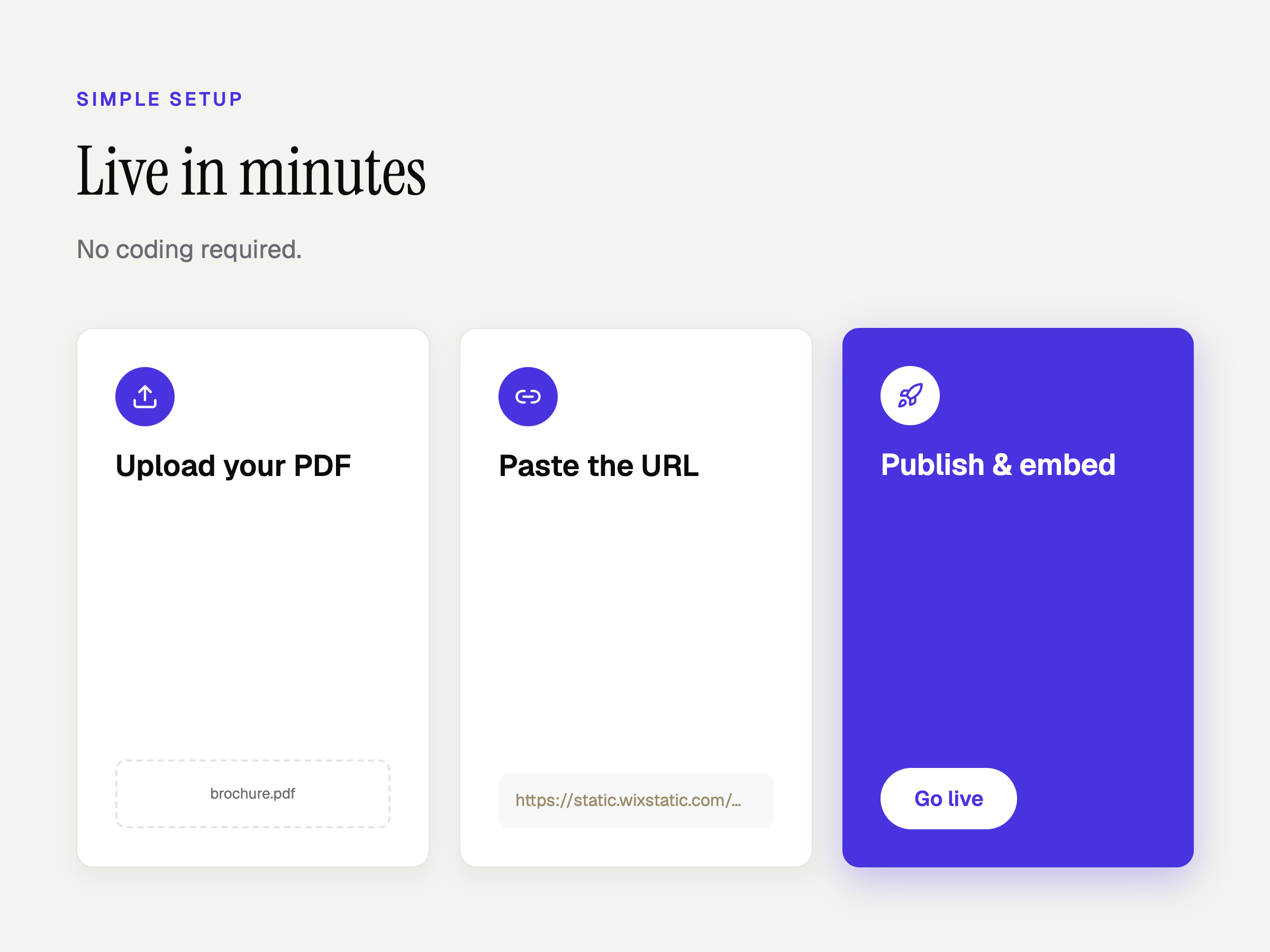
- Simple setup — Upload a PDF to the Media Manager, paste the URL, and publish. No coding required
Середня оцінка: 1.0
1 відгук
5
0
4
0
3
0
2
0
1
1
PJ
Pjvanren/ Sep 7, 2026
No text visible in dropdown menuHi there, please note that there is a bug in your app. There is no text in the dropdown menu which opens if you click on the ... icon at the top right....
(1)
Дякуємо за відгук