

онлайн-магазин
запис на послуги
заходи
спливне вікно
ZenTables
Від
Live data tables from Sheets, Airtable & Notion
Поки що немає відгуків
Безкоштовно

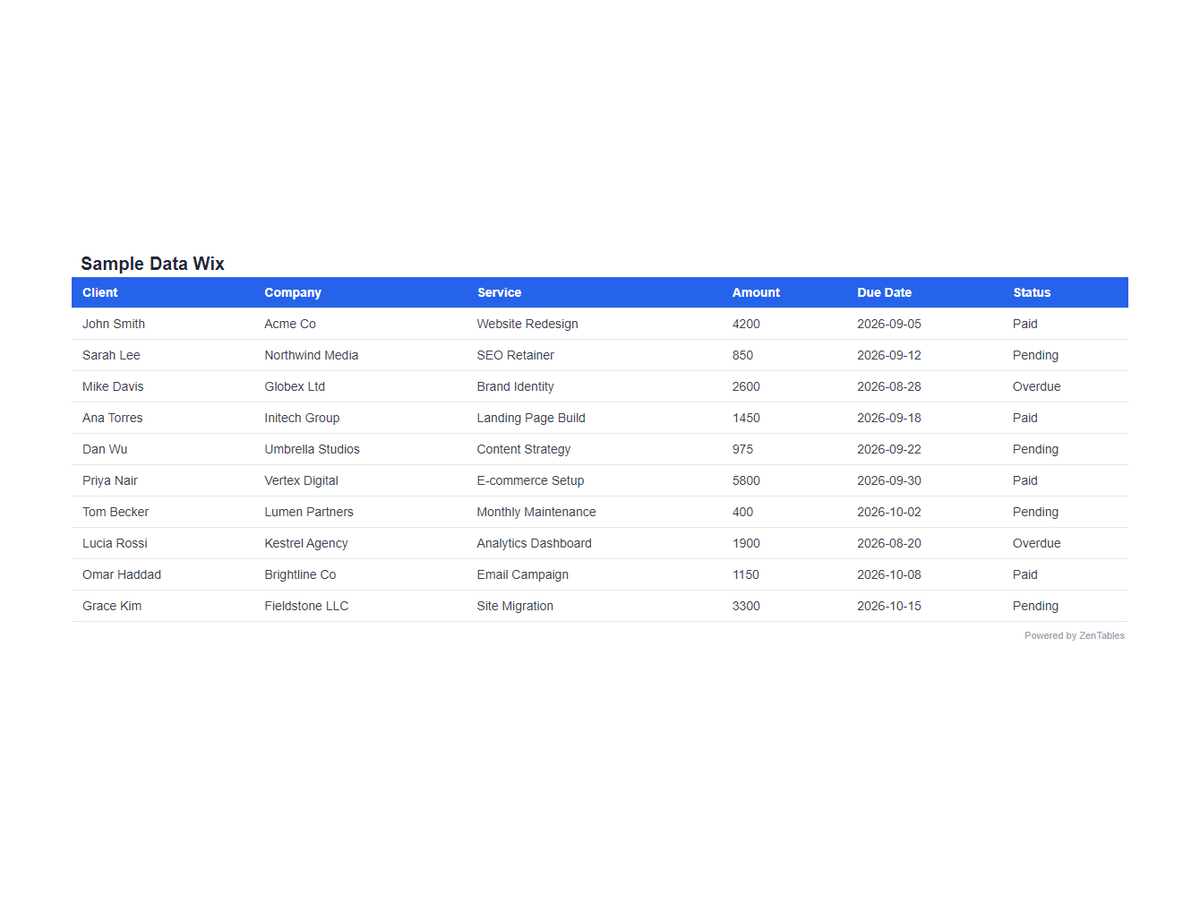
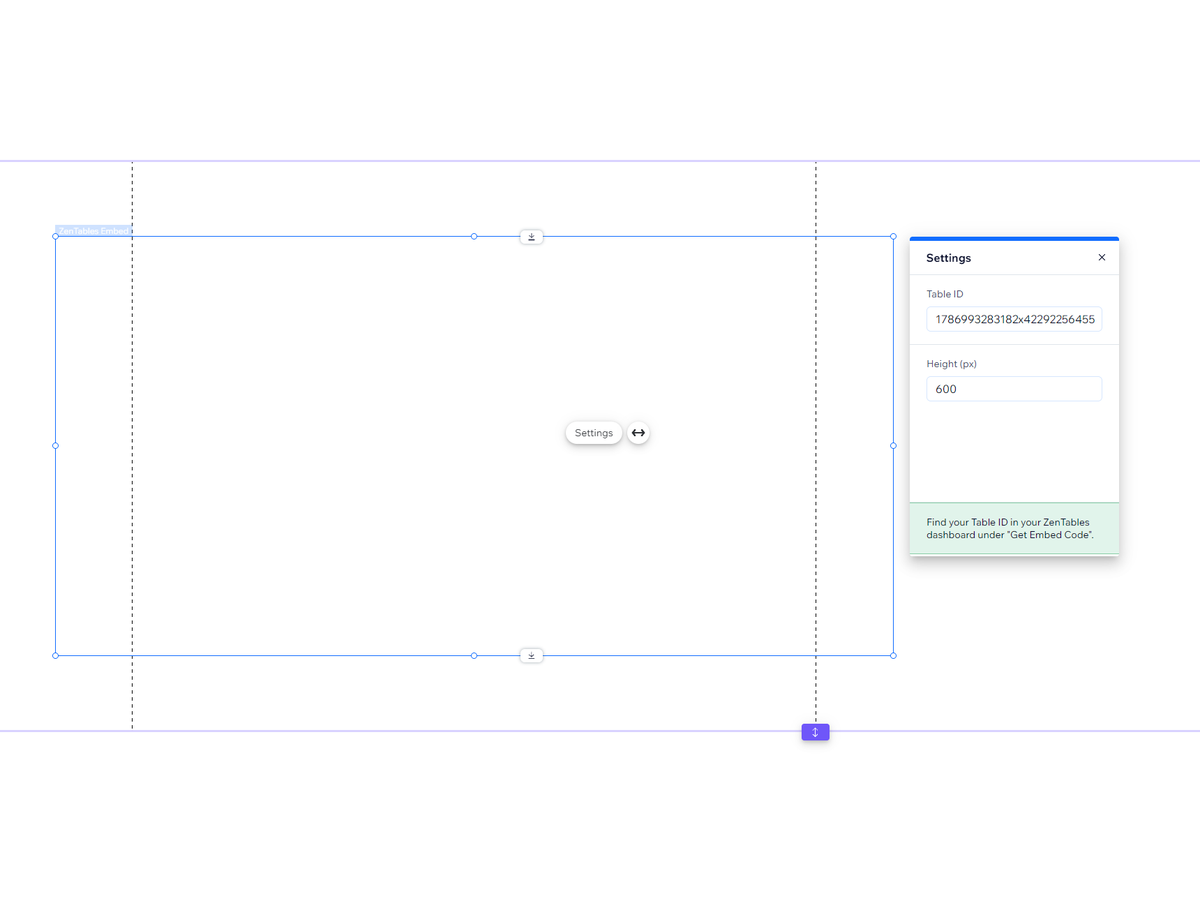
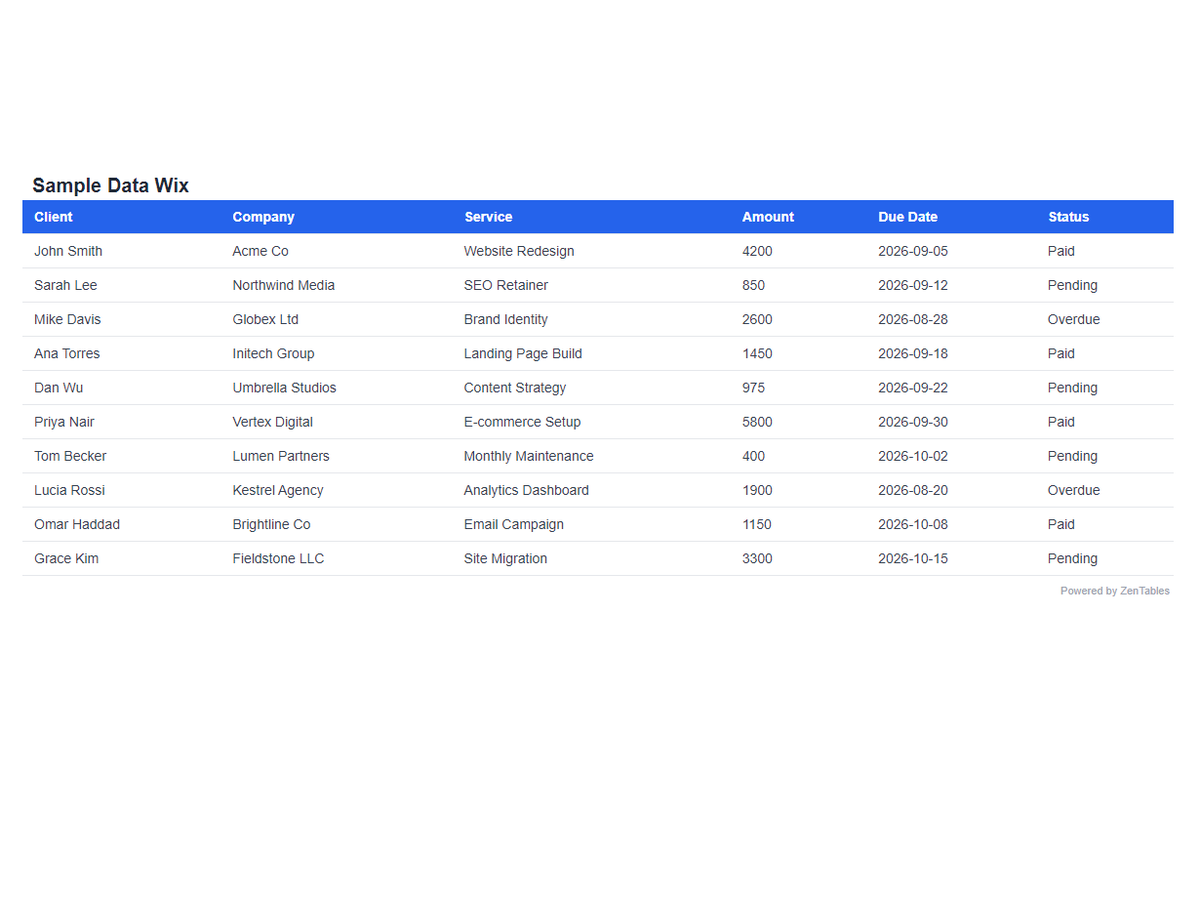
Огляд додатка «ZenTables»
- Embed live tables from Google Sheets, Airtable, Notion or any REST API
- Tables reflect changes made in your connected data source
- Searchable, sortable, mobile-responsive tables out of the box
- Add the widget and enter a table ID to get started
Категорії
Доступно:
Цей додаток доступний у всьому світі.Мови додатка:
Англійська
Рекомендовано
ZL
Розробник додаткаZentables LLC