

онлайн-магазин
запис на послуги
заходи
спливне вікно

Table Builder
Від
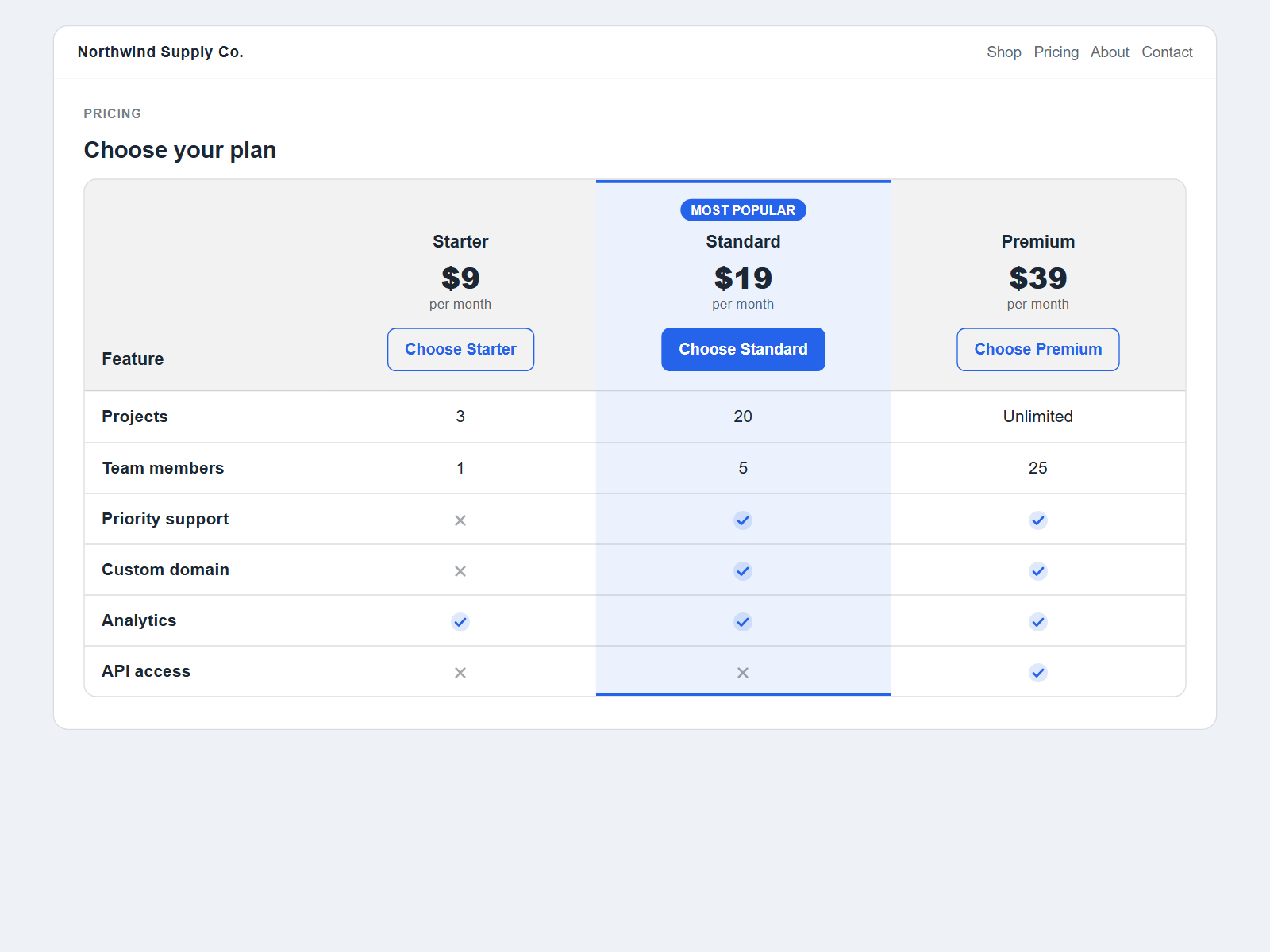
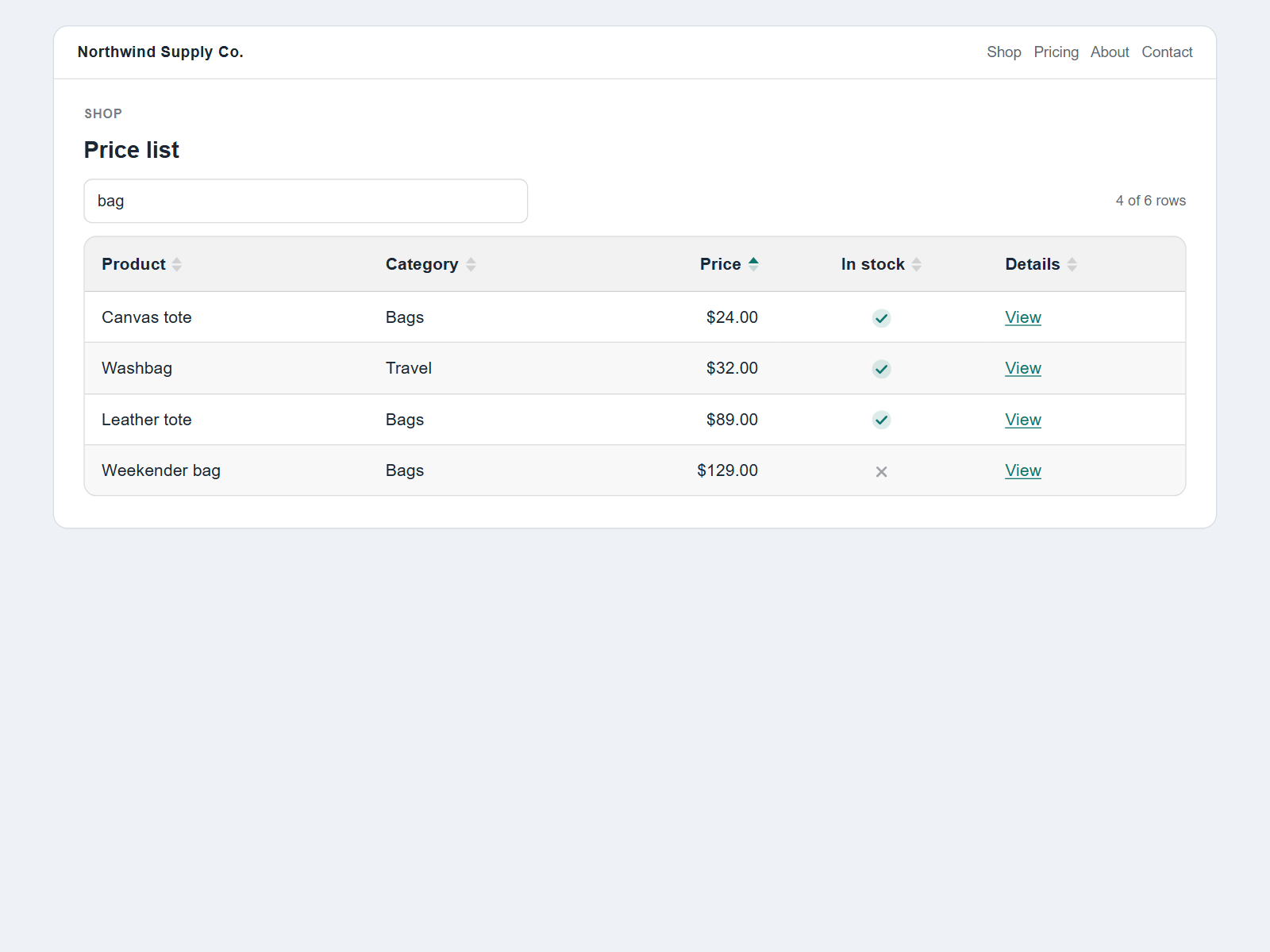
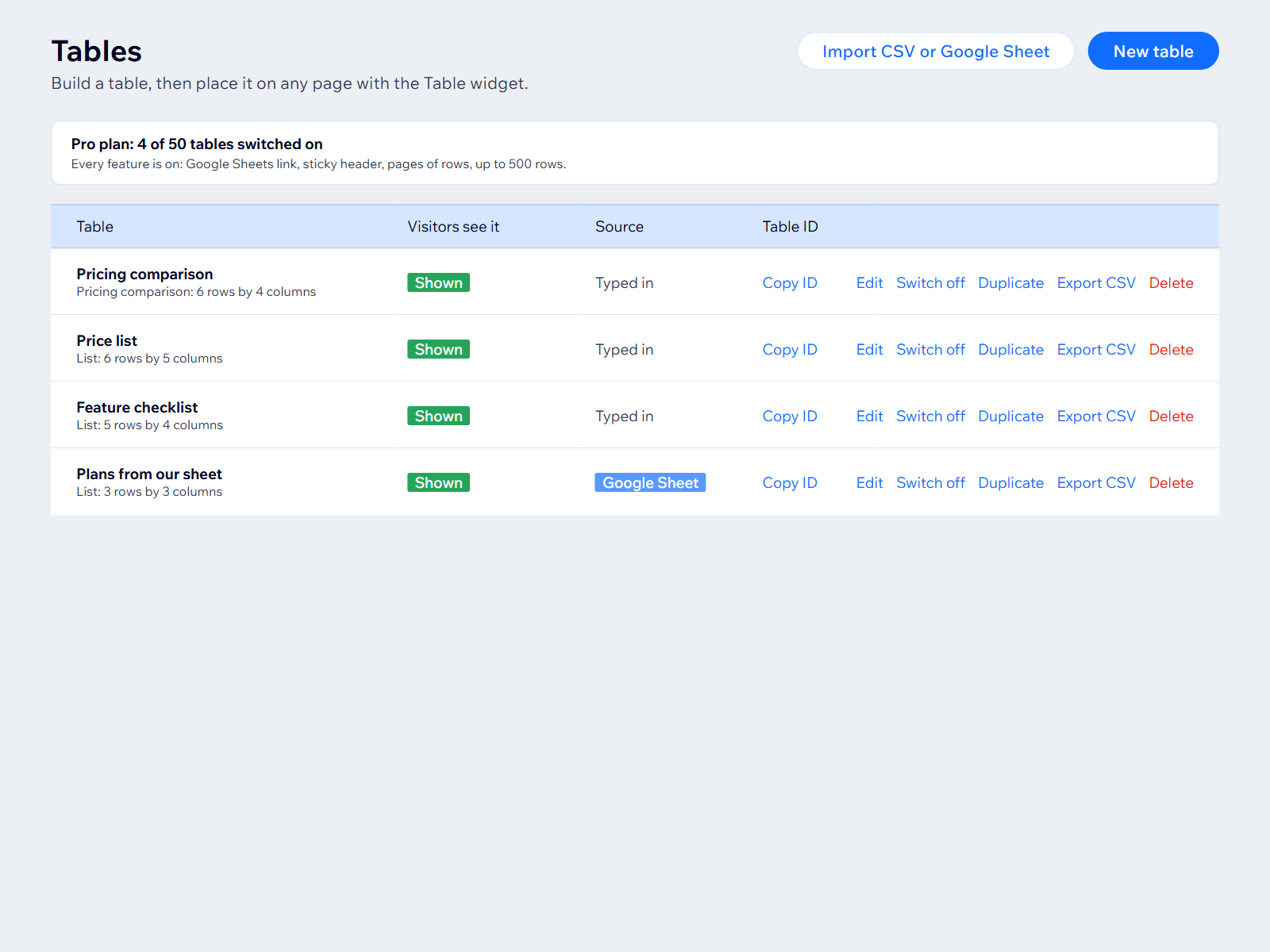
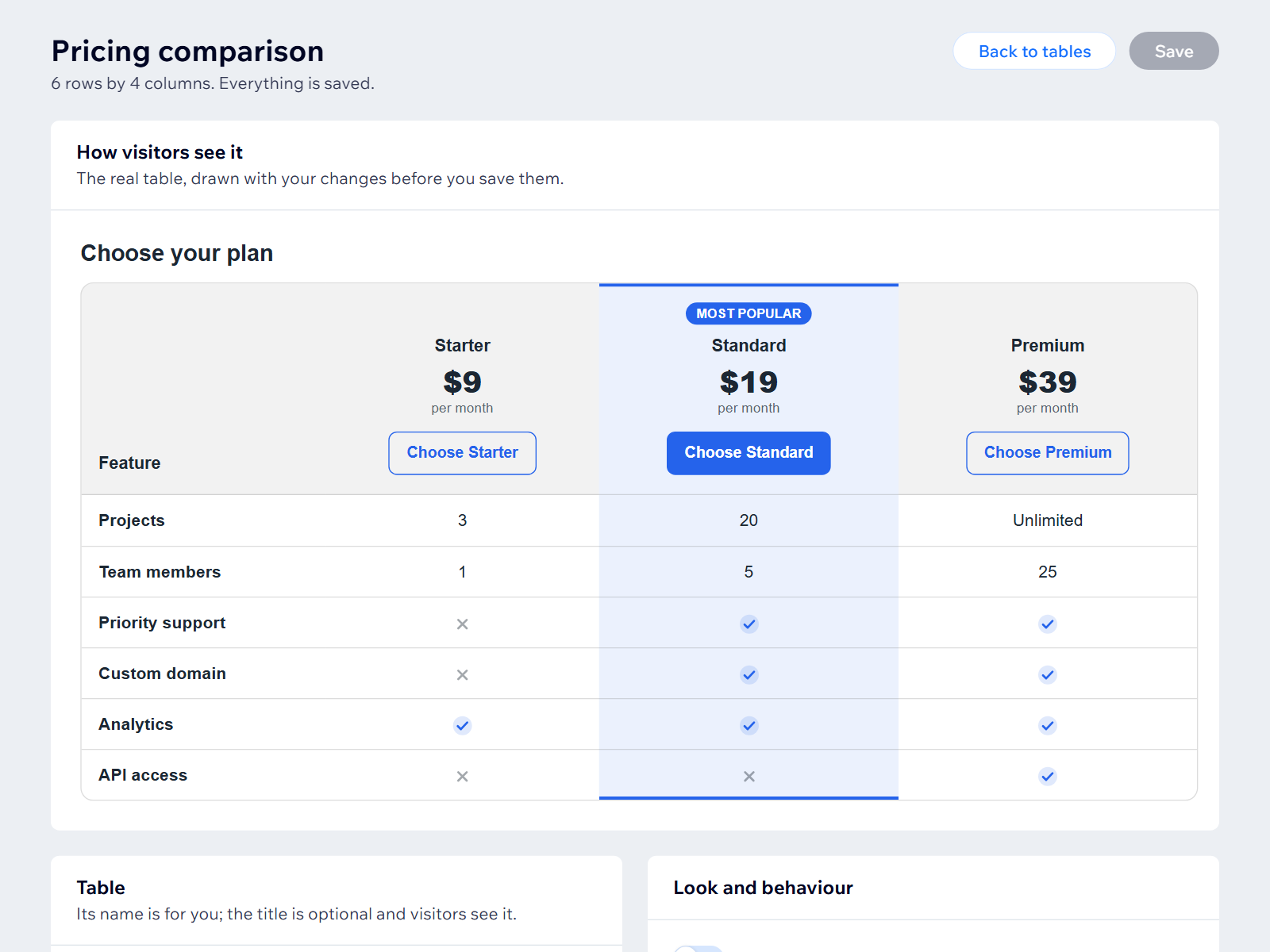
Sortable, searchable tables and pricing comparisons, built in the dashboard or from a Google Sheet.
Поки що немає відгуків
Має безкоштовний план

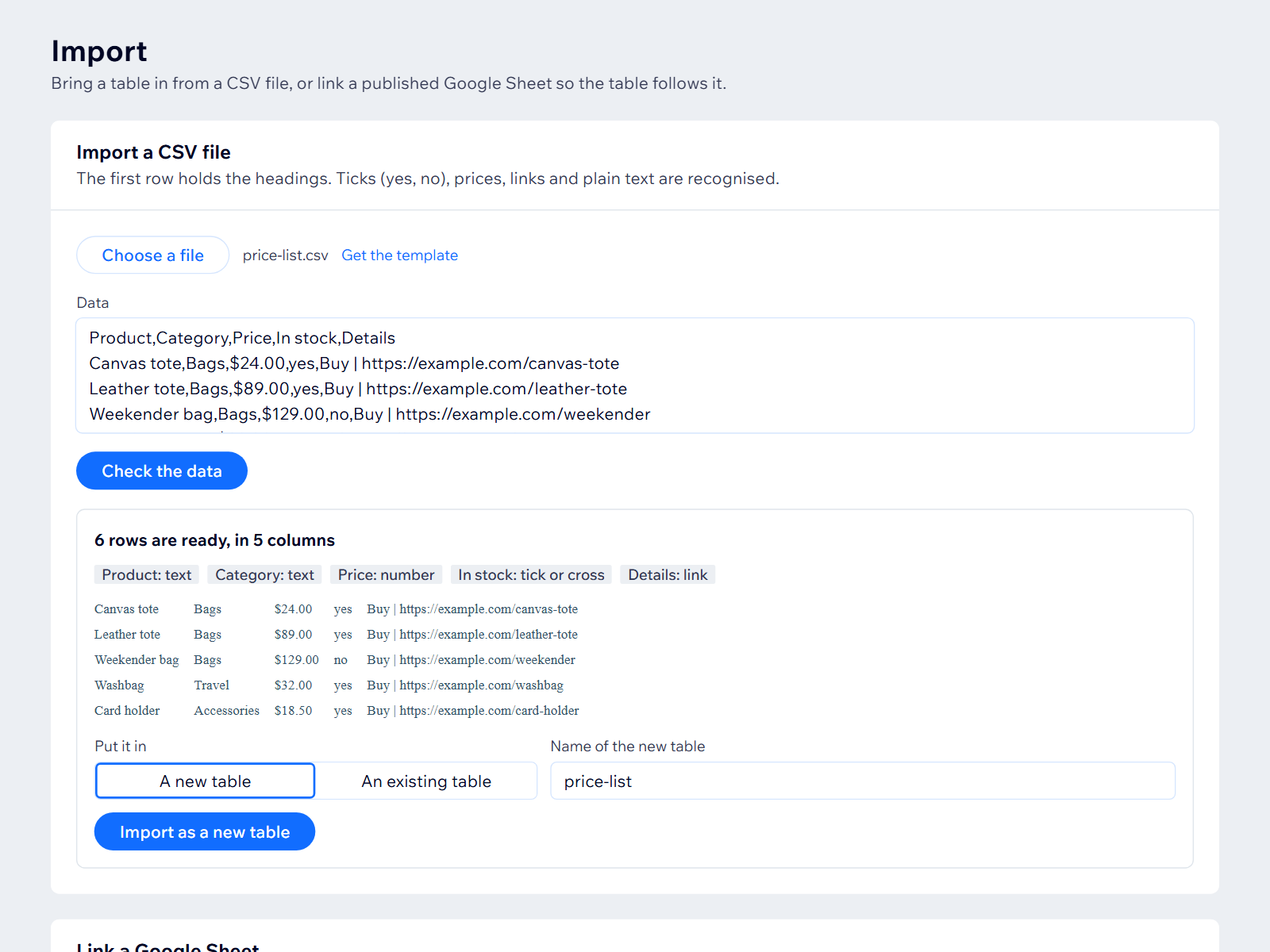
Огляд додатка «Table Builder»
- Click any heading to sort
- Pricing comparison layout
- Import a CSV or paste a sheet
- Looks right on phones
Оцінки й відгуки
Цей додаток ще не має відгуків. Залиште перший.Ціна й тарифні плани
План Free
Безкоштовно
1 table, up to 10 rows
Click-to-sort headings
Ticks, crosses and links
План Starter
$
4
99
/міс.
5 tables, 100 rows
Visitor search box
Pricing layout
CSV import and export
План Pro
$
9
99
/міс.
50 tables, 500 rows
Link a published Google Sheet
Sticky header, pages of rows
Everything in Starter
* Ціна вказана у USD.