

онлайн-магазин
запис на послуги
заходи
спливне вікно

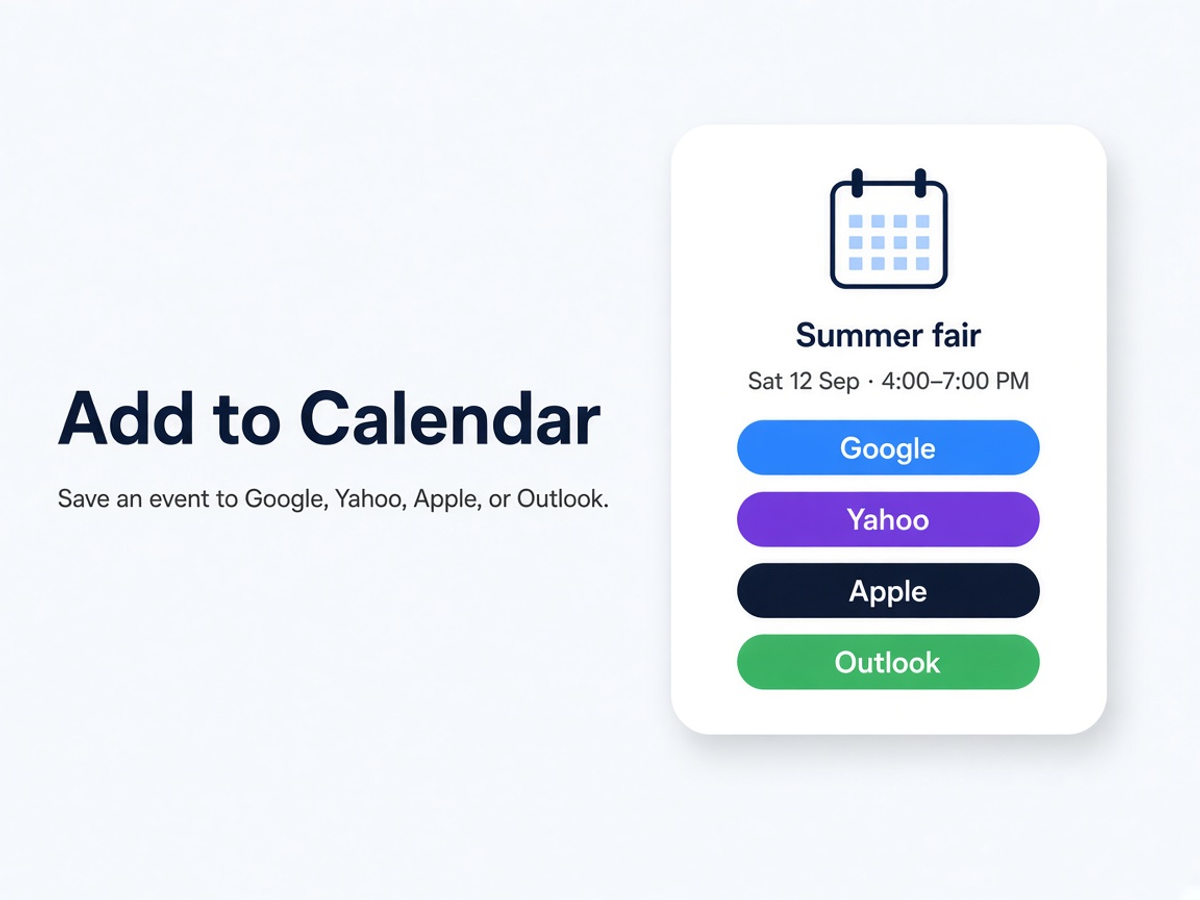
Add to Calendar
Від
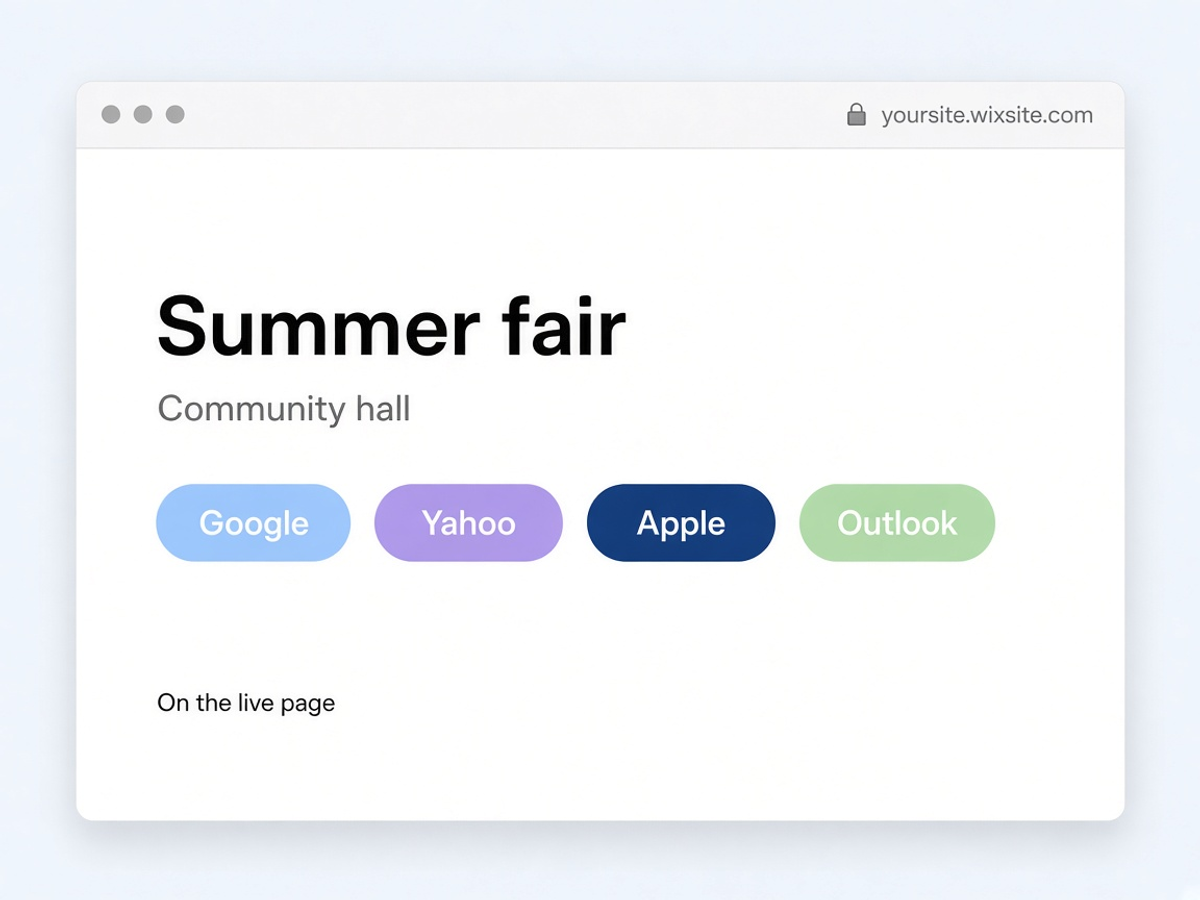
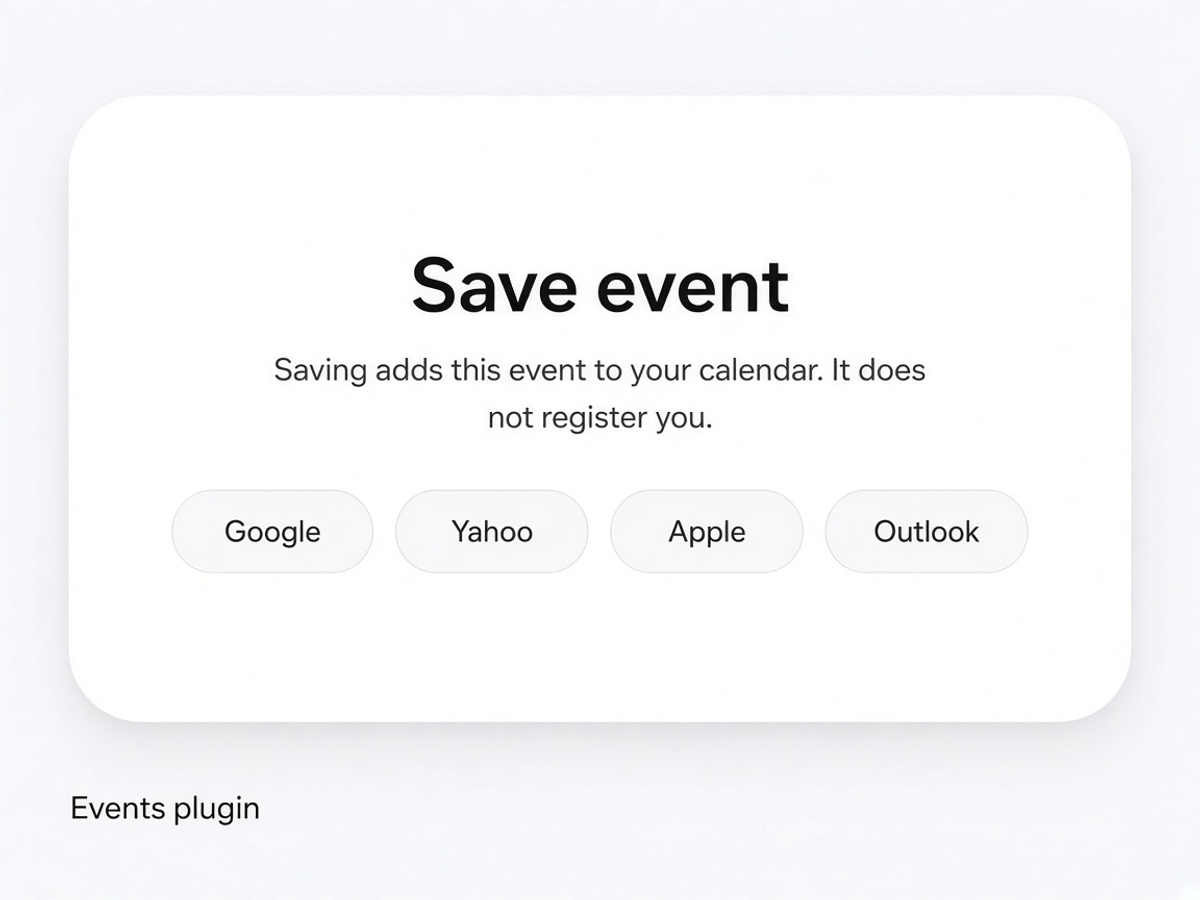
Save an event to Google, Yahoo, Apple,or Outlook
Поки що немає відгуків
Безкоштовно

Огляд додатка «Add to Calendar»
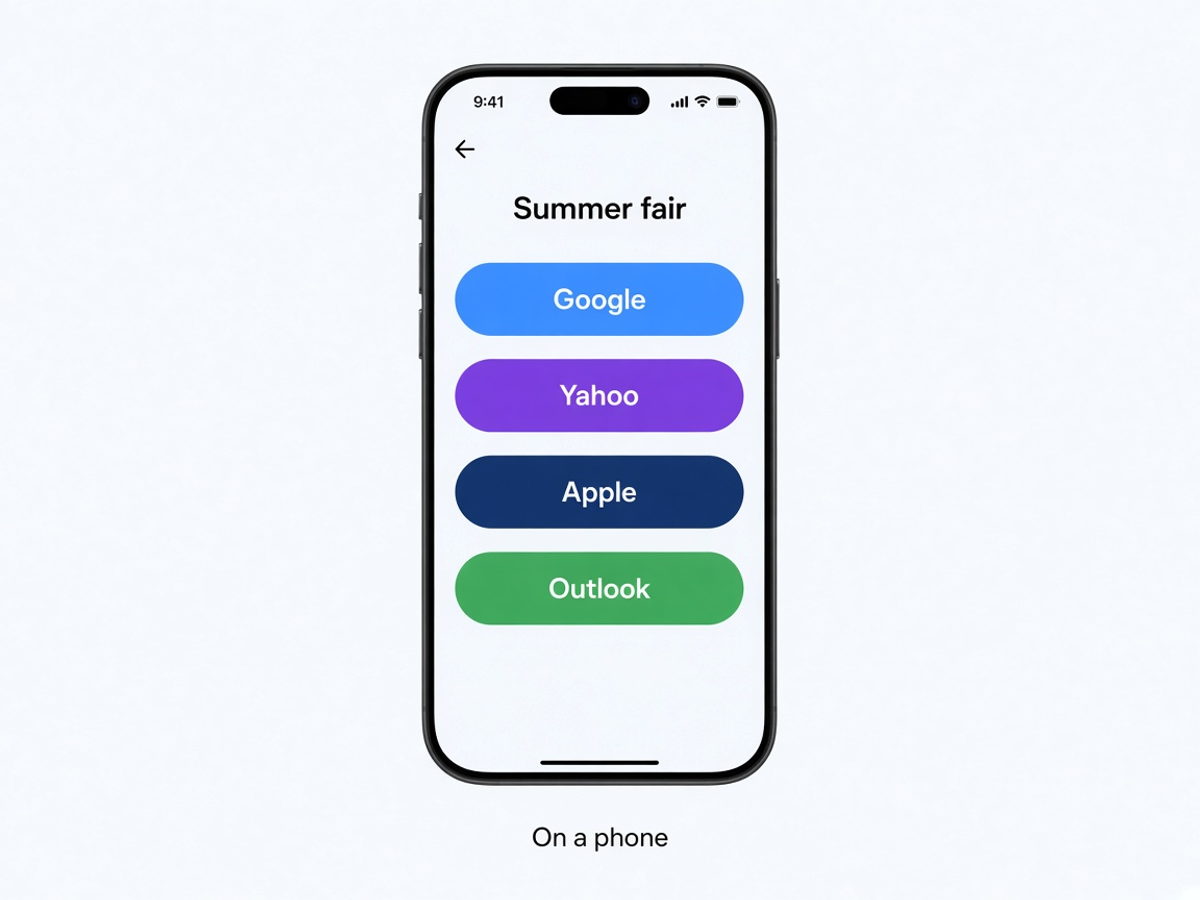
- Open Google or Yahoo, or download an Apple or Outlook calendar file
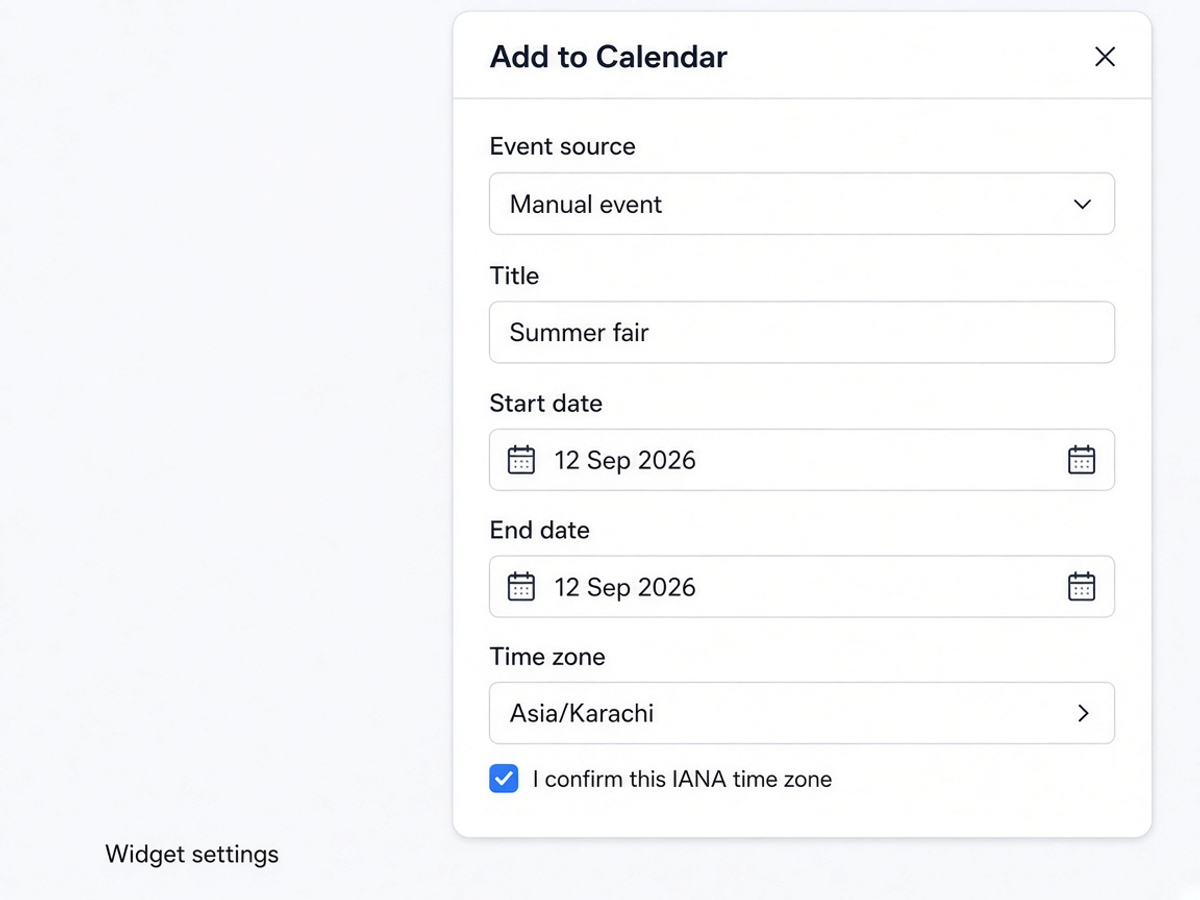
- Enter the title, dates, time zone, location, and description in the widget settings
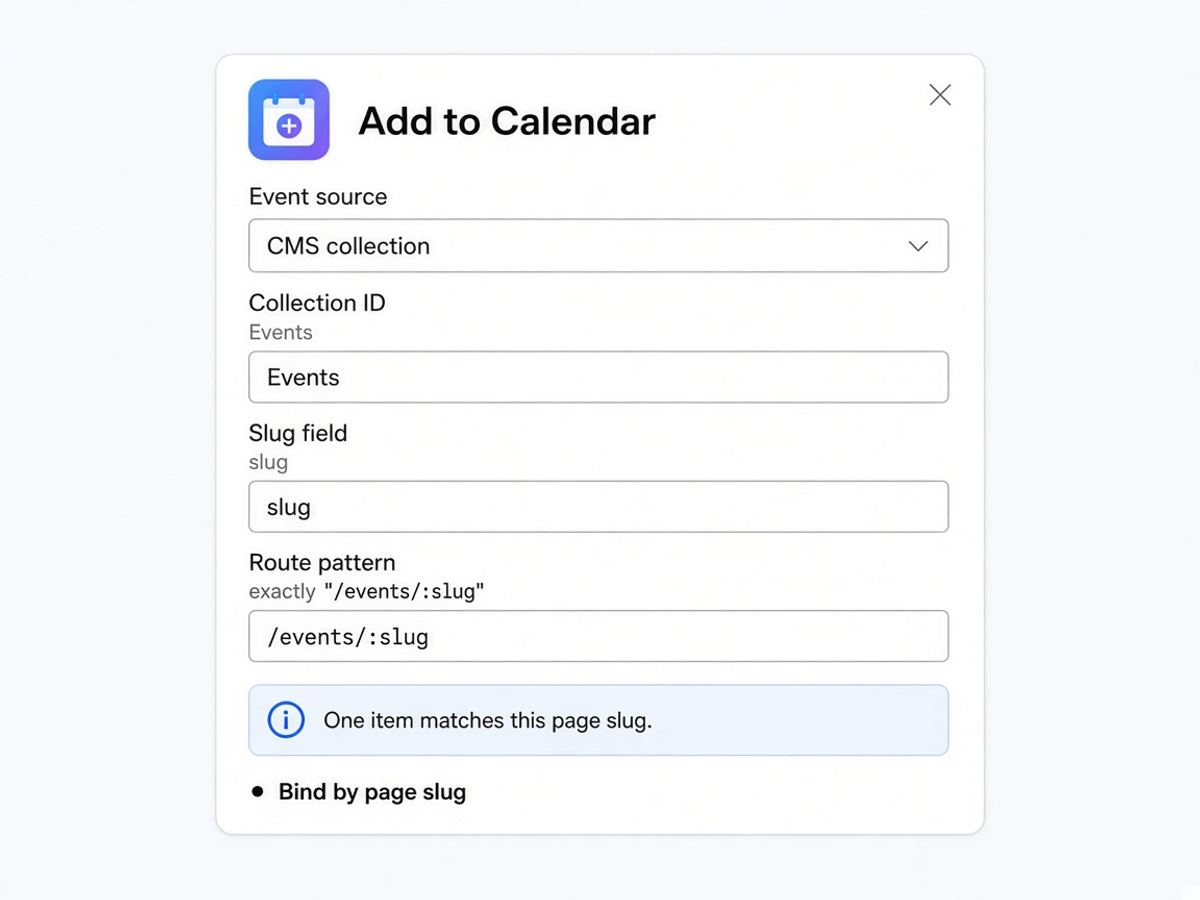
- Load the public item whose slug matches the current page
- Offer the same save actions on the Event Details header and details area